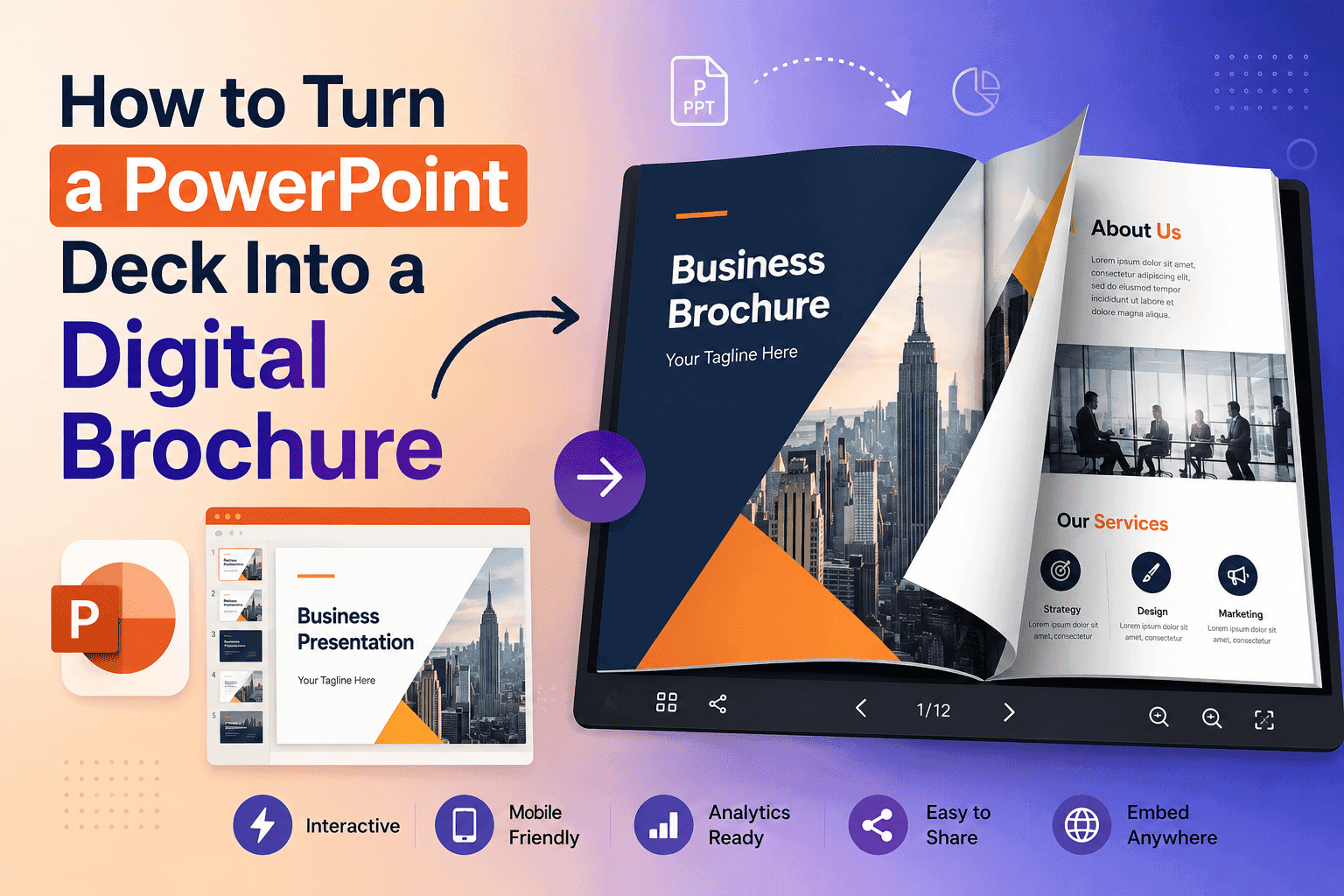
I've spent enough time looking at supermarket flyers this year to have opinions about them, which is a strange sentence to write but here we are. Most of them are still built the same way they were built in 2015: someone in marketing opens InDesign, drops in this week's prices, exports a PDF, and sends it off to print or uploads it to a static page where it sits like digital wallpaper. Nobody reads a static PDF the way they read a page. They skim it, if that, and then they forget it exists.
That's the actual problem catalog creation software is supposed to solve, and most of the tools on the market solve about half of it.
The gap between "made a catalog" and "made something people use"
Any decent design tool will let you build a catalog. Canva, InDesign, even PowerPoint if you're feeling reckless. The layout was never the hard part. The hard part is what happens after you hit export — where does that file live, does anyone actually open it, can you tell if they did, and does it do anything besides sit there looking like a catalog.
A supermarket's weekly flyer isn't a brochure. It's a sales tool with an expiration date, and it needs to behave like one. That means it needs to load fast on a phone screen while someone's standing in the parking lot deciding whether to come in. It needs pages that turn the way a real catalog turns, because that motion is doing more work than people give it credit for — it's the difference between "here's a document" and "here's something worth flipping through." And it needs to tell you something back. If three thousand people opened this week's flyer and forty of them lingered on the frozen foods page, that's not a vanity metric, that's a merchandising decision waiting to happen.
Most catalog software gets you the first part and quietly gives up on the rest.
Turn Your PDFs into Lead Generation Machines
Start getting highly-qualified leads from your PDFs and landing pages today. It takes exactly 2 minutes to set up.
No credit card required • Sign up in 10 seconds
What to actually look for
I'd narrow it down to five things, and I'd ignore almost everything else the sales page tries to sell you on.
Speed on mobile. This sounds obvious until you test it yourself. Open five different catalog tools' sample flipbooks on your phone, on actual mobile data, not office wifi, and time how long the first page takes to render. Some of them are embarrassing. A supermarket shopper isn't going to wait four seconds for a flyer to load; they're going to close the tab and go check a competitor's Facebook post instead.
Interactive elements that aren't gimmicks. Embedded video works when it's a thirty-second clip of someone actually cooking with this week's produce special, not a generic stock loop. Click-to-navigate product links work when they take someone straight to an aisle number or a click-and-collect page, not a generic "shop now" that dumps them on the homepage. The test I use: would this feature still make sense if the customer were standing in the store with their phone out? If yes, keep it. If it's there because the software vendor needed a bullet point on their features page, cut it.
Lead capture that doesn't feel like a toll booth. A lot of catalog builders bolt an email-gate onto the front page — hand over your email before you can see this week's deals — and I get why, but for a supermarket flyer that's usually backwards. People want to see the prices first. What works better is capturing the email after someone's engaged, tied to something they actually want, like "get next week's flyer a day early" or "save this list for your shop." Small distinction, big difference in opt-in rates.
Analytics you'll actually check. Page-turn data, time-on-page, which links got clicked — none of it matters if the dashboard is so cluttered you never open it after week one. I'd rather have three numbers I check every Monday than thirty I check once and forget.
A publishing workflow that survives a Friday deadline. Supermarket marketing teams live and die by the weekly flyer cycle. If your catalog tool takes forty-five minutes to upload, format, and publish a new PDF every single week, that's not a tool problem anymore, it's a staffing problem you've accidentally created for yourself.
Where most tools fall short
I'll name the pattern without naming names for all of them, because it's the same pattern everywhere. Issuu-style platforms are great at the "make it look like a magazine" part and mediocre at everything downstream — analytics are shallow, and a lot of the useful features sit behind a paywall that only makes sense once you're already committed. Canva makes gorgeous static pages and then hands you a PDF export, full stop; there's no flip animation, no page-level analytics, nothing that turns it into something you can actually track. The enterprise catalog platforms built for big retail chains are powerful and also completely overbuilt for a supermarket that just wants next week's specials online by Thursday — you're paying for a feature set built for a company ten times your size.
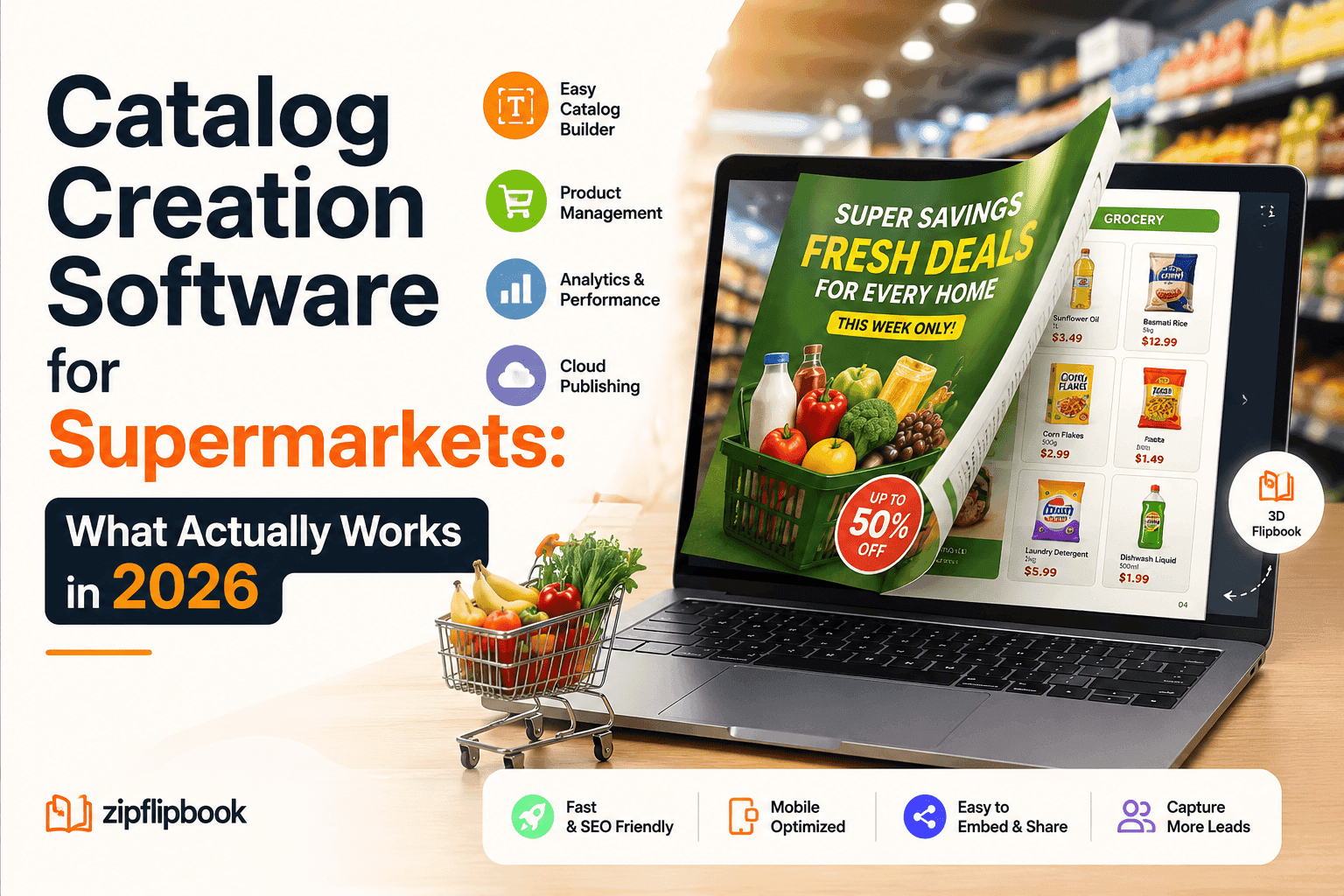
This is roughly the gap ZipFlipbook was built to sit in. It's browser-based, so there's no software to install and no design degree required — you upload a PDF and it comes out the other side as an interactive flipbook with real page-turn animation, not just an embedded PDF viewer pretending to be one. You can drop video or audio straight into a page, which matters more than it sounds like for a supermarket flyer, because a fifteen-second clip of this week's bakery special outperforms a static photo every time. It has lead capture built in, positioned the way I'd argue it should be — as an opt-in tied to value, not a gate blocking the content. And the analytics are page-by-page, so you can actually see whether anyone got past the front cover, which for a weekly flyer is the whole ballgame. It's also free to get started, which matters if you're a single-location grocer testing whether digital flyers are even worth the switch before you commit budget to it.
None of that replaces good merchandising or a genuinely competitive price on eggs. Software doesn't do that. But it does mean the work your team already puts into the weekly flyer doesn't die the moment it gets exported as a PDF and forgotten in a folder.
A workflow that doesn't add hours to your week
The realistic version of this, for most supermarket marketing teams, looks something like: keep building the flyer in whatever layout tool you're already using, because there's no reason to relearn your design process. Export it as a PDF, same as always. Then run it through a flipbook tool to turn it into the interactive version, add any video or product links while you're there, and publish it to your site and social channels instead of just a flat PDF link. The whole extra step takes maybe ten minutes once you've done it once or twice. That's the entire cost. What you get back is a flyer people actually open on their phones, a page-turn animation that makes browsing feel less like homework, and a set of numbers at the end of the week that tell you which page people stopped on — which, if you're paying attention, tells you exactly which promotion to run again.
Turn Your PDFs into Lead Generation Machines
Start getting highly-qualified leads from your PDFs and landing pages today. It takes exactly 2 minutes to set up.
No credit card required • Sign up in 10 seconds
The part that actually matters
Catalog software is never going to fix a bad price or a boring promotion. But a lot of supermarkets are still losing engagement on flyers that are otherwise fine, purely because the format is a dead-end PDF nobody wants to scroll through on a five-inch screen. Fixing that part is genuinely easy now, and it doesn't require a new design team or a new budget line — just a different last step in a process you're already running every week.
If you want to see what a supermarket flyer looks like once it's actually built to be flipped through instead of scrolled past, ZipFlipbook is free to try and takes about the same amount of time as making a cup of coffee. Upload this week's PDF, see what it turns into, and decide from there whether it's worth keeping in the rotation.