I've talked to a lot of small retailers over the past year who are shopping for catalog software, and almost all of them start the conversation the same way: "I just want something simple." Then twenty minutes later they're describing a wishlist that includes inventory sync, multi-language support, embedded checkout, and a design system flexible enough to match their brand down to the pixel. Turns out, "simple" just means "exactly how my brain works" — and everyone's brain works differently.
So before you go compare feature lists across ten different platforms, let's actually define what you're buying, because "digital retail catalog software" gets used to describe a handful of genuinely different products, and picking the wrong category wastes more time than picking the wrong vendor.
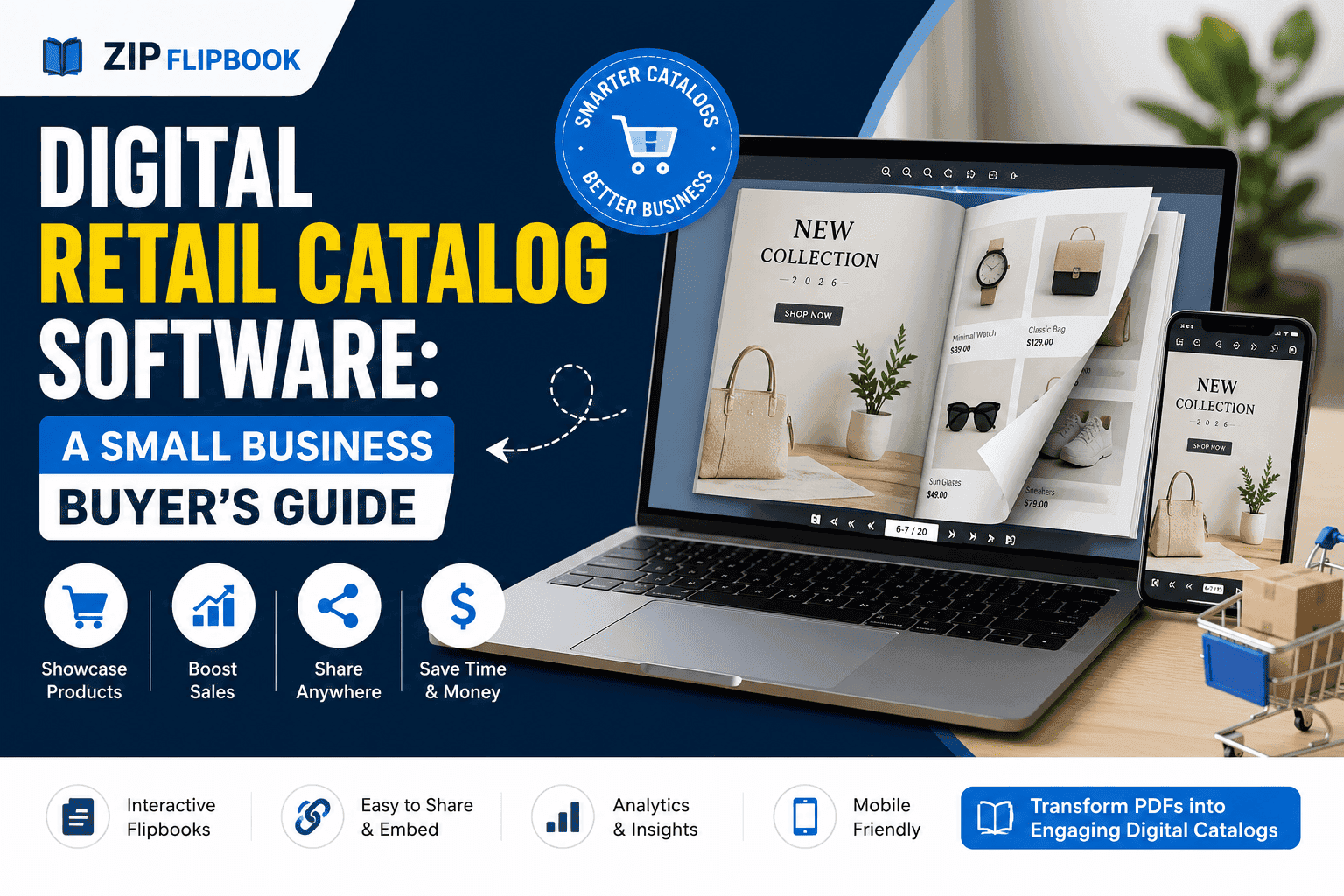
Three very different things hiding under that search bar
There are roughly three product categories hiding under this one search term.
The first is full e-commerce catalog management — think Shopify's product catalog, or dedicated PIM (product information management) systems. These are built for businesses managing thousands of SKUs, syncing inventory across channels, and pushing product feeds to Google Shopping, Amazon, and their own site simultaneously. If you're running a warehouse operation with real inventory complexity, this is your category — stop reading, this article isn't for you.
The second is presentation and lookbook tools — software built to turn a static PDF or product sheet into something a customer can flip through, click on, and actually enjoy looking at. No checkout, no inventory sync, just a better way to show people what you sell.
The third is a hybrid: catalog tools with light commerce bolted on, usually a "request a quote" button or a simple lead form rather than a full cart.
Most small retailers I talk to actually need the second category and think they need the first. If you're a boutique, a wholesaler working with reps, a furniture showroom, or anyone selling through relationships rather than pure self-serve checkout, a presentation-first catalog tool will do more for you than an e-commerce platform will, and it'll cost you a fraction of the price.
What actually matters when you're comparing tools
Throw the comparison spreadsheets away for a minute. Here's the gritty, real-world checklist I actually use.
Does it work on a phone without the customer downloading anything? This sounds obvious until you test five platforms and find that two of them either require an app or render like garbage on mobile Safari. Your rep is standing in front of a customer's kitchen table pulling this up on their phone. If it stutters or forces a download, you've lost the moment.
Can you update it without touching code or waiting on a designer? Seasonal catalogs go stale fast. If updating a price or swapping out a discontinued product means re-exporting a PDF and re-uploading it somewhere, you'll update it twice a year instead of twice a month, and your catalog will look tired by Q3.
Does it tell you anything about what people actually looked at? This is the one small businesses skip and then regret. A catalog with page-level analytics tells you which products people lingered on, which pages they skipped entirely, and where they dropped off. That's not a vanity metric — it's product feedback you're getting for free, before you've committed to reordering stock or running an ad campaign around the wrong item.
Is there a lead capture option that doesn't feel like a wall? A soft "want a quote on this?" prompt buried a few pages in converts better than a hard paywall up front. If the tool only offers gate-the-whole-thing lead capture, that's a red flag for a retail use case specifically — people browsing a catalog want to browse, not sign up first.
What does it actually cost once you're past the free tier? A lot of these tools hook you with a generous free plan and then the pricing jumps hard once you need more than a couple of catalogs live, or once you want your own branding instead of theirs. Check that jump before you build your whole workflow around a tool.
The mistake I see most often
Retailers overbuild. They start shopping for catalog software while still thinking about the PDF they used to print, and they end up choosing a tool based on how close it can get to replicating that printed brochure feel — page-turn animation, cover design, the works.
That's fine if you're printing a coffee-table book. But for a sales tool? It misses the entire point. The printed catalog worked because it was tangible and because someone handed it to you. A digital catalog doesn't have that advantage automatically; it earns it through speed, relevance, and the fact that it can update itself. A catalog that looks gorgeous but takes four seconds to load on a customer's phone loses to a plainer one that opens instantly and lets them find the product they actually care about.
If you're picking a tool, weight "fast and current" over "fancy." You can always improve the visual polish later. You can't easily win back a customer who bounced because page three took too long to render.
Wholesale reps: get the most out of this category, full stop. A rep pulling up a live, current catalog on a tablet during a buyer meeting looks a world more prepared than one flipping through a printed binder with sticky notes marking discontinued items.
Seasonal retail: benefits from how fast these tools let you rotate a catalog. New collection drops, you swap the PDF, the link stays the same, everyone with the old link automatically sees the new version.
Furniture and home goods: benefit from the analytics angle specifically — knowing which pieces people keep coming back to tells you what to feature more, what to bundle, and sometimes what to discount before it becomes dead stock.
Pop-up shops and trade shows: are underrated for this. A QR code on your booth signage that opens straight into a mobile-friendly catalog beats handing out paper that ends up in a hotel trash can by the end of the day.
Turn Your PDFs into Lead Generation Machines
Start getting highly-qualified leads from your PDFs and landing pages today. It takes exactly 2 minutes to set up.
No credit card required • Sign up in 10 seconds
Where ZipFlipbook fits into this
Full disclosure: I built ZipFlipbook, so I'm biased. It lives in that second bucket — presentation-first, cart-last. Upload a PDF, get back a flippable, embeddable catalog with page analytics and lead capture baked in, free to start. If that sounds like you, great. If you need real-time inventory sync across a few thousand SKUs, please walk away now and save us both the headache — go get a proper PIM system instead.
The short version
Figure out whether you actually need commerce functionality or just a better way to present what you sell — most small retailers need the latter. Then judge tools on mobile performance, how easily you can update them, whether they give you any usable analytics, and what the pricing looks like once you're not on the free tier anymore. Skip the temptation to chase page-turn animations over load speed. And don't let a vendor talk you into a bigger, more complex platform than your catalog actually needs — you can always upgrade later, but you can't get back the months you spent wrestling with a tool built for a business three times your size.