You've got a PDF. You want it online, flippable, shareable — something that looks like a real publication rather than a file attachment. Issuu is probably the first name that came up when you started searching.
Fair enough. It's the most well-known tool for this. Here's exactly how it works, what it costs, and why a lot of people end up switching away from it after the first month.
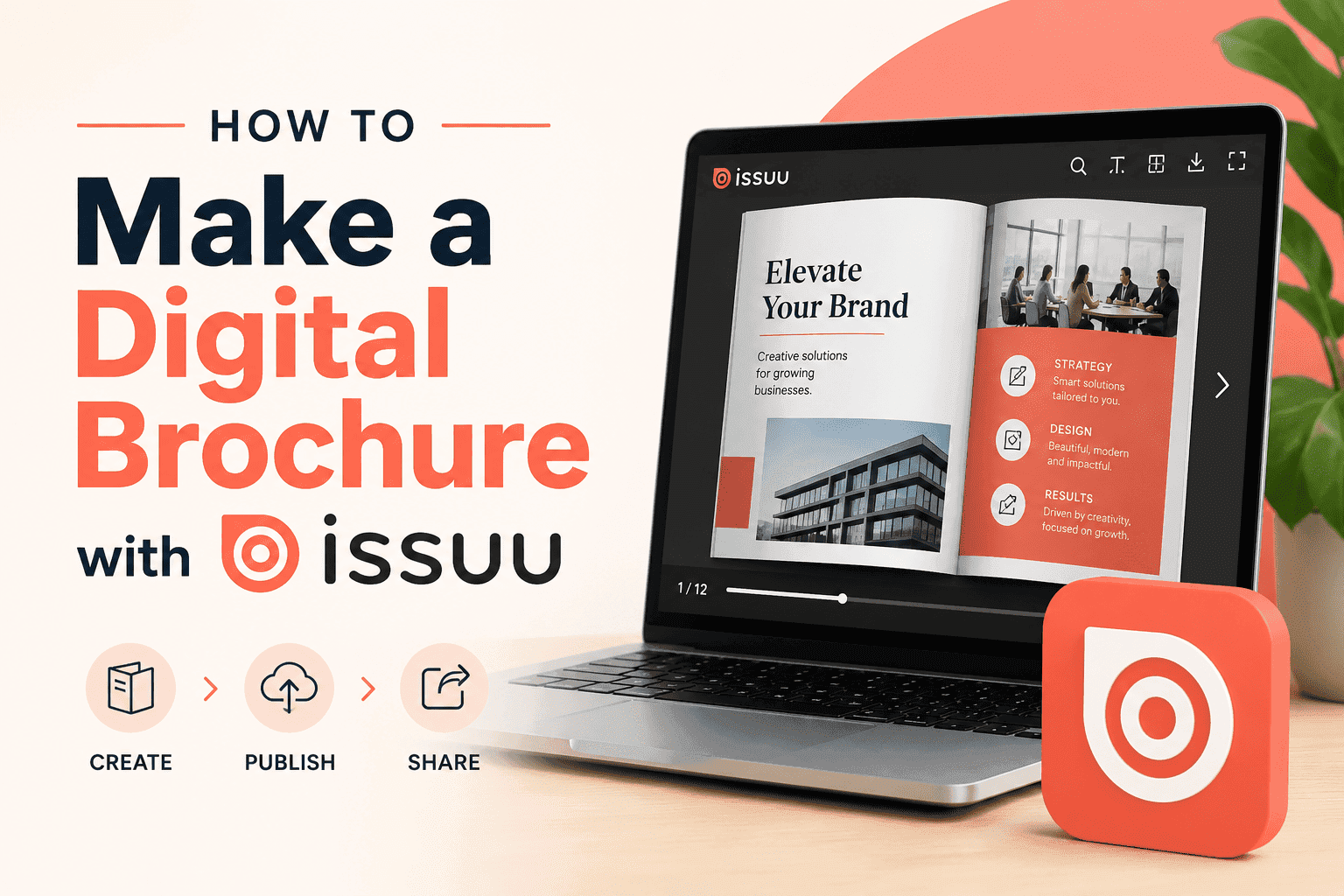
How to Make a Digital Brochure with Issuu: Step by Step
Step 1: Create an Issuu account
Go to issuu.com and sign up. Free accounts are available — you'll need one before you can upload anything.
Step 2: Upload your PDF
Once you're in, hit "Create" and select your PDF file. Issuu accepts PDFs up to a certain size on the free plan. If your file is large — a high-res product catalogue, for instance — you may hit limits depending on your plan.
The upload and conversion usually takes under a minute for most standard brochures.
Step 3: Add your publication details
Give your brochure a title and description. On the free plan, your publication goes into Issuu's public directory by default — meaning it's findable by anyone browsing Issuu, not just people you send the link to. Worth knowing before you upload anything confidential.
Step 4: Publish and share
Hit publish. Issuu generates a shareable link and an embed code you can drop into your website. The flipbook viewer works on desktop and mobile — pages turn, you can zoom, and any hyperlinks in your original PDF stay clickable.
That's the core process. It genuinely works.
Where Issuu Gets Complicated
The free plan does the job, but it comes with a few catches most people don't notice until they're already in.
Their branding is on your work. The Issuu logo appears on your flipbook. If you're sending this to clients or using it as a company brochure, that's not a great look. Removing their branding requires a paid plan.
Your brochure is publicly listed. Unless you're on a paid plan with privacy controls, your publication sits in Issuu's public directory. It's indexed and searchable. For internal documents, sales materials, or anything remotely sensitive — that's a problem.
Paid plans start at around $19/month. For one brochure you're sending occasionally, that's a steep monthly commitment. The plans go up from there depending on what features you need.
For publishers producing regular content — magazines, newsletters, weekly reports — the cost probably makes sense. For a business that wants to put one or two brochures online and leave them there? It's overkill.
A Free Alternative Worth Knowing About: ZipFlipbook
If the Issuu pricing doesn't sit right, ZipFlipbook does the same core thing at no cost.
Upload a PDF. Get a flipbook. Share the link or embed it on your site. No monthly fee, no watermark on your work, no public directory listing your brochure alongside everyone else's.
The process is faster too — no account required to get started. You upload, it converts, you get a link. That's the whole thing.
It doesn't have Issuu's analytics dashboard or their magazine-style discovery features. If you need those, Issuu is the right tool. But if you just need a clean, embeddable flipbook that doesn't cost anything — ZipFlipbook is the more sensible starting point.
Turn Your PDFs into Lead Generation Machines
Start getting highly-qualified leads from your PDFs and landing pages today. It takes exactly 2 minutes to set up.
No credit card required • Sign up in 10 seconds
Issuu vs ZipFlipbook: Which One Actually Fits Your Situation
Use Issuu if:
- You're publishing content regularly (weekly or monthly)
- You want your publication discovered through Issuu's platform
- You need detailed analytics on who's reading what
- You're okay with the monthly cost
Use ZipFlipbook if:
- You have one PDF (or a handful) you want to put online
- You don't want anyone else's branding on your work
- You're not publishing frequently enough to justify a subscription
- You want to try the flipbook format before committing to anything
Most small businesses, freelancers, and marketing teams fall into the second category. They want a brochure online, not a publishing platform.
Tips for a Better Digital Brochure (Whichever Tool You Use)
Compress your PDF first. A 200MB file is going to load slowly on any platform. Export a web-optimised version from your design tool — Canva, InDesign, and Illustrator all have this option. Aim for under 20MB if you can.
Landscape layout reads better on screen. If you have control over the original design, landscape format tends to look more natural as a flipbook. Portrait works, but landscape is closer to how a real magazine sits.
Check your links before uploading. Hyperlinks embedded in your PDF carry over into the flipbook viewer. Make sure they're working in the source file before you convert — fixing them after is more effort than it needs to be.
Frequently Asked Questions
Can I make a digital brochure with Issuu for free? Yes, but with limits. The free plan converts your PDF into a flipbook and gives you a shareable link — that part works fine. The catch is their branding appears on your publication, and it gets listed in their public directory. If you want a clean, private brochure with no Issuu logo, you'll need a paid plan.
Does Issuu work for business brochures or just magazines? It works for both, but it's built around publishing. If you're a business sending a company brochure or product catalogue to clients, the public directory listing on the free plan is awkward — your sales material shouldn't be sitting somewhere strangers can browse it. That's worth keeping in mind before you upload.
Is there a free Issuu alternative that removes the watermark? Yes — ZipFlipbook. It converts PDFs into embeddable flipbooks for free, with no watermark and no account required. It's the most direct free alternative if the Issuu branding is what's putting you off.
How long does it take to convert a PDF to a digital brochure? On most tools, under a minute for a standard brochure. A 10–20 page PDF with normal image sizes converts fast. Where things slow down is file size — a 200MB high-res print PDF can take noticeably longer. Compress it to a web-optimised version first and the process is much quicker.
Can I embed a digital brochure on my own website? Yes, both Issuu and ZipFlipbook give you an embed code. Paste it into your website's HTML — or into a custom HTML block in WordPress, Webflow, or Squarespace — and the flipbook viewer appears inline on your page. Visitors can read it without leaving your site or downloading anything.
Turn Your PDFs into Lead Generation Machines
Start getting highly-qualified leads from your PDFs and landing pages today. It takes exactly 2 minutes to set up.
No credit card required • Sign up in 10 seconds
The Short Version
Issuu works. The process is straightforward — upload a PDF, publish, share. But the free plan puts their logo on your work and lists it publicly, and removing those restrictions costs money every month.
If you're testing the format or just want a clean flipbook without a subscription, start with ZipFlipbook. It's free, takes two minutes, and you'll know immediately whether a flipbook is the right format for what you're making.
If you need more after that — Issuu will still be there.