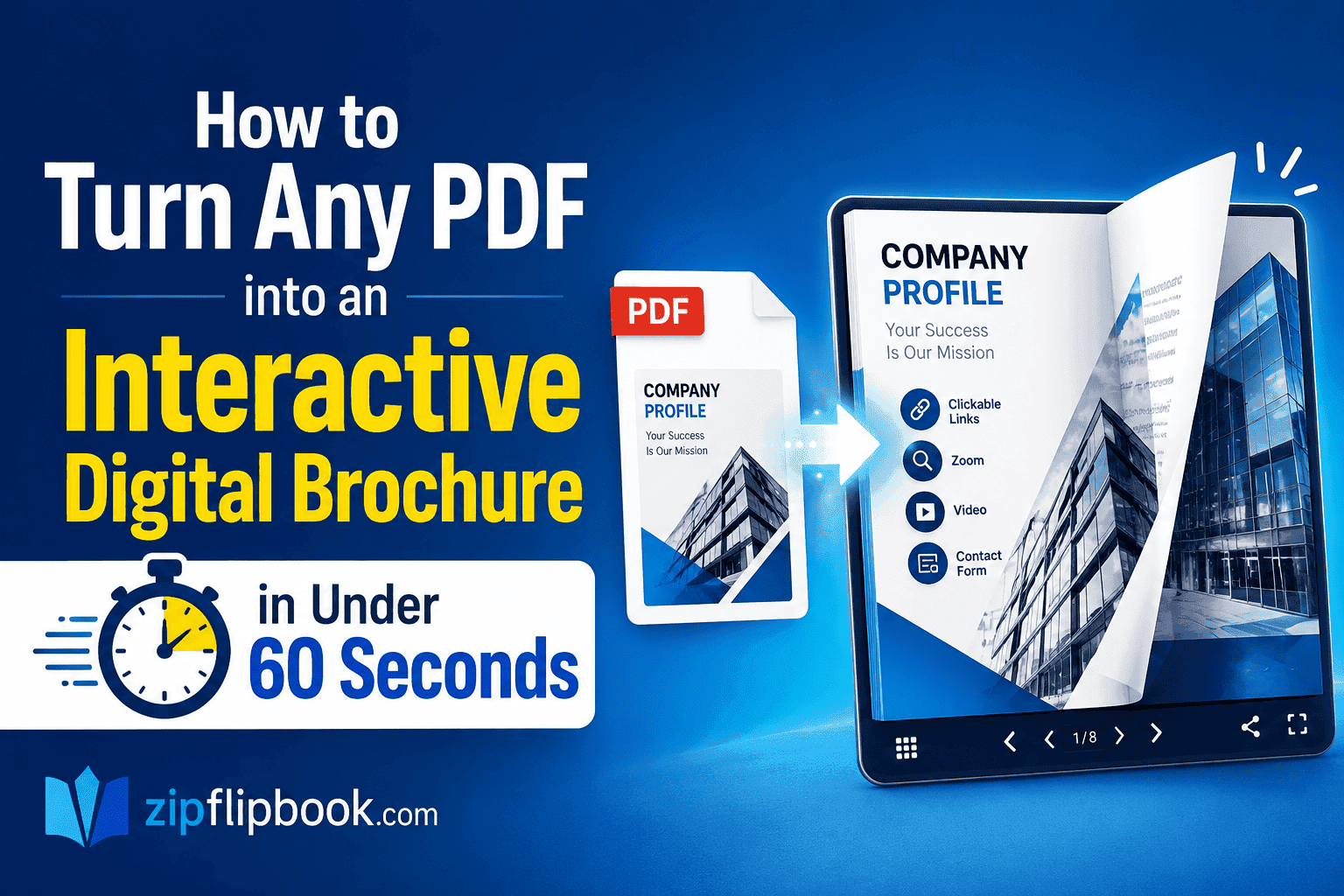
You've got a PDF — a product catalogue, probably, or a company brochure your agency charged you too much for. It looks fine as a file. But nobody gets excited about a PDF. Nobody forwards one. Nobody says "you have to see this."
A digital brochure is a different animal. Pages that actually flip. Links that work. Something you can share as a URL and people will genuinely open it. If you use ZipFlipBook, you go from PDF on your desktop to live interactive brochure in under 60 seconds. No software. No design skills. Just upload.
What Is an Interactive Digital Brochure?
A digital brochure isn't a PDF dropped onto a webpage. It's a flipbook — a publication that mimics real page turns and lives online, working properly on any device.
When someone opens yours, they can flip through pages, zoom in on details, click your embedded links, and do all of it from their phone without downloading anything. Compare that to a PDF, which opens in a clunky viewer, breaks on mobile, and gets forgotten in someone's downloads folder.
Why Static PDFs Are Losing
Here's a number worth sitting with: two-thirds of all documents are now opened on phones or tablets, not desktops. That's the environment your brochure lives in.
PDFs were designed for print — fixed layout, A4 dimensions, no reflow. That worked fine when people sat at desks. On a phone screen, a standard PDF forces readers to pinch, zoom, and scroll sideways just to read a sentence. Every extra step like this creates friction, and in a world where friction equals lost opportunities, many users simply abandon the content before they've even started. Nielsen Norman Group's usability research backs this up: they've consistently found that PDFs create a jarring experience for on-screen readers, particularly on mobile, and that users frequently lose trust in content that arrives in outdated document formats.
53% of mobile visitors leave pages that take longer than three seconds to load. A PDF that needs to download first, then open in a separate viewer, then be navigated by pinching? Most people are gone before they've read a word.
A flipbook sidesteps all of that. It opens in a browser tab, loads like a webpage, and navigates with a swipe. The content is the same. The experience is completely different.
The Engagement Gap Is Real
The difference between interactive and static content isn't just about aesthetics. The data on this is fairly consistent and fairly striking.
Research by Mediafly found that interactive content generates 52.6% more engagement than static content. Users spend an average of 13 minutes interacting with dynamic content, compared to just 8.5 minutes with traditional formats.
That gap in time-on-content matters enormously for a brochure. If someone spends 13 minutes with your product catalogue instead of 8, they're seeing more products, reading more descriptions, and building more familiarity with your brand before they decide whether to get in touch.
A study by Demand Metric found that interactive content generates conversions moderately or very well 70% of the time, compared to just 36% for passive content. That's nearly double the conversion rate from the same information, just presented differently.
There's also a memory angle. Research on brand recall found that users of interactive content could correctly name the brand 3.2 times more often than users of static content when asked after 30 days. People remember what they engaged with. They forget what they downloaded and never properly opened.
A 2026 survey of 1,850 procurement decision-makers across North America and Europe found that 78% now exclusively prefer interactive formats for vendor education. If you're sending a PDF to a B2B prospect, there's a solid chance they'd rather receive something they can actually interact with.
How to Create Your Digital Brochure on ZipFlipBook
Step 1: Go to ZipFlipBook.com
The upload button is right on the homepage. No account required.
Step 2: Upload your PDF
Select your file. Even high-resolution catalogue PDFs upload without issues. Takes a few seconds.
Step 3: Let it convert
ZipFlipBook processes each page and builds the flipbook automatically — animations, responsive layout, zoom. You don't touch any settings.
Step 4: Copy your link
You get a shareable URL. That's your live digital brochure. Put it in an email, post it on LinkedIn, embed it on your site — it works everywhere.
Four steps. Under a minute.
Turn Your PDFs into Lead Generation Machines
Start getting highly-qualified leads from your PDFs and landing pages today. It takes exactly 2 minutes to set up.
No credit card required • Sign up in 10 seconds
What Makes ZipFlipBook Worth Using
Two things sold me on it immediately.
First, no watermark. Most free flipbook tools slap their branding across your finished result and charge a monthly subscription to remove it. ZipFlipBook doesn't. Your brochure looks like yours.
Second, it actually works on mobile. This sounds like a low bar, but most flipbook tools are built for desktop and technically function on a phone. ZipFlipBook is touch-friendly by default, the navigation makes sense with your thumb, and pages don't require horizontal scrolling. That matters when two-thirds of your recipients are opening the link on a phone.
The links in your original PDF carry over too — product pages, contact forms, website links. Readers click them exactly as they would in the original document.
What to Convert First
Three content types that see an immediate difference when converted to a flipbook:
Product catalogues. People actually browse them instead of downloading and forgetting. A 30-page catalogue as a PDF is a chore. As a flipbook, it's closer to the experience of online shopping — you flip through, something catches your eye, you click through to buy. The non-linear browsing behaviour that research consistently observes in high-performing digital brochures is exactly what a well-structured flipbook enables.
Company brochures. Sending a capability document to a potential client? A flipbook link reads as more deliberate than a PDF attachment. It's a small signal, but "we don't just email PDFs" registers as attention to detail — especially with B2B buyers who are doing most of their vendor research independently before ever speaking to anyone.
Event programmes. Attendees can pull them up on their phone without printing anything. No more "the PDF won't open" messages on the day.
How to Share It Effectively
Don't attach a PDF to your next email campaign — include the flipbook link instead. Click-through rates on links consistently outperform opens on PDF attachments, particularly on mobile where people hesitate before opening files from unfamiliar senders. There's a reason marketers who use interactive formats report significantly higher lead quality: sales-qualified lead conversion rates are on average 48% higher for interactive formats than for PDFs, and the social sharing rate is 63% higher.
On LinkedIn, a flipbook URL opens directly in the browser. No download, no friction, no reason to abandon before reading.
If you're doing trade shows or physical marketing, generate a QR code pointing to your flipbook URL and print it on your leaflets. Someone picks up your flyer, scans the code, and your full interactive brochure opens on their phone in seconds.
And in sales follow-ups — send the flipbook link instead of the PDF. You'll know when they've looked at it. That changes when and how you follow up.
FAQs
Is ZipFlipBook actually free?
Yes. Upload a PDF, get a flipbook, share the link — no payment, no credit card, no watermark. The free version is genuinely usable, not a 7-day trial.
Does the link expire?
No. Your flipbook link is permanent. It stays live until you delete it.
Will it work on mobile?
Yes, and properly — not just technically. Touch navigation, readable layouts, no horizontal scrolling required. Built for phone users, not retrofitted for them.
Can I embed it on my website?
Yes. ZipFlipBook gives you an embed option so the flipbook sits directly on your page. Good for product pages, resource libraries, or anywhere visitors might want to browse before contacting you.
What file size can I upload?
Large PDFs — including high-resolution design files — upload without issues. If a particularly heavy file causes problems, try exporting a compressed version from your design software first.
One Last Thing
Take a PDF you've already emailed to someone. Convert it on ZipFlipBook. Send them the link instead of the file and ask which one they actually read.
The data says interactive wins. The experience confirms it. But the fastest way to understand the difference is to send both to the same person and watch what happens.
Go try it at zipflipbook.com.
Turn Your PDFs into Lead Generation Machines
Start getting highly-qualified leads from your PDFs and landing pages today. It takes exactly 2 minutes to set up.
No credit card required • Sign up in 10 seconds