Every developer on a cross-functional team knows this feeling. It hits around sprint three. Someone on the product side shares a 47-page PRD as a PDF attachment in Slack. Nobody opens it. A week later, the engineering lead is building something that quietly diverged from what the client actually asked for. By the time anyone notices, half the sprint is gone.
Call it a communication failure if you want. But really, your documentation is broken. And most teams are still solving this with the same tools they were using in 2010.
The Real Problem With Static Documentation
PDFs are not the enemy. The problem is how they get used inside active, fast-moving software projects.
A PDF is a snapshot. It captures what was true when it was created. The moment it lands in someone's inbox, it starts ageing. API schemas change. Architecture decisions get revised after a client call. Feature scope shifts based on what the dev team discovers during build. None of that gets reflected in the document that's floating around in people's downloads folders.
So you've got comprehensive documentation that nobody actually uses. Developers aren't reading 60-page architecture docs in PDF format. Product managers aren't cross-referencing v4 of a requirements document when they're already on v7 in their heads. The documents exist, the team can point to them, but nobody's actually working from them.
It's not because people are lazy. It's because the docs are a pain to get to, awkward to read, and you can't share them without attaching a file. So nobody bothers.
What Interactive Documentation Actually Changes
Most documentation just sits there. The question is whether yours actually gets used.
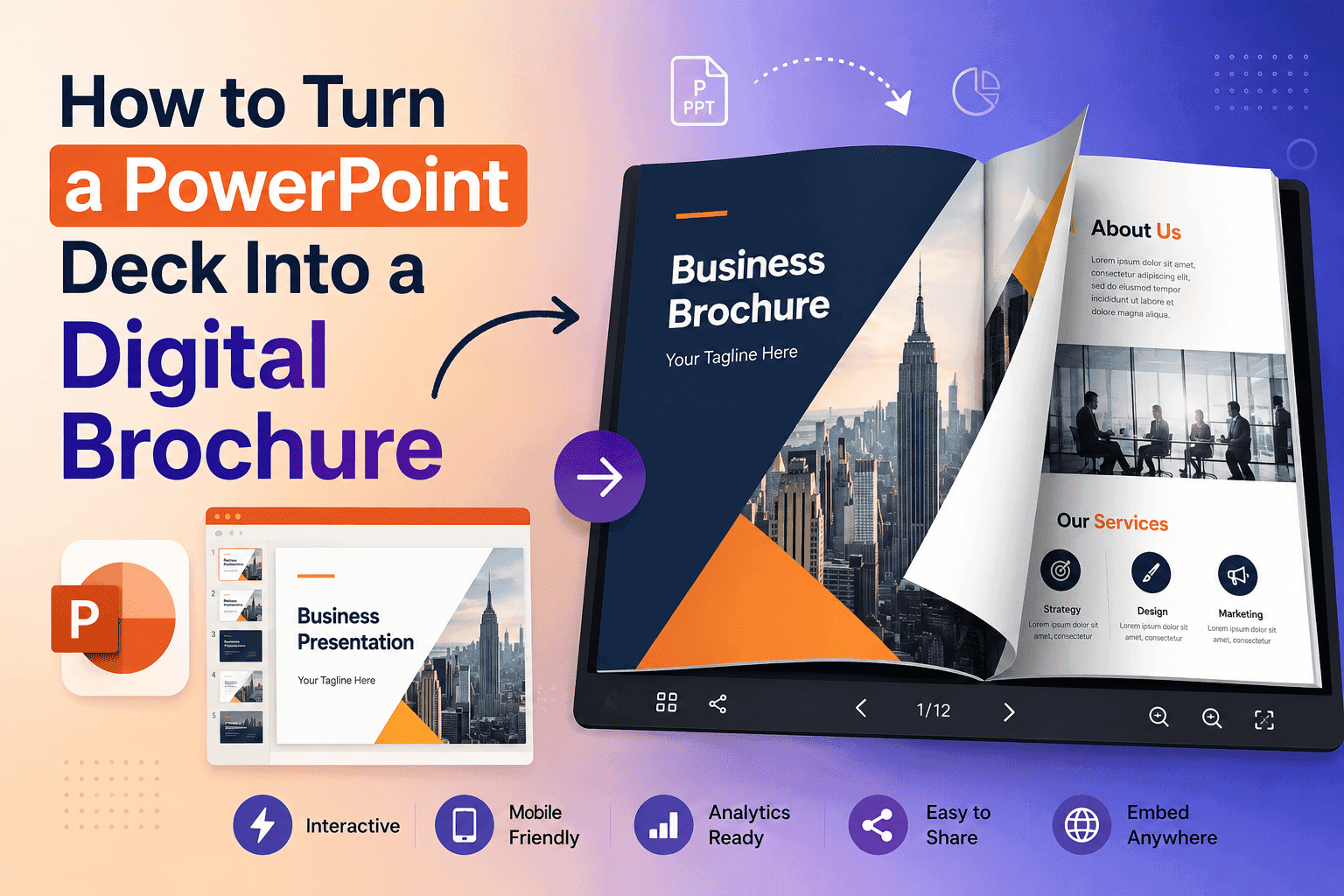
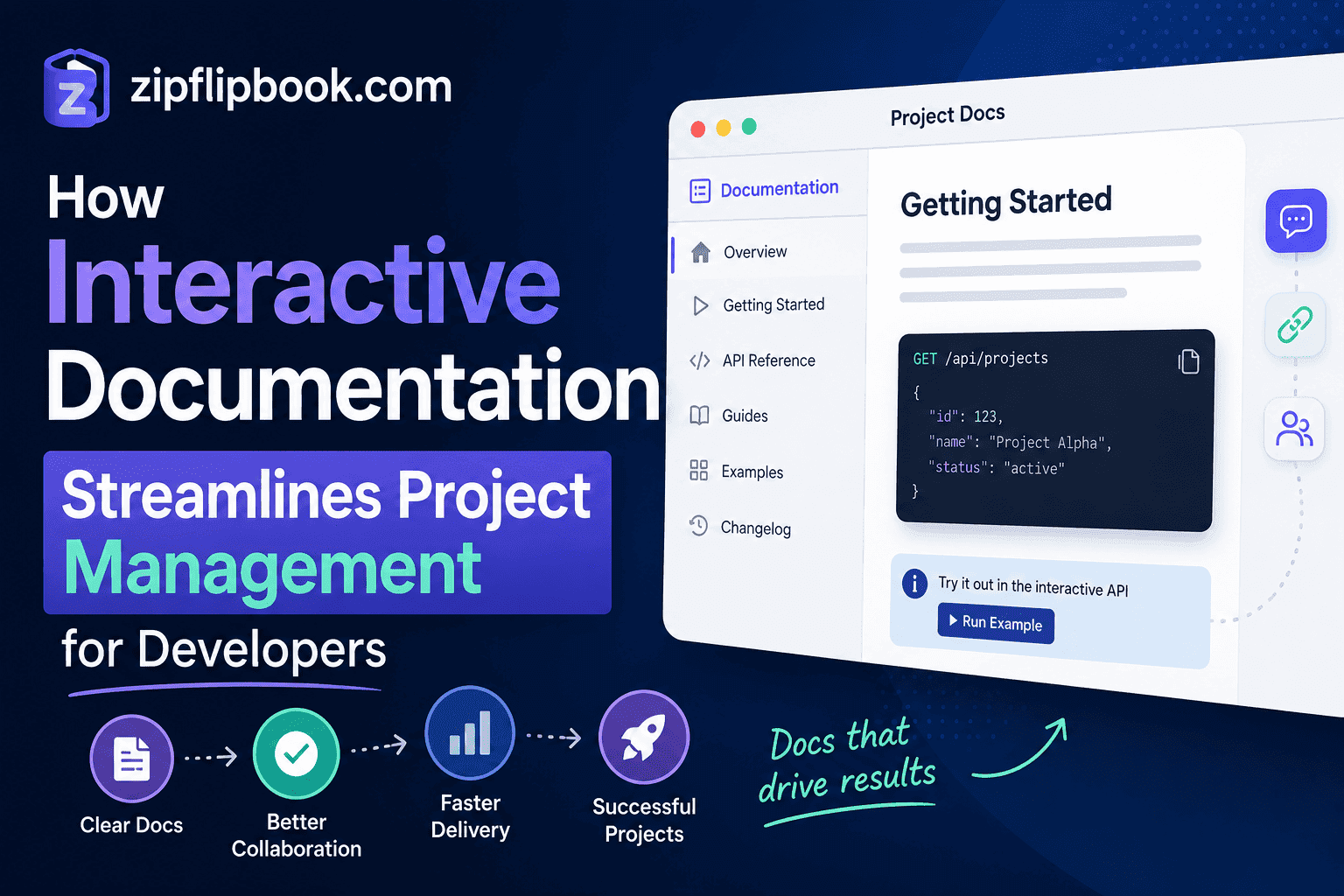
When a team converts a static PDF into an interactive flipbook — something that opens instantly in a browser, allows page-by-page navigation, and can be embedded directly in a project management board or client-facing portal — the engagement behaviour changes almost immediately.
The document isn't an attachment anymore. It's a link. It opens on any device in three seconds without requiring a specific PDF reader or a download. A developer can pull it up mid-standup. A client can review it on their phone between meetings. A QA engineer can have it open in one tab while running tests in another.
That alone is a significant shift. But the format change does something more subtle too.
Flipbook-style documentation reads differently than a flat PDF. The page-turning interface creates a natural sense of progression. Readers move through it the way they'd move through a product — with some sense of beginning, middle, and end. For technical documentation that needs to tell a story (an onboarding flow, a system architecture walkthrough, a staged deployment plan), that structure matters.
Where This Fits Into Developer Workflows
Software teams tend to think about project management and documentation as separate concerns. Tickets live in Jira. Architecture diagrams live in Confluence. PRDs live in a shared Google Drive folder nobody visits. Code lives in GitHub. The documentation is scattered, and pulling it together at any given moment requires switching between four or five different tools.
Interactive flipbooks don't replace those systems. They sit on top of them as a presentation layer — a way of packaging documentation so it can actually be shared and consumed by people outside your toolchain.
While mastering agile workflows and setting up clear ticket systems are foundational aspects of effective project management for developers, keeping your technical documentation engaging is just as critical to preventing scope misalignment.
That last part is where a lot of teams drop the ball. They invest heavily in the workflow side — good sprint planning, solid retrospectives, clear definition of done — but leave the documentation in a state that makes it hard for anyone outside the core engineering team to actually use it.
Client handoffs are a good example. When a project wraps, the client typically receives a bundle of deliverables: source code, credentials, deployment notes, a user guide. If that package arrives as a folder of PDFs, most clients will open one or two, skim them, and file the rest away. If it arrives as a single polished flipbook with a table of contents and clearly delineated sections, the experience is fundamentally different. It reads like something that was made for them. That changes how they engage with it.
Developer Onboarding Is a Documentation Problem
New developer joins the team. Day one, someone points them at the wiki. The wiki hasn't been updated since the last major refactor. The architecture diagram references a service that was deprecated six months ago. The setup guide assumes a local environment configuration that was phased out in Q3.
This happens everywhere. Onboarding docs go stale fast. Nobody updates them consistently. So the new person ends up sitting with a senior dev who has to say, "Ignore that part, that's from the old setup."
Flipbook-based onboarding documentation isn't going to fix inconsistent update habits on its own. But it does change a few things.
For one thing, you can tie a flipbook to a specific release. Ship a significant change? Update the flipbook. Now the docs feel attached to something real, not just floating in the ether.
It's also easier to hand over. A link to an interactive onboarding flipbook is something a new hire can bookmark, come back to, and share with someone else asking the same questions. A 90-page PDF in a shared drive isn't.
And for agencies and consultancies onboarding external developers onto client projects, a polished flipbook communicates professionalism in a way that a dumped folder of documents simply doesn't.
The Handoff Problem in Client Projects
This is where the format change pays off most visibly.
Software agencies deal with client handoffs at the end of every project. Most of those handoffs are uncomfortable. The client isn't technical. The documentation is dense. The delivery is rushed because the team is already half-thinking about the next sprint for a different client. The result is a handover that technically covers everything and practically explains nothing.
Interactive documentation changes the dynamic. When you convert your project's final documentation — architecture overview, deployment guide, credentials structure, maintenance notes — into a single navigable flipbook, you give the client something they can actually engage with.
They can flip through it. They can share it with their in-house IT team. They can reference it six months later when something breaks and they need to remind themselves how the system was set up. It doesn't require a PDF reader, it doesn't require you to explain which file is which, and it doesn't get lost in a download folder.
For development teams doing this at scale, tools like ZipFlipbook make the conversion straightforward. You upload a PDF — the same document you would have sent anyway — and get back a browser-native interactive flipbook you can share via link or embed anywhere. No additional design work. No specialist software. The documentation you were already producing, in a format people will actually use.
What This Looks Like in Practice
Say you're running a six-person development team building a SaaS product. Your documentation workflow produces three main artefacts: a product requirement document, a technical architecture overview, and a QA checklist that maps to acceptance criteria.
Currently, all three live as PDFs. The PRD gets emailed to the client at the start of each major feature cycle. The architecture doc sits in Confluence. The QA checklist gets shared in Slack when it's needed.
Now imagine those three documents converted to flipbooks and embedded directly in your project management board. The PRD is accessible from the top of every sprint board, always linking to the current version. The architecture doc is linked in the onboarding card for every new developer. The QA checklist is embedded in the definition of done.
That kind of access is what turns documentation from a compliance exercise into a working tool. The documents haven't changed. The information is identical. But instead of hunting for a PDF, opening it in a separate application, and digging for the right section, everything is one click away in a browser tab.
That small shift is worth more than you'd think.