I've lost count of how many posters I've designed over the last few years. ZipFlipbook test campaigns, client mockups, one conference giveaway I still cringe about when it comes up in conversation. The design part never takes long. Drag a template. Swap the colors. Change the fonts twice—because the first choice always looks worse after you've stared at it too long. Export. Done.
The export is where it actually gets interesting, though nobody searching "affiche maker" seems to be thinking about that part yet.
Affiche is French for poster. "Maker" has somehow wedged itself into French search habits the same way it has in English—logo maker, CV maker, you get it. So if you landed here Googling for a poster tool, you're in the right place, even if half these tools don't know what an affiche is.
The Free Tools Worth Actually Using
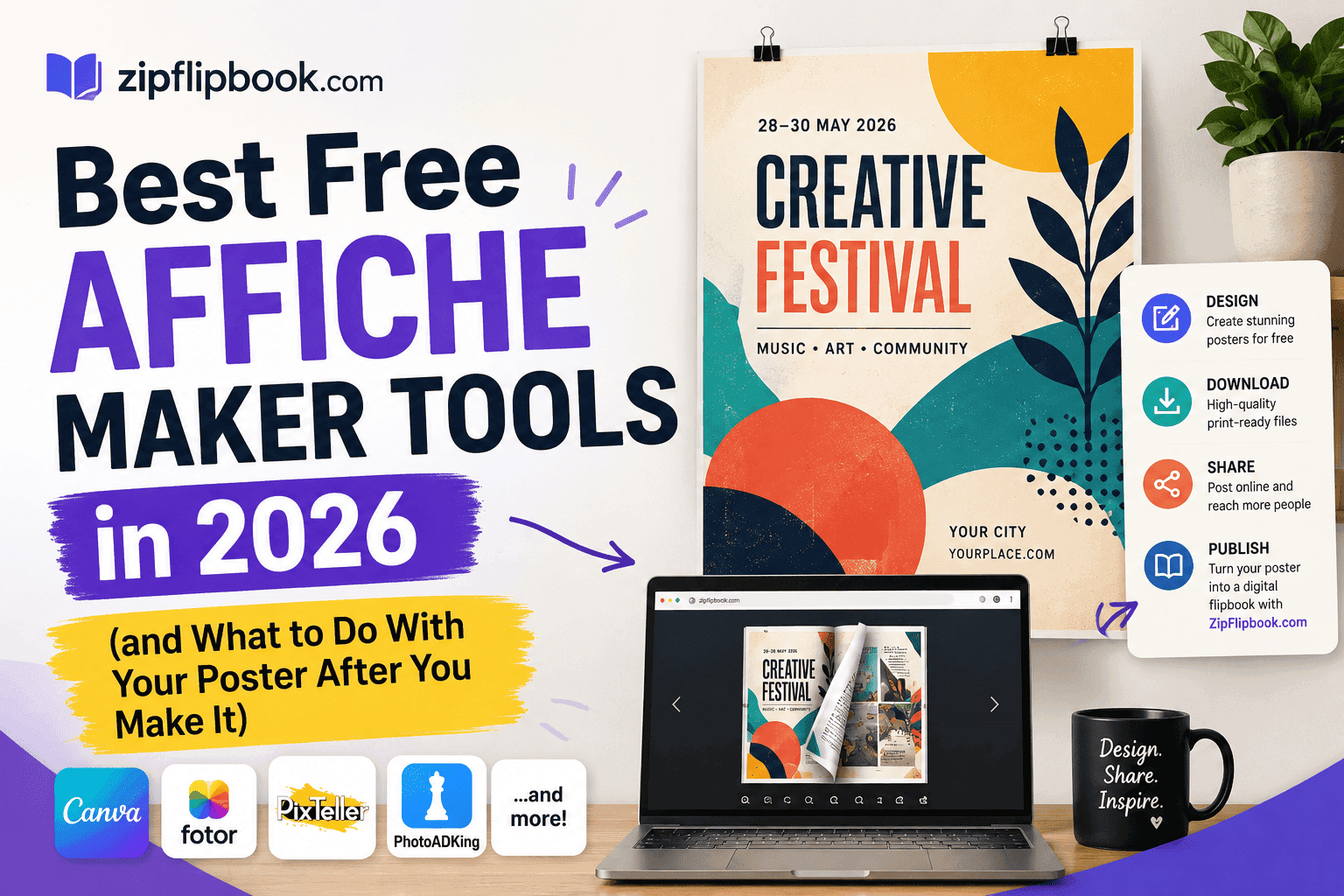
- Canva — the one everyone already knows, and for good reason. The free tier covers most poster needs without nagging you to upgrade every third click, which is more than I can say for some of the others on this list. Templates skew a bit safe and corporate, so if you want something with a pulse you'll be swapping out fonts and stock photos anyway. Still the easiest entry point if you've never made a poster before in your life.
- Adobe Express — runs on the same engine as the heavier Creative Cloud tools but strips out the intimidating parts, which is exactly what you want when you're slapping together a poster at 11pm. The free version restricts a few premium assets behind a watermark, but the core poster-making functionality is solid and the export quality holds up.
- PosterMyWall — leans hard into the event-and-flyer crowd, and it shows. Birthday parties, gigs, garage sales, fundraisers, the templates are built for exactly that kind of thing and they don't pretend otherwise. Less useful if you're after something polished or brand-heavy, more useful than almost anything else if you just need "Saturday, 7pm, bring cash" to look decent in twenty minutes.
- VistaCreate — the quieter option that keeps getting overlooked. Decent free tier, animation options if you want to push the poster toward something social-media-friendly, and a layout system that doesn't fight you the way some bigger names do once you start moving elements around.
- Fotor — the option I reach for when I just need something fast and don't care about flair. Fewer templates, fewer bells and whistles, but it gets a clean poster out the door without forty minutes of fiddling.
- Crello — now folded mostly into VistaCreate's ecosystem, still shows up in search results and works fine if you stumble onto it first.
- Designhill — leans more toward print-shop integration if you're planning to actually order physical copies rather than just distribute digitally.
None of these are wrong choices. Pick whichever interface doesn't make you want to throw your laptop, design your poster, export it as a PDF or PNG.
And then what?
The Gap Nobody Mentions
Most poster guides just stop here, as if the file magically distributes itself once it's exported. It doesn't. You're left with a flat image or a static PDF, and your options from there are limited to printing it, attaching it to an email, or posting a JPEG on Instagram and hoping the algorithm cooperates.
That poster can't link anywhere. Nobody clicks through to your ticket page, your menu, your booking form—because there's nothing to click. And you get zero visibility into whether anyone actually looked at it once it left your hands. Printed, it's a piece of paper on a wall. Shared as an image online, it's a dead end the moment someone closes the tab.
Posting it to social media doesn't solve much either. Instagram compresses your image, strips the metadata, and buries it under whatever the algorithm decides to show next. Anyone who actually wants to read the small print has to zoom in on their phone and squint. None of that does justice to a poster you spent real time designing.
I built ZipFlipbook because I kept running into this exact wall with my own clients' brochures and flyers, and posters have the same problem in a slightly different costume.
Turn Your PDFs into Lead Generation Machines
Start getting highly-qualified leads from your PDFs and landing pages today. It takes exactly 2 minutes to set up.
No credit card required • Sign up in 10 seconds
Where ZipFlipbook Comes In
Once your affiche is exported as a PDF, upload it to ZipFlipbook and it gets turned into an interactive, embeddable flipbook in a couple of minutes. No design skills needed beyond what you already used to make the poster in the first place, and no account juggling either.
A few things change once it's live. You can drop clickable links straight onto the poster itself, so "Buy Tickets" or "Visit Our Site" actually does something instead of sitting there looking pretty. You get real analytics on views, so you know whether anyone's actually looking at the thing instead of guessing based on vibes. And the whole poster embeds directly onto your website or lands on its own shareable page, which beats hoping someone screenshots your Instagram story correctly.
If you're handling more than one poster, say a run of event posters or a seasonal product lineup, you can bind several into a single flipbook instead of scattering loose image files across folders nobody remembers the names of six months later.
A Few Places This Actually Works Well
Event organizers get the biggest win here. A gig poster or conference affiche as a flipbook carries the ticket link, a lineup page, maybe an embedded trailer—all inside what used to be one static image.
Restaurants do something similar with menu-style posters, converting them into a flippable digital menu that lives behind a QR code on the table instead of a laminated sheet nobody's updated since 2023.
Local trades and small businesses, the kind I work with through Slingshot Marketing, often have a flyer or affiche sitting around that's never been used beyond the print run. Turning that into an embeddable flipbook on the website gives it a second life the paper version never had.
Real estate agents tend to like the format for "for sale" posters too, since a flipbook version can carry a full property breakdown instead of just an address and a phone number.
How to Actually Do It
Make your affiche in whichever tool from the list above feels right, and export it as a PDF rather than a flat image since that preserves more of the layout quality. Head over to ZipFlipbook, upload the file, and within a couple of minutes it's a flippable, embeddable, trackable version of the same poster. Add your links, grab the embed code, drop it wherever it needs to live.
Turn Your PDFs into Lead Generation Machines
Start getting highly-qualified leads from your PDFs and landing pages today. It takes exactly 2 minutes to set up.
No credit card required • Sign up in 10 seconds
FAQ
What exactly does "affiche" mean? It's the French word for poster. The "maker" tools listed above work for poster design generally, regardless of which language you're searching in.
Do I need design experience to use these tools? Not really. Every tool on this list is template-based, so you're mostly swapping colors, fonts, and images rather than building anything from scratch.
Can I turn a poster I already designed into a flipbook? Yes. As long as you've got it as a PDF, ZipFlipbook can convert it whether you made it in Canva, Adobe Express, PosterMyWall, or anywhere else.
Is ZipFlipbook free to use? There's a free tier that covers single poster conversions and basic embedding, which is plenty for most people testing this out for the first time.
Does converting to a flipbook ruin the print version? Not at all. Your original PDF or PNG stays exactly as it is for printing. The flipbook is just an additional digital version built from the same file.
Will this help with SEO? Yeah, because an embedded flipbook keeps people on your page longer than a flat image. And the page itself becomes link-worthy, not just a download buried somewhere.