Okay, real talk — a leaflet is a weird middle-child format. It's not quite a brochure, definitely not a newsletter, but somehow it's the thing that actually gets a weekend sale or a new menu in front of customers. I get asked about leaflets more than almost any other flipbook format, mostly from small business owners who already have a print version sitting on their desktop as a PDF and just want it online and clickable.
Issuu is usually the first place people land when they search for this, and for good reason — it's basically the first name that pops up when people google "digital flipbook," it's the default. So this post walks through exactly how to build a digital leaflet in Issuu, start to finish, including the parts that aren't obvious until you've already uploaded your file and hit a wall. Then I'll show you where Issuu starts charging for things that, frankly, should be table stakes for a one-page flyer — and where ZipFlipbook fits in as a free alternative that skips most of that friction entirely.
Getting Your File Ready Before You Touch Issuu
Issuu builds its flipbooks from PDFs, so the real work happens before you ever log in. Export your leaflet as a PDF at print quality, but don't go overboard on resolution — anything beyond 150–200 DPI just bloats the file size without adding visible sharpness on a screen. If you designed the leaflet in Canva, InDesign, or even Google Slides, export directly to PDF rather than printing to PDF through a virtual printer, since the latter tends to flatten fonts and mangle embedded links.
Check your page count while you're at it. A leaflet is almost always one or two pages, sometimes a tri-fold that becomes three or six depending on how you've laid it out. This matters more on Issuu than you'd think, because the free Basic plan caps every single publication at 10 pages and 50MB — generous for a leaflet, but worth knowing before you start stacking multiple leaflets into one file out of habit.
It's also worth naming your file properly before you upload anywhere. "Final-flyer-v3.pdf" is fine for your desktop, but it's a missed opportunity once it's live — file names occasionally get picked up by search engines or show up when someone tries to save your leaflet locally, so something like "summer-sale-leaflet-2026.pdf" does a little quiet SEO work for free.
Creating Your Issuu Account and Starting the Upload
Head to issuu.com and sign up with an email address or a Google account. You don't need a credit card to start on the free Basic plan, which is reassuring if you're just testing the waters. Once you're in, the dashboard has an upload button that's hard to miss — click it, select your PDF, and Issuu starts processing it into a page-flipping reader automatically. There's no manual page-by-page setup required; it reads the PDF and builds the flip animation itself.
While it processes, you'll be asked for a title, a short description, and a category. Don't skip the description even if it feels like busywork — Issuu indexes this for its internal search and it occasionally surfaces in Google results too, so a sentence with your business name and what the leaflet is for (a spring sale flyer, a restaurant's weekend specials, an open house announcement) earns its keep.
Customizing How Readers Experience the Leaflet
Once the upload finishes, you land on an editor screen with a handful of settings worth adjusting before you publish. You can choose between a single-page and double-page spread view, which matters for a leaflet — a one-page flyer almost always looks better as a single centered page rather than stretched across a fake two-page spread. There's also a setting for the reading direction and one for whether the flipbook auto-plays a page-turn animation when someone lands on it.
You can add clickable links directly onto the page if you didn't already embed them in the original PDF — useful for turning a phone number or a "book now" button into something tappable. Issuu calls these "shoppable" or "actionable" links depending on the plan, and on the free tier you get basic link editing, just not the fancier product-tagging version that paid plans unlock.
There's also a privacy toggle. You can set the leaflet to public, unlisted, or private. Public means it's discoverable on Issuu itself and through search engines; unlisted means only people with the direct link can see it, which is usually what you want for something you're emailing or posting on social rather than expecting people to stumble across.
Publishing and Embedding the Leaflet
Hit publish and Issuu generates a shareable link along with an embed code. The embed code is an iframe snippet you can drop into a website, and this is where most of the actual distribution happens — almost nobody sends people to read a leaflet on Issuu's own domain if they have a website of their own to host it on instead. Copy the snippet, paste it into your site's HTML (or the embed block if you're using WordPress, Squarespace, Wix, or similar), and the flipbook loads inline on your page.
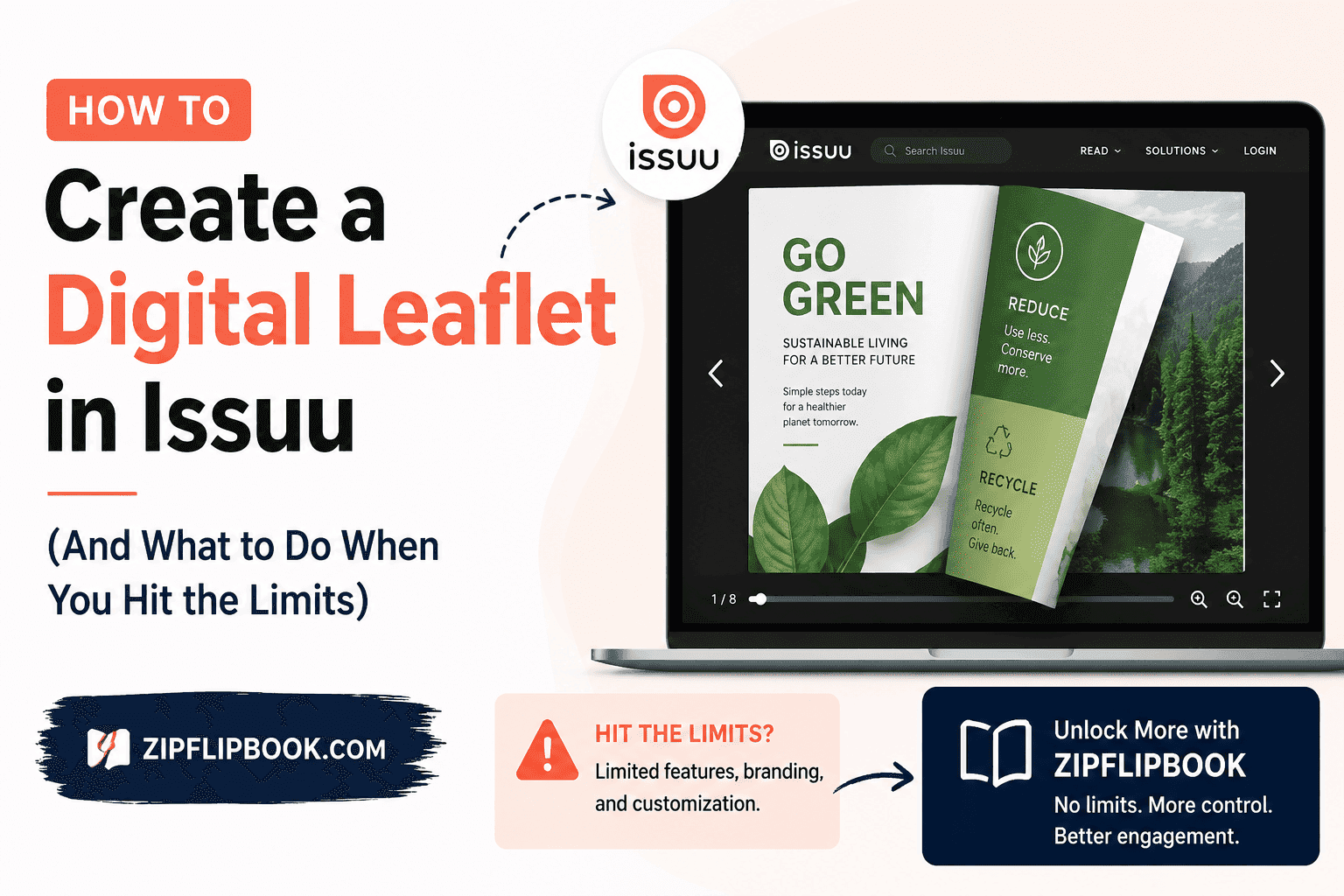
One thing that catches people off guard: on the free plan, that embedded leaflet still carries Issuu's own branding inside the reader frame. There's a small Issuu logo and link sitting right there next to your content, which is a strange thing to have to explain to a client when you've handed them a leaflet meant to represent their brand, not someone else's platform. I've had more than one client ask me, half-joking, why they're paying a designer to make something look polished and then handing visitors a free advert for somebody else's software.
Where the Free Plan Runs Out of Road
Here's the catch that isn't in big bold letters on their pricing page. The free Basic plan limits you to five total publications across your whole account, each one capped at 10 pages and 50MB. For a single leaflet that's plenty. For a business that produces a new flyer every month — seasonal promotions, weekly specials, recurring event leaflets — you'll burn through that five-publication ceiling fast.
Last week, a bakery client uploaded a PDF for a croissant promotion and hit that exact wall, because three old seasonal menus were still sitting in her account from the year before — menus nobody had looked at in months, just quietly eating up her publication slots. She had no idea they counted against the limit until her new flyer wouldn't go live. That's the kind of thing that turns "free plan" into "free trial" pretty fast.
Analytics on the free tier are limited to basic view counts over a rolling 30-day window. If you want to know how long someone actually looked at the leaflet, which page lost their attention, or where they clicked, that's locked behind the Starter plan at roughly $19 a month billed annually, and even Starter doesn't get you lead capture or branding removal. Those live behind the Unlimited tier, which runs closer to $188 a month. Spending nearly $200 a month just to see if anyone scrolled past the title of your sidewalk-sale flyer? That's absolute overkill for a small business.
A Free Alternative Worth Trying: ZipFlipbook
That exact headache is why I built ZipFlipbook. I got so tired of explaining to clients that their one-page flyer needed a monthly subscription just to track who opened it. ZipFlipbook converts your PDF into an interactive flipbook the same way Issuu does — drag your file in, and it builds the page-turn reader automatically — but the free plan doesn't put our branding inside your reader, doesn't cap you at five publications, and includes lead capture and analytics from the start rather than gating them behind a paid tier.
For a leaflet specifically, that combination matters more than it sounds. A leaflet's whole job is usually to drive an action — get someone to call, book, sign up, or show up somewhere on a specific date — so being able to drop an email capture field directly into the flipbook, or see which page someone lingered on before closing the tab, turns a static flyer into something you can actually learn from. You also get an embed code just like Issuu's, so dropping it into your existing website takes the same five minutes it would have taken with Issuu, minus the extra logo riding along inside your content.
If you're coming from Issuu and have leaflets already published there, you don't need to rebuild anything from scratch. Download the original PDF from your Issuu account (Issuu lets you do this even on the free tier) and upload that same file straight into ZipFlipbook. The page count and file size limits that boxed you in on Issuu's free plan simply aren't a factor here, so a leaflet that got squeezed into 10 pages to fit Issuu's cap can breathe a little if you ever want to expand it.
Look, I'm not trashing Issuu — they're the industry heavyweight for a reason. But a leaflet is a small, fast, disposable piece of content by design, and it shouldn't take a subscription decision to find out if it's working. That's the whole point of ZipFlipbook. We handle the essentials for free, leave our logo out of your reader, and don't force you to sit through an upgrade screen just to add a sign-up form.
Turn Your PDFs into Lead Generation Machines
Start getting highly-qualified leads from your PDFs and landing pages today. It takes exactly 2 minutes to set up.
No credit card required • Sign up in 10 seconds
Quick Hits
Do I need design software, or can I just use a PDF I already have? A PDF is all either platform needs. If you've got a print leaflet sitting as a PDF, upload it as-is — no redesigning required.
How many pages should a leaflet be? One to three, usually. A tri-fold flattens to three or six pages once it's a PDF. Either way, you're not getting anywhere near the page caps on either platform, so length was never really the issue — clarity is.
Can people download it instead of just flipping through it? Yeah, if you toggle the download switch on. I usually leave it off, though — if the whole point is getting someone to call or book, you want them interacting with the reader itself, not grabbing a PDF and closing the tab.
Is Issuu's free plan actually usable, or is it just a glorified trial? For one or two leaflets, it's fine. The second you're publishing more than a handful a year, the five-publication cap and the Issuu logo riding shotgun on your content start to feel a lot more like a trial than a plan.
Does ZipFlipbook charge to embed on my own site? Nope. Same as Issuu's free tier on that front. The difference is what's bundled in — no logo tagging along, and lead capture plus analytics included instead of locked behind an upgrade.
What happens to my Issuu leaflet if I hit the publication limit or let the account lapse? It stays on their servers, but readers get a "limited access" message and the leaflet effectively goes dark past the cover. Your original PDF isn't deleted, so you can always grab it and host it somewhere else.
Can I add an email signup or contact form right inside the leaflet? On Issuu, that's locked behind their top paid tier. On ZipFlipbook it's free from day one — drop in an email or phone capture field without building a separate landing page for it.