Every birthday group chat goes the same way. Someone volunteers to bring a physical card, it gets passed around the office, three people forget to sign it, and by the time it reaches the birthday person, it's just "Happy Bday - Dave" in the corner and a lot of empty space.
If your friend group has gone fully remote, or half of you live in different cities now, the physical card idea falls apart even faster. You can't pass a card around a group chat. Mailing it means picking one address and hoping it arrives before the actual birthday, which, statistically, it won't.
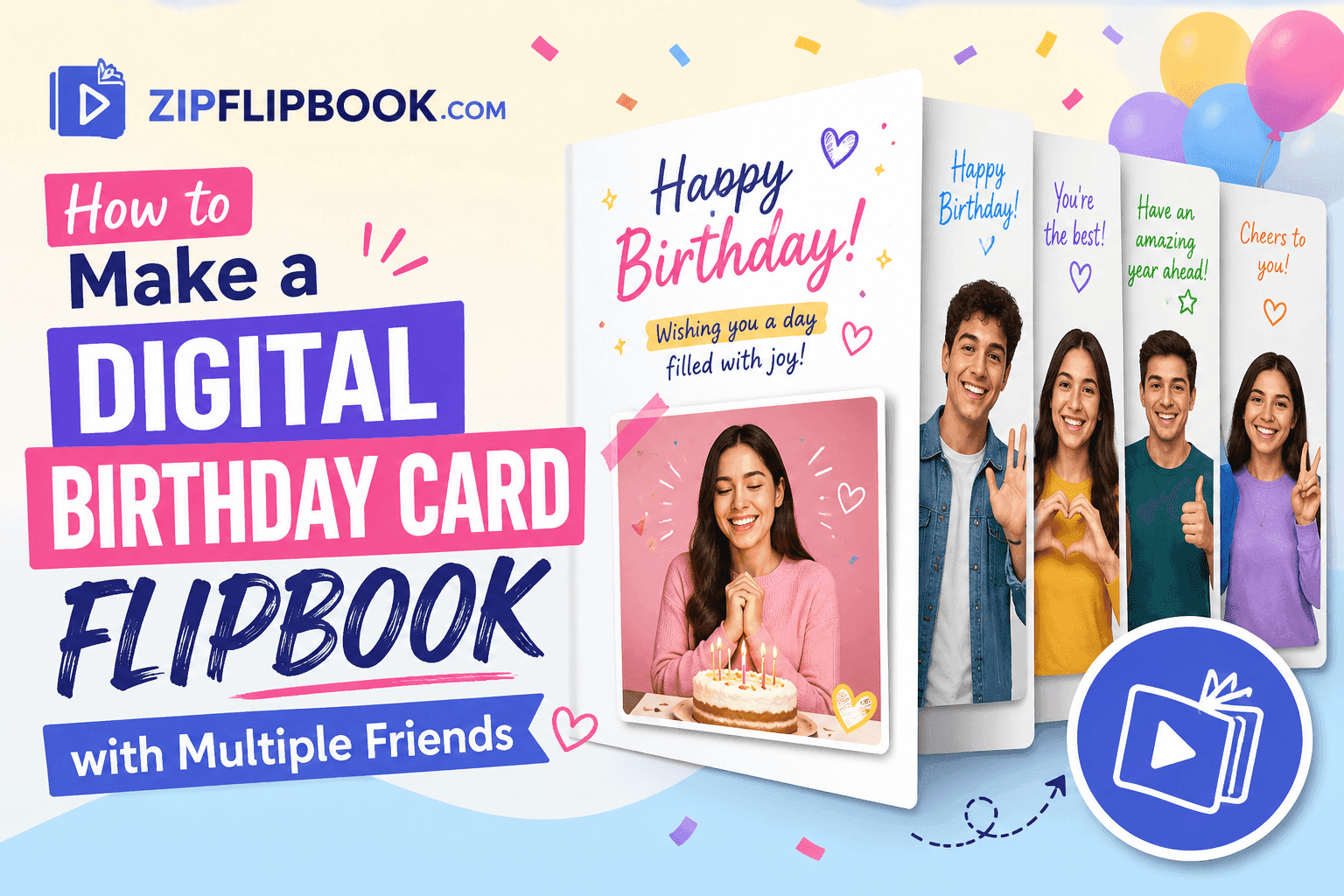
This is exactly the gap a flipbook fills, and it's a much better fit than people expect. A digital flipbook isn't just a PDF you email over — it's an interactive, page-turning experience that feels like an actual card, except every single friend can contribute a page, photo, video, or voice note, and the birthday person gets a link they can open on their phone in two seconds. No app, no login wall, no "this file format isn't supported on your device."
Full disclosure: I built ZipFlipbook for boring work stuff like brochures. But honestly? Watching people use it for birthday cards is way more fun. It cuts out the logistical headache of chasing people down for signatures.
Why a Group Card Falls Apart (and a Flipbook Doesn't)
The physical card problem isn't really about paper. It's a coordination problem. You need everyone in the same place at the same time, or you need someone to physically carry the card around, which means whoever has it last is under pressure to finish it fast, badly, near a deadline.
Group chats solve the coordination piece but butcher the presentation. A pile of "happy birthday!!" texts and a meme GIF doesn't feel like a card. It feels like notifications.
A flipbook splits the difference. Everyone contributes on their own time, from wherever they are, and the final product still looks and feels like one cohesive thing — pages that turn, photos that sit properly in a layout, a video embedded right where it should be instead of linked off to YouTube. The birthday person opens one link and gets the full experience in one sitting, rather than scrolling through forty separate messages trying to piece it together.
Turn Your PDFs into Lead Generation Machines
Start getting highly-qualified leads from your PDFs and landing pages today. It takes exactly 2 minutes to set up.
No credit card required • Sign up in 10 seconds
Step 1: Decide Who's Doing What
Before you touch any software, somebody needs to be the organizer. This is usually whoever had the idea in the first place, and it's a small job — mostly just keeping track of who's sending what and by when.
Set a deadline that's actually a few days before the birthday, not on the day. People are slow. A "deadline" of the 14th for a birthday on the 15th means you'll get half the submissions on the 15th itself.
Decide roughly how many pages or contributors you're working with. A group of six people doing one page each is a different planning job than thirty coworkers all wanting to chip in. For bigger groups, it sometimes works better to ask people to submit a photo and a short message rather than a full page design — you can then drop those into a consistent template so the whole thing doesn't look like fifteen different fonts fighting each other.
Step 2: Collect the Content
This is the part people overthink. You don't need everyone to be a designer. Ask each contributor for:
A photo (a real one, not a stock image — the messier and more candid, the better the card ends up feeling)
A short message, two or three sentences is plenty
Optionally, a short video clip or voice message if your group is comfortable with that
The easiest way to collect this without forty separate email threads is a shared folder — Google Drive, Dropbox, whatever your group already uses — or just a group chat where people drop their stuff and the organizer pulls it together afterward.
If a few people genuinely can't be bothered to send anything organized, that's fine. A screenshot of a funny text exchange between them and the birthday person works just as well as a polished paragraph. Cards work best when they feel personal, not professional.
Step 3: Build the Pages
Once you've got everyone's contributions, you've got two paths.
Don't overthink the design. Just throw one person's photo and text per slide into Google Slides, export it as a PDF, and call it a day. If you already have the content collected, this takes maybe 15 minutes, and you don't need design skills — just consistent spacing and a decent font so it doesn't look thrown together.
The slightly more involved path: design something a bit more themed, with a cover page, maybe a "from all of us" closing page, and photos arranged a little more deliberately. Either way, a PDF is your end format, because that's what turns into a flipbook in the next step.
Step 4: Turn It Into a Flipbook
This is where ZipFlipbook comes in, and it's the part that takes the least time out of the whole process. Upload your finished PDF to ZipFlipbook and it converts the whole thing into a page-turning flipbook automatically — no design software, no plugins, nothing to install. The pages flip the way an actual card would, which sounds like a small detail but makes a real difference to how the final thing feels when the birthday person opens it.
Because it's browser-based, there's no app for the recipient to download and no account they need to set up just to view a card someone made for them. They click a link, the flipbook opens, and they're flipping through pages within a couple of seconds, on a phone or a laptop, no friction at all.
You can also drop embedded video or audio directly into specific pages if your group recorded any short clips — so instead of linking out to a separate video file, the birthday person hits play right inside the card itself, on the page where it belongs.
Step 5: Share It
Once it's built, ZipFlipbook gives you a shareable link. Drop that into the group chat, text it directly, or — if you want a bit more ceremony — schedule it to send right at midnight on the birthday itself. Some groups like building anticipation with a "something's coming at midnight" message the night before, which, for what it's worth, works embarrassingly well even on adults.
If your group wants to know whether the card actually got opened (useful if you're not sure the birthday person checks their messages promptly), ZipFlipbook's basic analytics let the organizer see when the flipbook's been viewed, so you're not left wondering if it landed.
A Few Things That Make the Final Card Feel Better
Keep individual pages short. A page with one photo and three warm sentences reads better than a page crammed with five paragraphs nobody will actually read in full.
Vary the page order a bit instead of putting everyone in alphabetical order — mix it up so there's a natural rhythm rather than a predictable list.
If two people send very similar content (the same inside joke, say), it's fine to combine it onto one page rather than repeating it twice.
End on something that lands. A closing page that's just "Happy Birthday from all of us" with a group photo, even an old, slightly blurry one, tends to be the page people remember.
Why This Beats Other Options
Look, you can send a Canva PDF if you want, but chances are the birthday person will open it on their phone, get hit with a "file too large" warning, and never actually look at it. The page-turn thing on ZipFlipbook just works without the download hassle. You could use a slideshow tool, but those feel more like a presentation than a card. ZipFlipbook sits in the sweet spot: it's free, it's fast, nobody needs to sign up to view it, and the page-turning format genuinely makes it feel like an object rather than a file. For something you're making once a year for someone you actually care about, that distinction matters more than it sounds like it would.
FAQs
Do all the contributors need a ZipFlipbook account to add their page? Nope. Everyone else just sends you a photo via whatever chat you're already using. You're the only one who touches ZipFlipbook, and you don't even need to make an account to upload it. Also, nobody needs an account to view it either — not you, not your friends. Just a link.
Can we include videos or voice messages, not just photos and text? Yes. You can embed video clips or audio directly into individual pages, so the birthday person can play them right inside the flipbook instead of being sent to a separate app or link.
Is there a limit on how many people can contribute pages? There's no hard limit. Groups of five work just as well as groups of fifty — for larger groups, it just helps to keep individual contributions short so the final flipbook doesn't run too long.
Is ZipFlipbook free to use for something like this? Yes, the core conversion from PDF to flipbook is free, which makes it an easy choice for a one-off project like a group birthday card.
How long does the whole process take once we have the content? Honestly? The conversion takes two minutes. The PDF assembly takes twenty. The real time-suck is waiting for your flaky friends to actually send you their photos — so build in a buffer day or two.
Can we time the card to arrive exactly on the birthday? ZipFlipbook generates a link as soon as your flipbook is ready, and you control when that link gets shared. Plenty of groups hold the link back and send it right at midnight or first thing on the day itself for a bit of extra surprise.