I've built brochures on every platform I'm about to write about, usually at 11pm the night before a client needed something "just quickly turned into a flipbook thing." So this isn't a roundup stitched together from marketing pages. This is what happens when you upload a real brochure PDF and try to get something usable out the other end without paying for it.
Short version, if you don't want to read 1,800 words of me complaining about watermarks: most "free" digital brochure makers aren't free. They're a free trial wearing a free plan's clothes. Below is what each one actually gives you, where it falls apart, and what I built ZipFlipbook to fix.
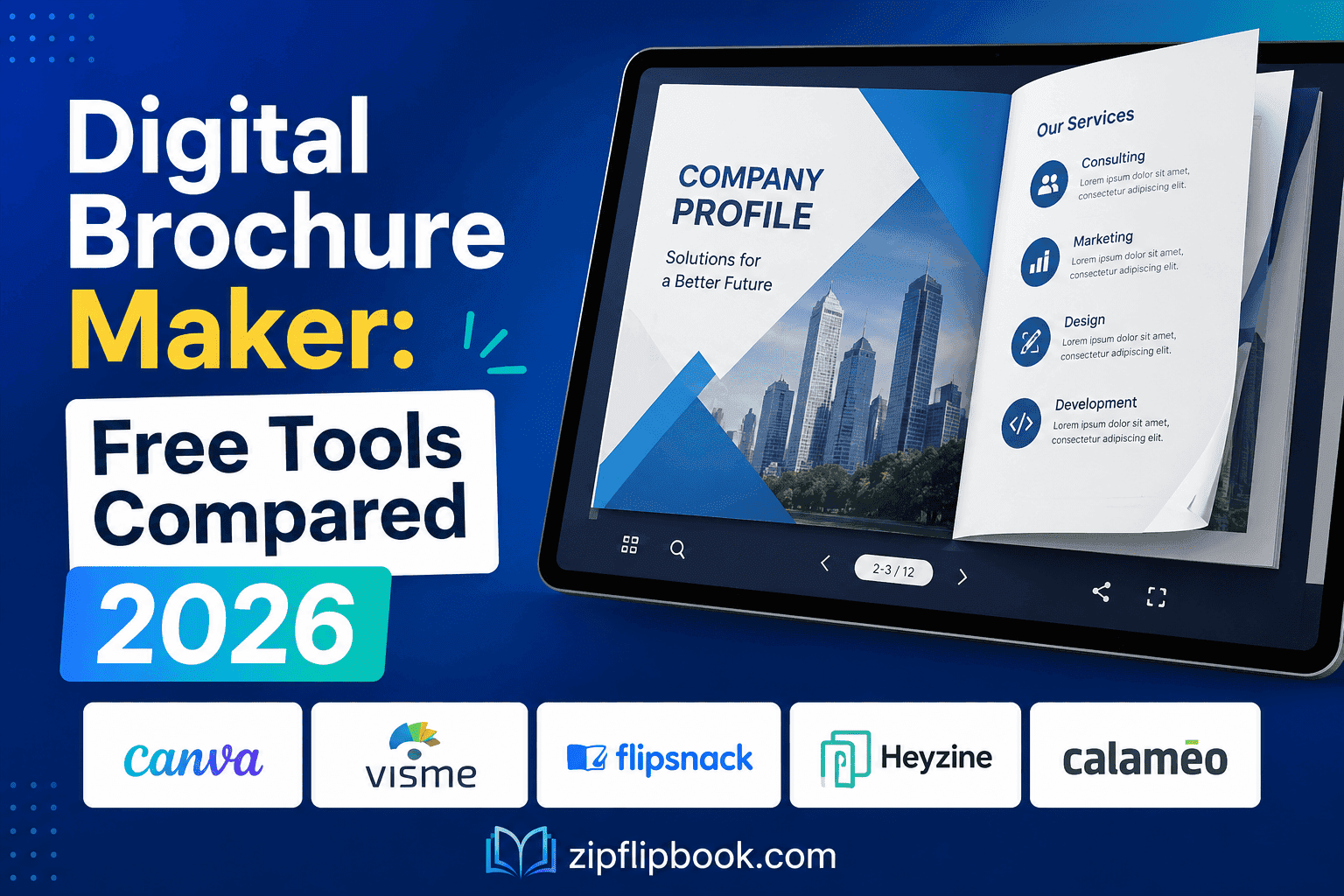
What "digital brochure maker" even needs to do
Let's strip it back. A PDF is a digital piece of paper. A brochure should actually work like one — meaning people flick, don't scroll. A brochure isn't a novel — nobody scrolls it top to bottom. People flick through, they're deciding whether to call you or bin it, and the format should make that decision easy. That means a page-turn or swipe interaction that feels natural, fast loading on a phone (most brochure traffic is mobile, not desktop), some way of knowing whether anyone actually looked at it, and ideally a way to capture a name and email before or after they view it. If a tool can't do most of that on its free tier, it's not really a brochure maker. It's a PDF viewer with a nicer font.
Issuu
Issuu is the name most people type into Google first, mostly out of habit — it's been around long enough that "Issuu it" is basically the fax machine of digital publishing. The free Basic plan lets you publish a handful of documents, each capped at ten pages, with Issuu's own branding wrapped around your content and ads shown to your readers on top of that. No analytics beyond the most basic view counts, no lead capture, no way to remove the watermark.
The catch you won't see on their pricing page? Issuu quietly changed its free plan rules in mid-2025, and now caps you at five total published documents. Publish a sixth and your oldest one loses its ability to be flipped through — visitors just see the cover page and a message telling them access is limited. If you're using Issuu to host a live product brochure that gets updated seasonally, you can find yourself accidentally locking out your own content because you didn't realise the limit applied across your whole account, not per document.
Paid Issuu starts around $19/month and jumps to roughly $188/month for the tier that actually includes lead capture and full analytics — the two features most businesses want a brochure for in the first place. For a single agent or small trade business, that's a brutal amount to pay just to find out who's reading your brochure.
Flipsnack
Flipsnack is the better-designed of the legacy players. It has an actual drag-and-drop editor built in, so if you're designing a brochure from scratch rather than converting an existing PDF, it's more capable than most competitors — closer to a purpose-built Canva for flipbooks than a simple converter.
The free plan gives you three publications, thirty pages each, and slaps a visible Flipsnack watermark on everything — including any exports, if you're even allowed to export, because on the free tier you usually aren't. No analytics, no custom domain, no lead capture. A recurring complaint I've seen from actual users is discovering, after finishing a brochure, that downloading or exporting it as a PDF or image requires a paid plan. You do the work, then hit a paywall to get your own file out.
Professional tier runs about $30/month billed annually, and that's the level where video embeds, lead forms, and analytics unlock. If you only need to convert one finished PDF brochure into something flippable, you're paying for a design editor you'll never touch, which is a strange trade if all you wanted was a hosted, trackable link.
Mobile reading experience, which is where most of your traffic actually is
Almost nobody opens a brochure link on desktop anymore. Most come through a text message, a WhatsApp share, or a link in an email opened on a phone. This is where older platforms like FlipHTML5 and, to some extent, Issuu, start to show cracks — the page-turn animation that looks slick on a laptop can feel sluggish or fiddly with a thumb, especially on a slower connection. Flipsnack has invested more here and the mobile reader is reasonably smooth, but it's still rendering a full flipbook experience with animation overhead on every page turn, which adds load time.
For a brochure specifically — as opposed to a fifty-page catalogue — that overhead matters more than it sounds. Someone deciding whether to call a tradesperson isn't going to wait for a page-flip animation to finish loading on patchy 4G. Fast page loads on mobile, without stripping out the interactivity, is one of the less glamorous things a free tool needs to get right, and it's exactly where a lot of the free tiers cut corners because their engineering budget goes toward the paid features first.
The embedding problem nobody mentions
There's a second issue that rarely comes up until you're already committed to a platform: can you actually put the brochure on your own website, or does it just live on the tool's site with your logo slapped over someone else's URL structure?
Issuu's free tier technically allows embedding, but the embedded viewer still carries Issuu branding and, depending on the plan, ads alongside your content. Flipsnack's free plan doesn't stop you embedding, but the watermark travels with it, so visitors land on your site and immediately see a competitor's logo on the thing you're trying to sell them on. It undercuts the point of having your own website at all — you're sending traffic to your page just to hand it off to somebody else's brand.
This matters more for trade businesses than people expect. A joiner or an electrician sending a brochure link to a potential client isn't trying to look like they use free software. They're trying to look established. A watermarked flipbook does the opposite of that job, and it's the kind of detail a client won't consciously register but will feel.
Canva
People ask me about Canva a lot, because everyone already has an account and assumes it does everything. It doesn't, not for this. Canva is superb for designing the brochure — genuinely, if you're building the layout from nothing, it's probably the best free design tool available. Where it falls short is turning that design into an actual interactive flipbook experience. Canva will let you export to PDF or share a scrollable link, but there's no real page-turn interaction, no reader analytics that tell you which page someone lingered on, and no lead capture built into the reading experience itself.
So Canva ends up being step one, not the whole job. Design it there, then bring the PDF somewhere that can actually turn it into a brochure people interact with. That "somewhere else" is usually where the real decision in this comparison happens.
FlipHTML5
FlipHTML5 sits in a similar spot to Flipsnack — older platform, functional free tier, but the free plan comes wrapped in branding and caps that make it a demo more than a tool. Paid plans stretch up toward $80/month depending on which features you need unlocked, and the interface shows its age a bit. It works. It's not fun to use, and the mobile reading experience in particular can feel clunky compared to newer tools.
Why I rage-built my own instead
I built ZipFlipbook because I kept hitting the same wall on every tool above: either the free plan was so restricted it was pointless, or the paid plan cost more than the brochure was worth to the business making it. A one-person trade business doesn't need $188 a month of features to send a nicer-looking brochure than a flat PDF attachment.
ZipFlipbook is browser-based — upload your PDF, it converts into an interactive flipbook with page-turn animation, no account gymnastics required to get a working link. It's free to use, with no watermark stamped across your brochure telling readers you couldn't afford the real version. You get embedded lead capture, so if someone's flipping through your brochure and you want to grab an email before they can see pricing or the last page, that's built in rather than gated behind a $30-plus monthly tier. Analytics are included too — you can actually see whether anyone got past page two, which tells you a lot about whether your brochure's opening page is doing its job.
It also handles embedded media properly, so if your brochure has a product video or a link to a booking page, it behaves the way you'd expect rather than needing a premium unlock. And because it's built for exactly this use case — PDF in, interactive flipbook out — there's no design editor bloat to wade through if all you want is to convert something you've already made.
I'm obviously not neutral here. But the reason I built it is the same reason I'm writing this comparison: I got tired of watching small businesses pay Issuu or Flipsnack prices for features that should be table stakes on a free brochure tool.
Turn Your PDFs into Lead Generation Machines
Start getting highly-qualified leads from your PDFs and landing pages today. It takes exactly 2 minutes to set up.
No credit card required • Sign up in 10 seconds
Picking the right one for your actual situation
If you're designing a brochure from a blank page, start in Canva, then bring the finished PDF into a proper flipbook tool rather than trying to force Canva to do a job it wasn't built for.
If you've already got a print brochure PDF sitting on your hard drive and just want it to stop being a dead attachment that nobody opens, skip the tools that need a credit card to unlock analytics and lead capture. That's the whole point of putting a brochure online in the first place — knowing whether it worked.
If you're a real estate agent, tradesperson, or small agency publishing new brochures regularly, watch the publication caps closely. Issuu's five-document ceiling and Flipsnack's three-publication free limit both sound fine until you're three months into actually using the thing and updating seasonal offers.
Look, if you're a tradie reading this at midnight trying to sort a brochure before a job tomorrow, don't overthink it. Most free digital brochure makers in 2026 are free the way a gym trial is free — enough to see the equipment, not enough to actually get anything done. Issuu and Flipsnack both make solid products, but their free tiers exist to sell you the paid tier, not to genuinely support a small business publishing a brochure. Canva is a design tool wearing a publishing tool's clothes. If you want something that's actually free, doesn't put someone else's logo on your brochure, and gives you the analytics and lead capture that make a digital brochure worth building in the first place, that's the gap ZipFlipbook was built to close.