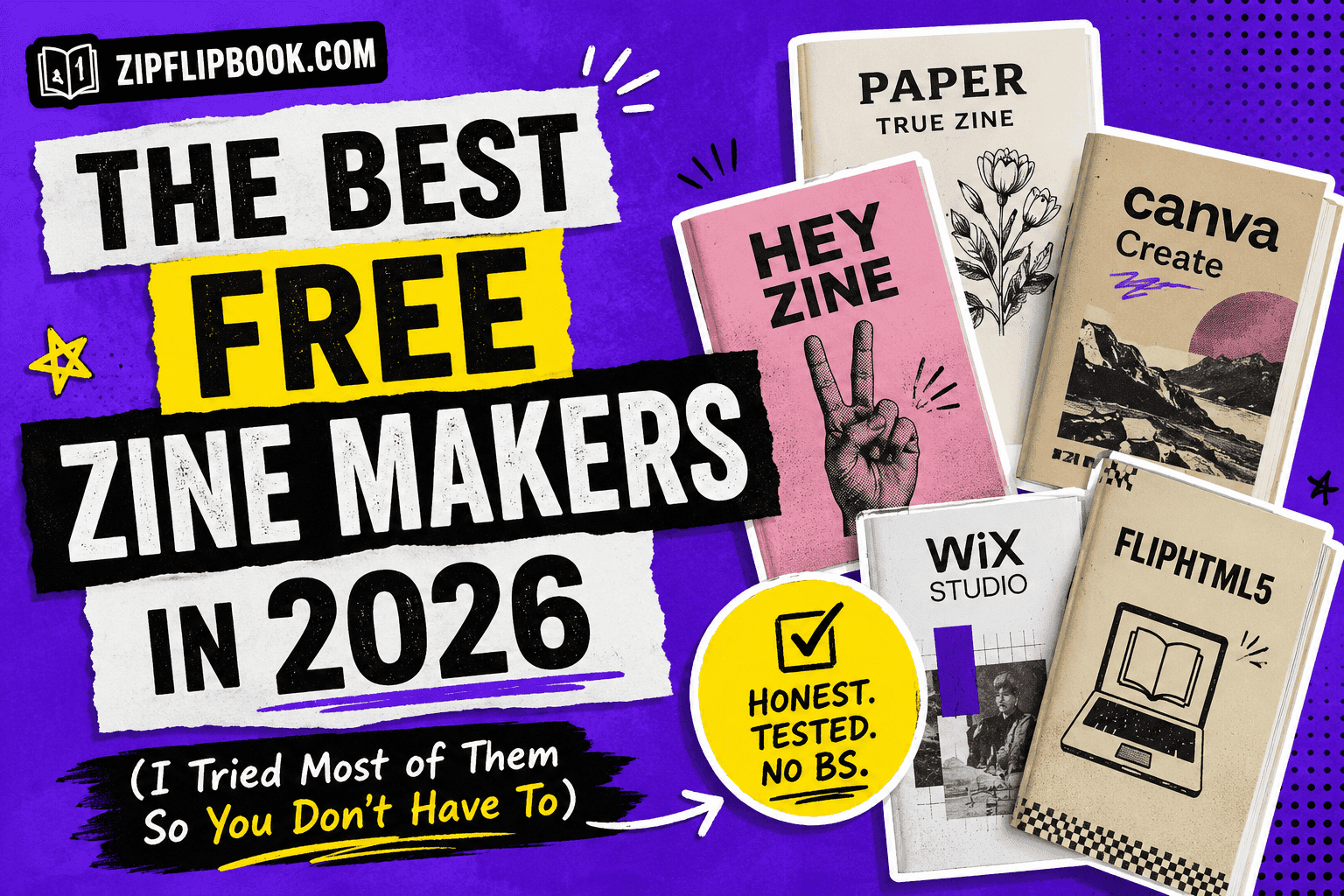
I've spent the last few years building a flipbook tool, which means I spend an unreasonable amount of time poking around every adjacent category to see what people are actually using. Zine makers came up again and again this year, mostly from people who used to just fold a piece of A4 four times and staple it, and now want something they can post a link to. Almost none of them wanted to pay for it, and honestly, fair enough. A zine is supposed to be scrappy.
So I went and tested the free tiers of the ones people keep recommending, ignoring whatever the paid plans promise, because if a tool locks the good stuff behind a card number it's not really a free zine maker, it's a trial. Some of these held up. A couple technically have a free plan but it's so hollowed out you'll hit a wall on page two. Here's where things actually stand.
What "zine maker" even means now
Zines used to be photocopied, stapled, distributed at shows or slid under dorm room doors. The digital version of that culture split into two camps. One camp wants software that helps them lay out pages for print, fold marks and all, so they can still hand someone a physical copy. The other camp wants a shareable link, something that feels like a real object when you scroll through it but never touches a printer.
Most of the tools below serve one camp better than the other. I'll flag which is which, because picking the wrong one means redoing your whole project halfway through.
Canva
Canva is where most people start, and for a reason. The free tier gives you real access, not a crippled demo, and the zine templates are decent enough that you're not fighting a blank page. If you've made a Canva Instagram post before you already know 80% of the interface. Where it falls apart is the page-turn experience. Export a Canva zine as a PDF and share it, and your reader gets a static document. No page flip, no sense of it being a little object. You made something that looks like a zine and behaves like a brochure nobody asked for.
Good for: quick print-ready pages, especially if you're stapling it yourself, entirely free. Not great for: sharing something online that feels alive.
Adobe Express
Adobe Express borrowed a lot from Canva's playbook but leans harder into brand kits and animated elements, which is useful if you're a small studio putting out a recurring zine and want consistency issue to issue. The free plan covers the basics fine, though premium templates and some fonts sit behind a paywall you'll bump into eventually. Export options are solid, print bleeds are handled properly, which matters more than people think until their first print run comes back with text cut off at the edge.
Good for: recurring zines with a consistent visual identity, staying inside the free tier if you avoid premium assets. Not great for: someone who wants every template option without eventually seeing an upgrade prompt.
Book Creator
Technically built for classrooms, Book Creator has quietly become a favorite among zine makers who want something dead simple, and the free plan is genuinely usable rather than a taste test. Drag in images, add text boxes, done. The page-flip preview is actually charming, better than most tools twice its price. The catch is distribution. Book Creator wants you to keep things inside its own ecosystem or export as an ePub, which is fine for e-readers and useless if you want to drop a link in your Instagram bio.
Good for: students, teachers, anyone making a zine as a one-off project, no card required. Not great for: anyone who needs embed code or lead capture.
Flipsnack
Flipsnack has been in the flipbook-adjacent space for years and their zine offering rides on the same engine as their catalog and magazine tools. It shows. The page flip is smooth, the editor is capable, and if you're coming from a print background the layout tools will feel familiar fast. Where it gets annoying is the free plan. It caps you low enough that anyone doing more than a hobby zine will hit the wall within a project or two, and Flipsnack's own branding sits on your zine unless you upgrade.
Good for: a one-off test zine, before you decide whether you want to pay. Not great for: anyone who wants to stay on a free plan long term.
Issuu
I have to mention Issuu because everyone asks about it, and I'll be honest about the free plan too, it exists, but it's thin. You get basic publishing and a small monthly upload cap, Issuu's watermark stays visible, and real analytics on who's actually reading sit behind a paid tier. Issuu built its name on digital magazines and never really rebuilt the free plan for someone making a fifteen page zine as a side project. For a hobbyist, it works as a proof of concept and starts to feel restrictive fast.
Good for: a quick test to see if the page-flip format suits your zine. Not great for: anyone who wants a genuinely free long-term home for it.
Zinepal and RIZE
Worth a mention for the purists. Zinepal takes web content and folds it into a printable zine layout, foldable from a single sheet, which is genuinely clever for anyone still committed to the paper-and-staples tradition. RIZE leans similar, more DIY, more community-flavored, built by and for people who care about the punk lineage of zine-making rather than the polish. Neither is trying to be a full design suite and neither should be judged as one.
Good for: physical, foldable, old-school zines. Not great for: anything you want to share as a link.
ZipFlipbook
And then there's ours, so take this with whatever grain of salt you need to. I built ZipFlipbook because every time I wanted to turn a PDF into something that felt like an object online, I ended up paying for software clearly priced for magazine publishers with marketing budgets, not for a zine I made in an evening. The free plan isn't a stripped-down sample either, you upload your PDF and it comes out the other side as a proper page-turning flipbook you can embed anywhere or share as a link, no watermark tax, no "contact sales" wall between you and basic analytics.
For zines specifically, the workflow tends to look like this: design your pages wherever you're comfortable, Canva, InDesign, even Google Slides if that's your thing, export as a PDF, drop it into ZipFlipbook. You get the page flip, you get embed code for your site, and if you're the type who wants to know whether anyone actually finished reading page twelve, that data's sitting right there, free.
Start for free, and if you outgrow it someday, fine, but most zine makers never will.
Turn Your PDFs into Lead Generation Machines
Start getting highly-qualified leads from your PDFs and landing pages today. It takes exactly 2 minutes to set up.
No credit card required • Sign up in 10 seconds
So which one do you actually pick, free plan for free plan
If you want a physical zine you're folding and stapling yourself, Zinepal or RIZE will get you there without paying for features you don't need. If you're a teacher or making a one-off classroom project, Book Creator's free tier is hard to beat for how little friction it puts between you and a finished page-flip. If you just want to test the page-flip format once before committing to anything, Issuu or Flipsnack's free plans will show you what it feels like, briefly.
If you're making something to share, something you want to feel like a little object when someone opens the link, and you want that to stay free past your first project, that's the exact gap I built ZipFlipbook to close. Design it anywhere, export the PDF, and let it become the thing it was always supposed to be.
P.S. — if you've made zines before with a tool that isn't on this list, I'd genuinely like to know what I missed. Half of this research came from people telling me I was wrong about something.
Turn Your PDFs into Lead Generation Machines
Start getting highly-qualified leads from your PDFs and landing pages today. It takes exactly 2 minutes to set up.
No credit card required • Sign up in 10 seconds