I've watched a lot of small retailers make the same mistake over the years, and it's not a marketing mistake or a pricing mistake. It's a format mistake. They spend three weeks getting their new seasonal lineup shot, edited, and laid out in a gorgeous print-ready PDF, then they slap that PDF on their website as a raw download link and call it done. Somebody clicks it, their phone tries to render an 40MB file meant for a printer, and they bail before page two loads. The catalog was never the problem. The delivery was.
If you run a small shop — home goods, apparel, hardware, whatever you sell — a digital catalog is one of the highest-leverage things you can put on your site, and you genuinely do not need a developer to do it right. You don't need Webflow, you don't need a custom app, and you definitely don't need to pay an agency five figures to build you something a browser tool can spit out in twenty minutes. Here's how to actually do this without writing a line of code.
Why a static PDF isn't a catalog
A PDF sitting behind a "Download Catalog" button is a file. It is not an experience. It doesn't track who opened it, doesn't know which pages people lingered on, doesn't let someone click a product and land on the buy page, and on mobile it usually looks like garbage — tiny text, pinch-zooming, sideways scrolling. Most shoppers just close the tab.
Retailers who get this right treat the catalog as a mini storefront in itself. Every page is a chance to convert. Every product photo can be a clickable link. And crucially, you get to see what's actually working — which pages people spend time on, which products get repeat views, where people drop off. A flat PDF gives you none of that. It's a brochure you hand someone and then never see again.
What a no-code catalog actually needs
Before you touch any tool, it helps to know what you're building toward. A good digital catalog for a small retail business needs four things, and honestly nothing more:
It needs to look native on a phone. More than half your traffic, probably closer to seventy percent depending on your category, is coming from someone's phone while they're on the couch or standing in line somewhere. If your catalog requires horizontal scrolling or forces someone to zoom in to read a price, you've lost them.
It needs clickable products. If someone's looking at a page of throw pillows and one catches their eye, there should be a way to tap it and go straight to that product page. Making them go back to your main site and search for the same item is asking too much of casual browsers.
It needs to capture interest, not just show it. Not everyone who flips through your catalog is ready to buy today. Some of them would happily hand over an email address for early access to your next drop or a coupon code. A catalog with a lead capture form built in turns browsing into a list you can actually market to later.
It needs to be embeddable, not just linkable. The best version of this lives directly on your site or in your email campaigns, not as an external download that opens some other app.
Step one: start with the PDF you already have
Here's the good news — you almost certainly already have the raw material. Most retailers already produce a print-ready or press-ready PDF for their seasonal line, their price list, or their lookbook, because that's just how design software exports things. You don't need to redesign anything from scratch. The PDF is the input, not the output.
If you don't have one yet, any basic design tool works fine for building it — Canva templates for retail catalogs are everywhere, and you don't need anything fancier than that unless your brand demands custom layouts. The point isn't the design tool. The point is what happens after you export.
Turn Your PDFs into Lead Generation Machines
Start getting highly-qualified leads from your PDFs and landing pages today. It takes exactly 2 minutes to set up.
No credit card required • Sign up in 10 seconds
Step two: convert it into something interactive
This is where a flipbook tool comes in, and it's the part that used to require either a developer or a paid enterprise platform with a six-week onboarding call. Now it's genuinely a drag-and-drop job.
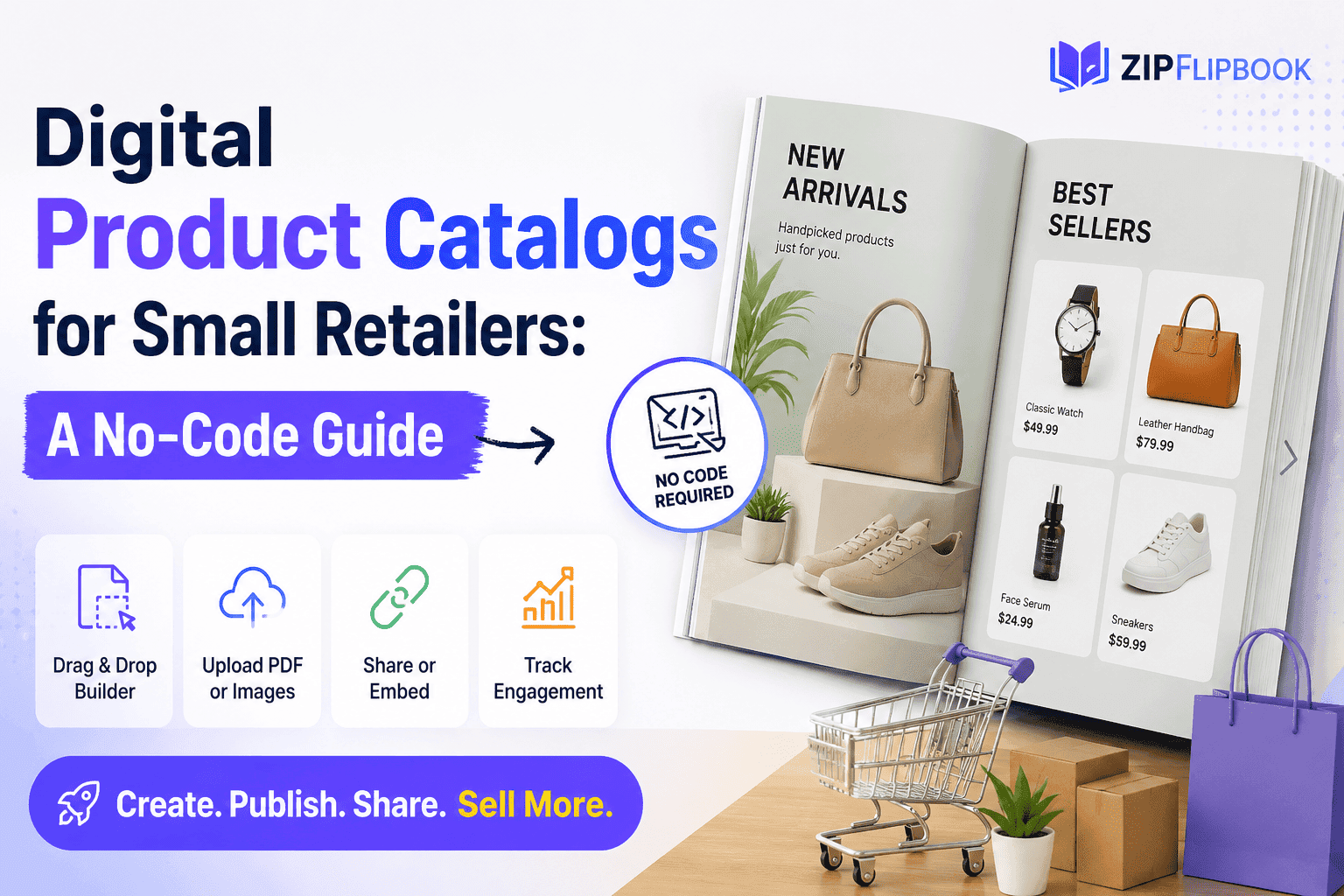
I built ZipFlipbook specifically for this gap — small businesses who have a perfectly good PDF and need it to behave like a real online catalog without hiring anyone. You upload the file, it renders into a page-turning flipbook that works properly on mobile, and from there you can add clickable hotspots on individual products that link straight to your product pages or checkout. You can drop in a lead capture form on whichever page makes sense — the front cover, the last page, wherever you want the ask to land. And you get actual analytics: which pages get viewed, how long people spend on them, where in the catalog people are dropping off before they finish browsing.
None of that requires touching code. It's the kind of tool you can use during a coffee break and have a live catalog embedded on your site before lunch.
Step three: embed it where your customers already are
A catalog that only lives on one obscure page of your website is a catalog nobody sees. The whole value of going digital is that you can put the same catalog everywhere your customers already spend time.
Embed it directly on your homepage or a dedicated "Catalog" page — ZipFlipbook gives you a simple embed code that drops straight into most website builders, Squarespace and Wix included, without any custom development. Link to it in your email newsletter instead of attaching a giant PDF that half your list won't bother downloading. Share it on Instagram or Facebook when you're announcing a new collection, since a flipbook link previews far better than a bare PDF link ever will. If you run paid ads, sending traffic to an interactive catalog instead of a static landing page tends to keep people engaged longer, which matters more than people think for ad platforms judging your page quality.
Step four: actually look at the data
This is the step almost everyone skips, and it's the one that makes the whole exercise worth it. Once your catalog is live, don't just leave it running in the background. Check which pages get the most views. If your "new arrivals" page is getting ignored while everyone's parked on your clearance section, that tells you something about pricing perception, not just product interest. If people are opening the catalog but closing out before page five, maybe your best products are buried too deep and need to move up front.
Small retailers rarely get this kind of behavioral data from a physical catalog. You'd have to survey people or just guess. A digital flipbook hands it to you automatically, and it's the difference between "we think customers like the fall line" and "we know exactly which three items are getting the most repeat views."
A few things to avoid
Don't overload your catalog with every single SKU you carry. A sixty-page catalog with no editorial point of view reads like an inventory spreadsheet, not a shopping experience. Curate. Lead with your best stuff.
Don't skip the mobile check. Build the flipbook, then actually open it on your own phone before you publish it anywhere. Text sizing and image cropping that looked fine on your laptop monitor sometimes doesn't translate.
Don't forget to update it. A static PDF catalog gets stale and nobody notices because nobody's tracking it. A live digital catalog with an old "20% off spring sale" banner in August looks worse, not better, because it signals the business isn't paying attention. Swap it out seasonally, same as you would a window display.
Turn Your PDFs into Lead Generation Machines
Start getting highly-qualified leads from your PDFs and landing pages today. It takes exactly 2 minutes to set up.
No credit card required • Sign up in 10 seconds
The bigger picture
Small retailers are competing against businesses with real marketing budgets and full-time design teams, and most of the time you can't out-spend that. But you can out-execute on the basics that bigger companies often get lazy about, because bigger companies move slowly and small businesses don't have to. A digital catalog that's interactive, trackable, and embedded everywhere your customers already look is one of those basics. It costs you an afternoon, not a development sprint, and it keeps working for you long after that afternoon is over.
If you've got a PDF sitting on your hard drive right now that you've been meaning to "do something with," that's genuinely all you need to start. Upload it to ZipFlipbook, add your product links, drop in an embed code, and you've got a real catalog instead of a download link nobody clicks.