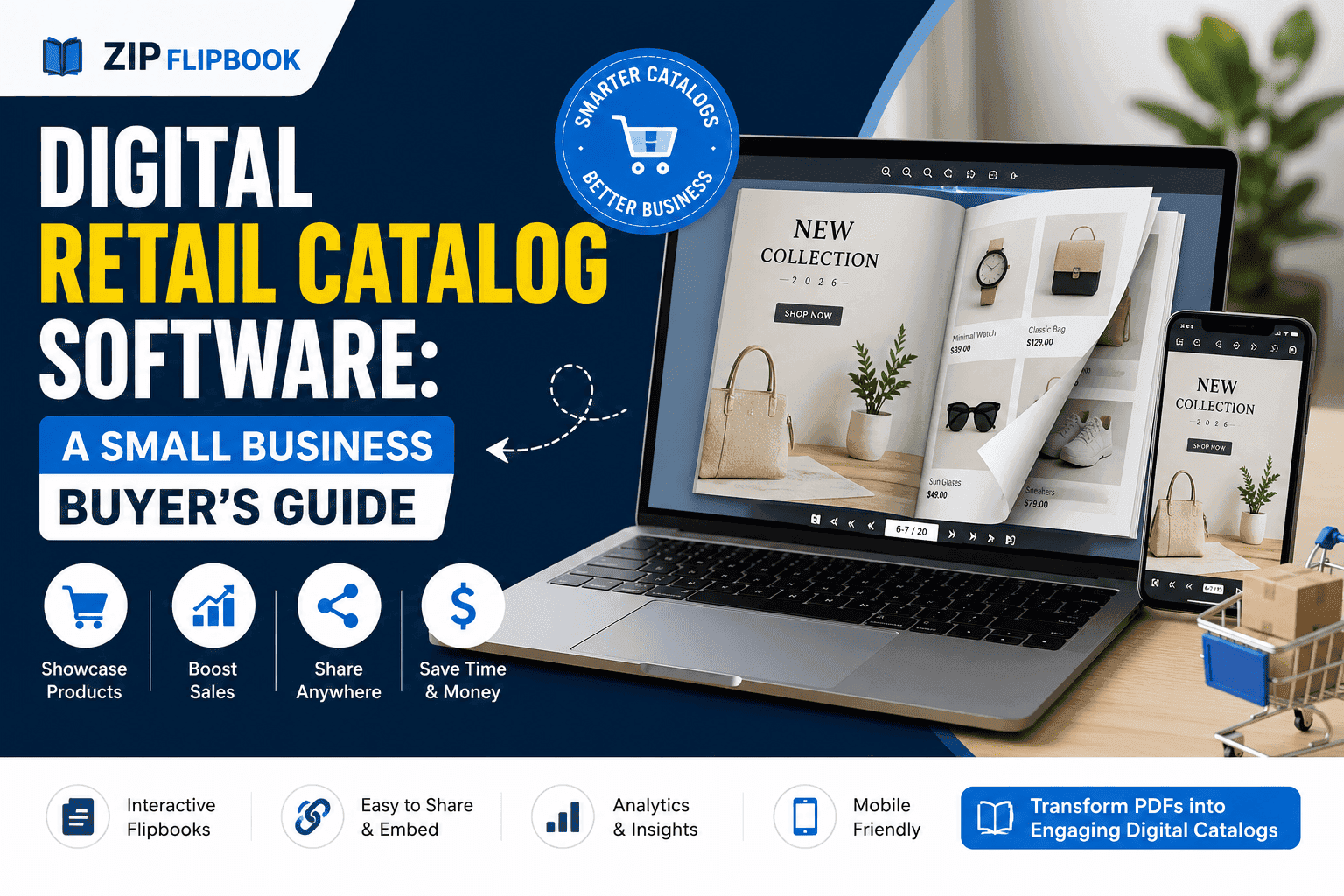
PrestaShop is a powerful open-source platform, but it can be prone to "bloat" if you install too many heavy modules. If you need to show technical manuals, size guides, or brand brochures, installing a dedicated PDF viewer module is often a mistake. These modules add extra JavaScript to your frontend, tanking your PageSpeed scores and hurting your SEO.
The smarter, more modern approach is to offload the document rendering to a cloud service.
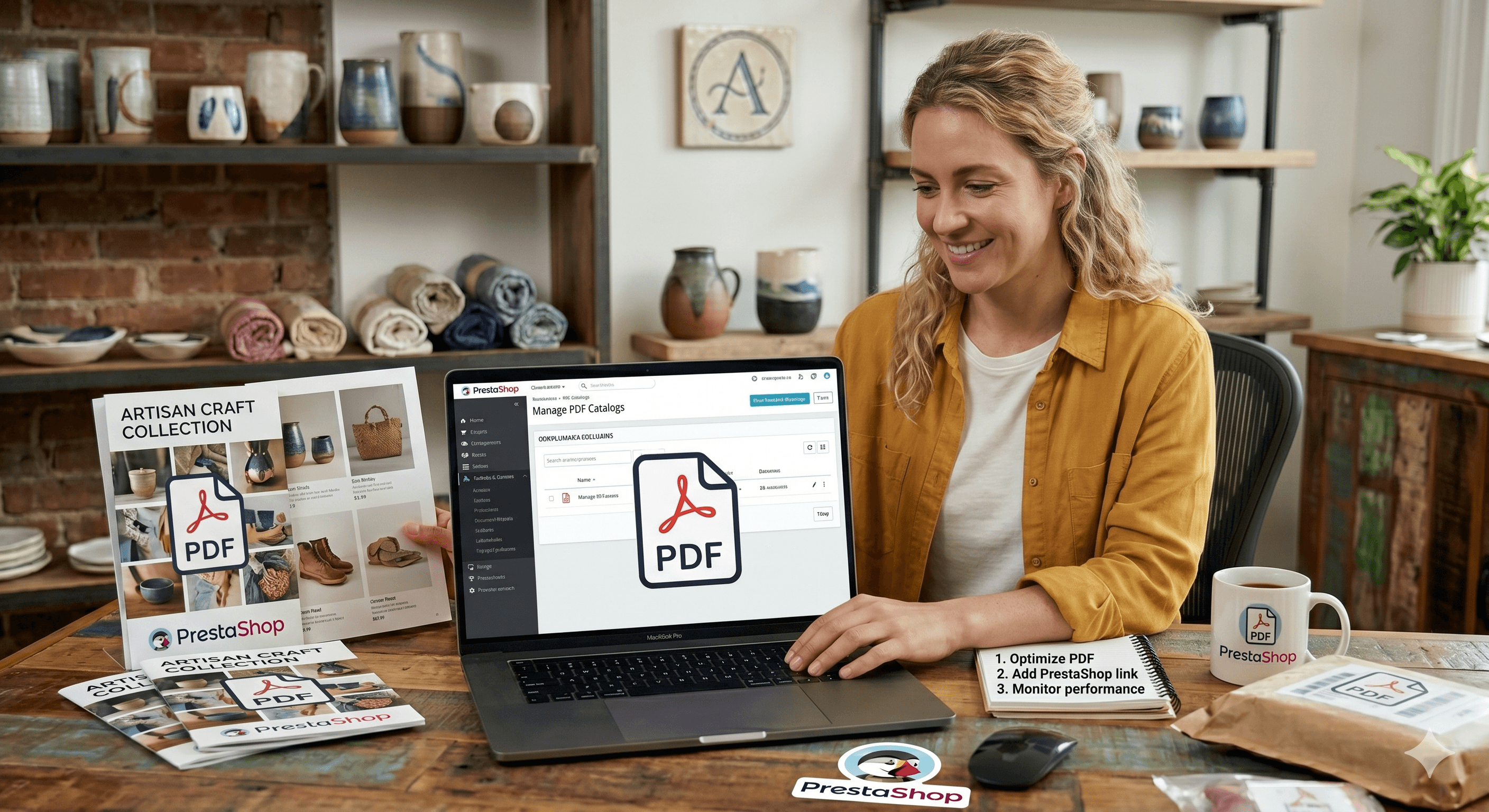
Why ZipFlipbook is the Best Choice for PrestaShop
ZipFlipbook converts your heavy PDF files into a lightweight cloud-hosted player. You simply paste a single line of iframe code into your store. Since the rendering happens on ZipFlipbook’s servers, your PrestaShop store stays fast and responsive. Generating these interactive embeds is 100% free, making it a no-brainer for budget-conscious store owners.
Turn Your PDFs into Lead Generation Machines
Start getting highly-qualified leads from your PDFs and landing pages today. It takes exactly 2 minutes to set up.
No credit card required • Sign up in 10 seconds
Step-by-Step Embedding Guide
Step 1: Get Your Free Embed Code Upload your document to ZipFlipbook and copy the generated iframe snippet from your dashboard.
Step 2: Log into PrestaShop Admin Go to Catalog > Products and choose your product. Navigate to the "Description" tab.
Step 3: Use the Source Code Tool In the TinyMCE editor (the text box), click on Tools > Source Code.
Step 4: Paste the Iframe Paste your code into the window and click "Ok". Save the product.
Your customers can now swipe through your professional documents without any lag or downloads. It’s the perfect way to provide detailed information while maintaining a 100/100 performance score.
Here is an flipbook embed Example: