If you run a Shopify store, keeping your customers actively engaged on your website is your number one priority. Every time a shopper leaves your store or encounters friction, your conversion rate drops.
Many merchants make the critical mistake of linking to PDF product catalogs, deep-dive technical specs, or user manuals using standard file links. When a shopper clicks that link on their smartphone, they are forced to download a heavy file. By the time they finish looking at the PDF in their phone's file viewer, they have often forgotten to return to Safari or Chrome to finish their purchase.
To keep shoppers engaged and drive sales, you must embed your catalogs directly onto your Shopify pages so they can browse without ever leaving the store.

The Free, Shoppable Flipbook
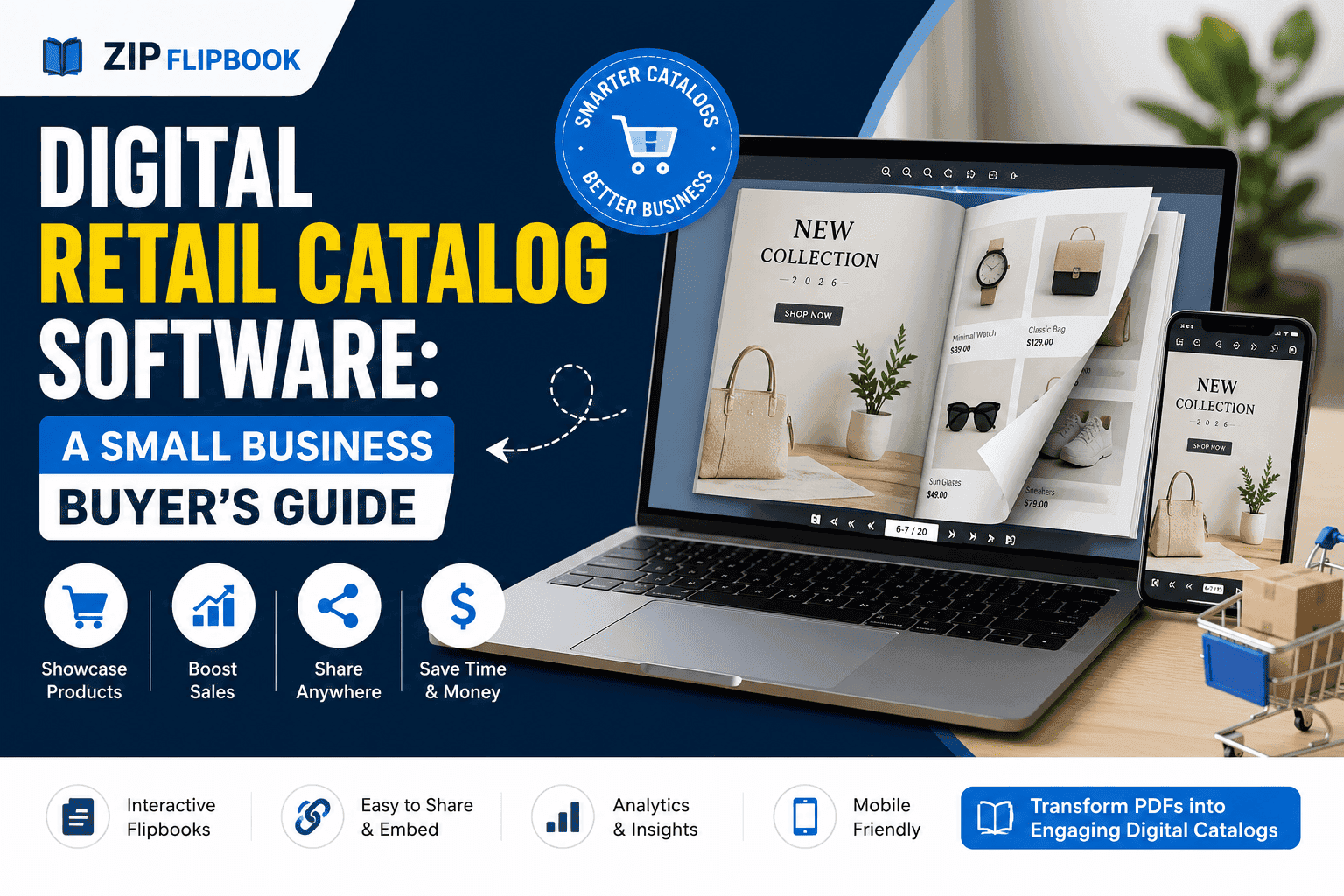
By using ZipFlipbook, you can convert your standard PDF lookbooks into interactive digital magazines. Instead of paying for a heavy Shopify App that slows down your store's load time, ZipFlipbook provides a fast, cloud-hosted embed code entirely for free.
Instead of a text link that says "Download our Spring Catalog," you display a gorgeous, swipeable document right next to your "Add to Cart" button.
Turn Your PDFs into Lead Generation Machines
Start getting highly-qualified leads from your PDFs and landing pages today. It takes exactly 2 minutes to set up.
No credit card required • Sign up in 10 seconds
How to Embed a Catalog in Shopify
Step 1: Create a Digital Catalog Upload your PDF lookbook to ZipFlipbook. Copy your free generated iframe embed code.
Step 2: Log into Shopify Go to your Shopify Admin panel.
Step 3: Choose Your Location You can embed this flipbook on a dedicated Page (Navigate to Online Store > Pages) or directly inside a specific Product Description (Navigate to Products > Select Product).
Step 4: Access the HTML Editor In the Shopify rich text editor toolbar, look for the Show HTML (<>) icon in the top right corner. Click it to switch from the visual view to the code view.
Step 5: Paste the Code Paste your ZipFlipbook snippet into the code box exactly where you want the document to appear. Click the <> button again to return to the visual editor, and hit Save.
By embedding a free interactive flipbook, your customers can effortlessly swipe through your catalogs without missing a beat, resulting in a smoother shopping experience and higher revenue.