We had a client site drop from a Lighthouse score of 94 to a 62 overnight, and it took us three hours of digging through the Network tab to figure out why. Turned out someone had embedded a flipbook viewer on the homepage — a nice one, actually, good product, bad implementation — and it was loading a full JavaScript library and a handful of assets on page load, whether or not anyone ever scrolled down to look at it. The flipbook itself was fine. The way it got dropped into the page was the problem.
That's the thing nobody warns you about with embeds. The content can be great and still tank your site if it's implemented lazily, and most embed code you copy-paste from a tool's dashboard is written to work everywhere, not to work fast on your specific site.
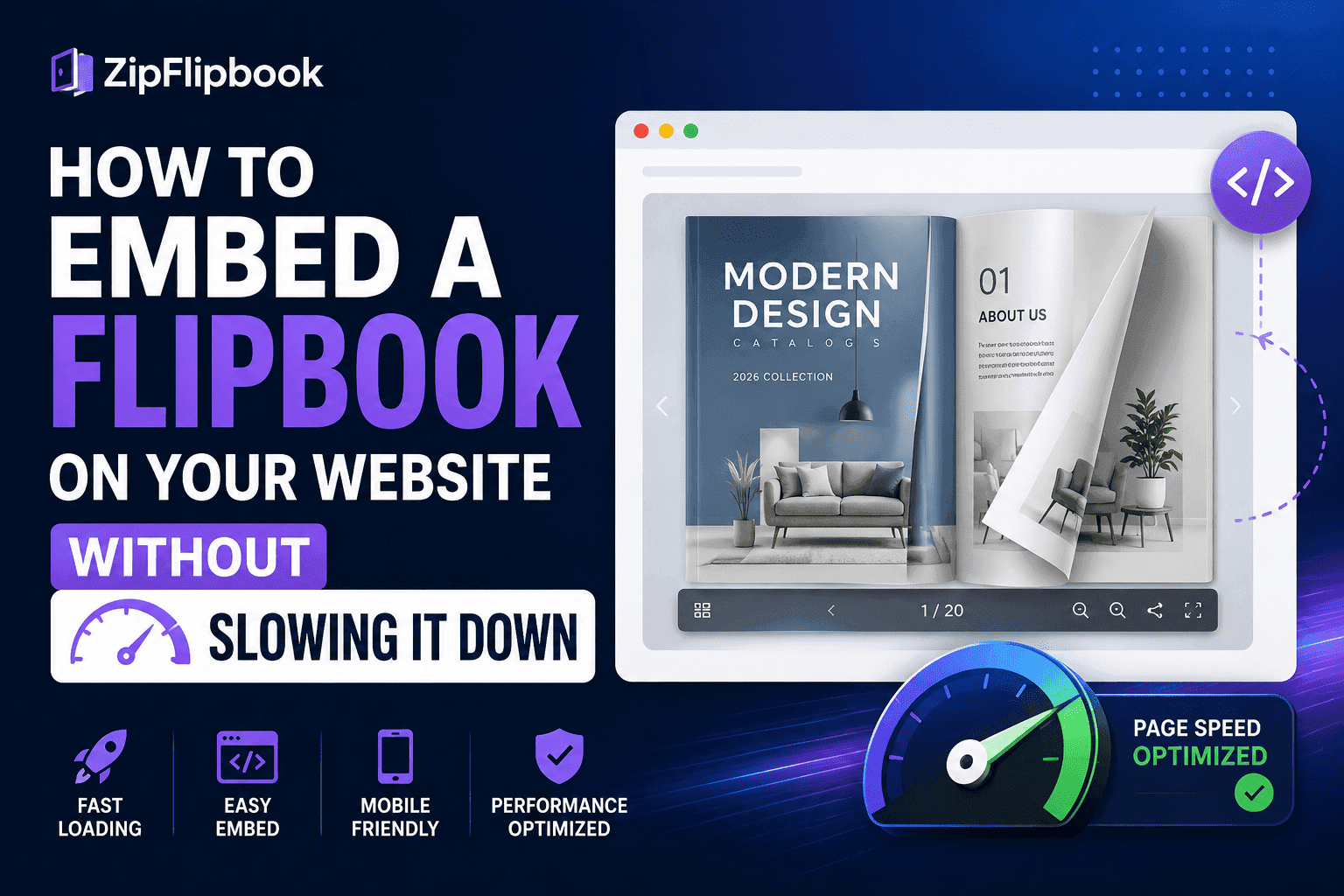
What's actually making your flipbook so damn heavy?
A flipbook isn't just an image. Under the hood it's usually rendering page-turn animations, sometimes loading a JS library to handle the flip physics, pulling in whatever fonts or icons the tool ships with, and loading every page of your document as an asset — even the pages nobody's looked at yet. Compare that to embedding a static image or even a YouTube video, which browsers have gotten really good at optimizing for. Flipbook embeds are a newer, messier category, and a lot of tools haven't caught up on making that lightweight by default.
Add an iframe on top of that — which is how most embeds get delivered — and you're often loading a second full page inside your page, with its own scripts, its own stylesheets, sometimes its own font loading, completely separate from whatever optimization you've already done on the main site.
None of this is a reason to avoid embedding a flipbook. It's a reason to actually pay attention to how it gets embedded.
Do this one thing first (and it's probably lazy loading)
If there's one thing to actually do, it's this: don't load the flipbook until someone's about to see it. Most sites embed things at the top of the page load regardless of where on the page they actually sit, which means a flipbook buried three scrolls down is still competing for bandwidth with your hero image and your above-the-fold content, even though nobody's near it yet.
Lazy loading fixes that in one swoop. Instead of dumping the whole interactive beast onto the page immediately, you just drop a lightweight placeholder — think a simple JPG cover with a play button. The heavy scripts don't even wake up until the user actually scrolls near it or taps to open it. This alone solved most of our Lighthouse problem on that client site. We didn't even need to touch the flipbook tool itself, just changed when it was allowed to load.
ZipFlipbook handles this natively — no weird hacks required. That alone puts it miles ahead of the clunky legacy tools I've had to fight with before, where you get an embed snippet that fires everything on page load no matter where the flipbook sits.
Just hide it until they click it
Even better than lazy-loading the full iframe: don't load the iframe at all until someone actually wants to see it. Show a static thumbnail of the cover page — just a regular compressed image, basically free to load — with a play-style button overlay. Clicking it swaps that image out for the real embed.
This is the same pattern you already see with embedded video. Why? Because a huge chunk of your visitors are going to scroll right past it anyway — why make them download the whole thing? If your flipbook's linked from a "download our brochure" button, plenty of visitors never touch it at all. Loading the full interactive thing for all of them is wasted bandwidth for everyone else.
Fix your PDF before you blame the code
A lot of embed slowness isn't actually about the embed code — it's about what you handed the tool in the first place. If your source PDF is 40MB because it's full of print-resolution images meant for a physical brochure, the flipbook built from it is going to be heavy no matter how clean the embed code is.
Before uploading, compress your images down to web resolution. Nobody's zooming into a flipbook page enough to need a 300dpi source image — screen resolution is far lower than print, and the file size difference between a properly compressed page and an untouched print file is often 5 to 10x. Run your PDF through a compression pass first. It's a five-minute step that fixes a problem no amount of clever embed code can fully undo.
Rule of thumb: one flipbook per page, max
Fairly common mistake on catalog or resource pages — someone embeds three or four flipbooks stacked vertically so visitors can browse different brochures without clicking through to separate pages. Feels convenient. Loads terribly, because now you're potentially loading multiple full iframe environments simultaneously, each with its own scripts and fonts.
If you've got several documents to show, use thumbnails that link out to individual flipbook pages, or at minimum make sure only one embed can be "active" (loaded, not just visible) at a time. Everything else stays as a lightweight preview until clicked.
Put it below the fold (if you possibly can)
Above-the-fold embeds get loaded immediately no matter what lazy-loading setup you've got, because they're visible the second the page renders. If you can afford to place your flipbook slightly below the fold — after your headline, after your main CTA — you buy yourself more room for lazy loading to actually do its job, and your initial page paint stays fast regardless of what the flipbook's doing.
This isn't always possible. Sometimes the flipbook is the point of the page and it has to be front and center. In that case, at minimum make sure the source PDF is compressed and the embed code you're using supports some form of progressive loading — show page one fast, load the rest as someone flips forward, rather than pulling every page down at once.
Checking whether your current setup is actually a problem
Before assuming your flipbook is the culprit behind a slow page, actually check. Run your page through Google PageSpeed Insights or the Lighthouse tab in Chrome DevTools and look specifically at what's loading during the initial paint versus after. If the flipbook's assets show up in that first wave, that's your answer. If they're loading later, after the visible content's already rendered, it's probably not the thing dragging your score down and you're chasing the wrong fix.
Also worth checking: whether the flipbook's actually loading twice by accident. This happens more than you'd think — a site gets redesigned, an old embed code stays in a footer or a hidden section, and now there are two instances of the same flipbook quietly loading on every page. Search your site's source for the embed script and make sure it's only showing up where you think it is.
Turn Your PDFs into Lead Generation Machines
Start getting highly-qualified leads from your PDFs and landing pages today. It takes exactly 2 minutes to set up.
No credit card required • Sign up in 10 seconds
What this actually looks like with ZipFlipbook
Upload your PDF, and you get an embed snippet built to lazy-load by default rather than firing on page load. Drop that snippet wherever the flipbook needs to sit — below the fold, in a sidebar, wherever — and it won't compete for bandwidth with the rest of your page until someone's actually about to see it. Combine that with a properly compressed source PDF and you're looking at an embed that adds real interactive content to a page without tanking the load time that got you ranking in the first place.
That last part matters more than people give it credit for. A flipbook that makes your product look great but knocks three seconds off your page speed is a bad trade — slow pages lose both search rankings and the visitors who bounce before the thing even finishes loading. Get the embed right and you don't have to choose between the two.
If you've already got a flipbook embedded somewhere and you're not sure whether it's dragging your site down, that PageSpeed check takes about thirty seconds and tells you immediately. Trust me — don't assume. Run that test now. I've wasted a full afternoon before chasing a phantom performance bug that turned out to be a duplicate embed hiding in a footer nobody remembered was there.