My cousin got married two years ago and the physical album — the actual leather-bound one, ordered from her photographer for something like $600 — has been opened maybe four times since it arrived. Twice by her parents. Once by me, at a family dinner, mostly out of politeness. Once by her, six months in, going through a box while moving apartments. That's it. Four times. For $600.
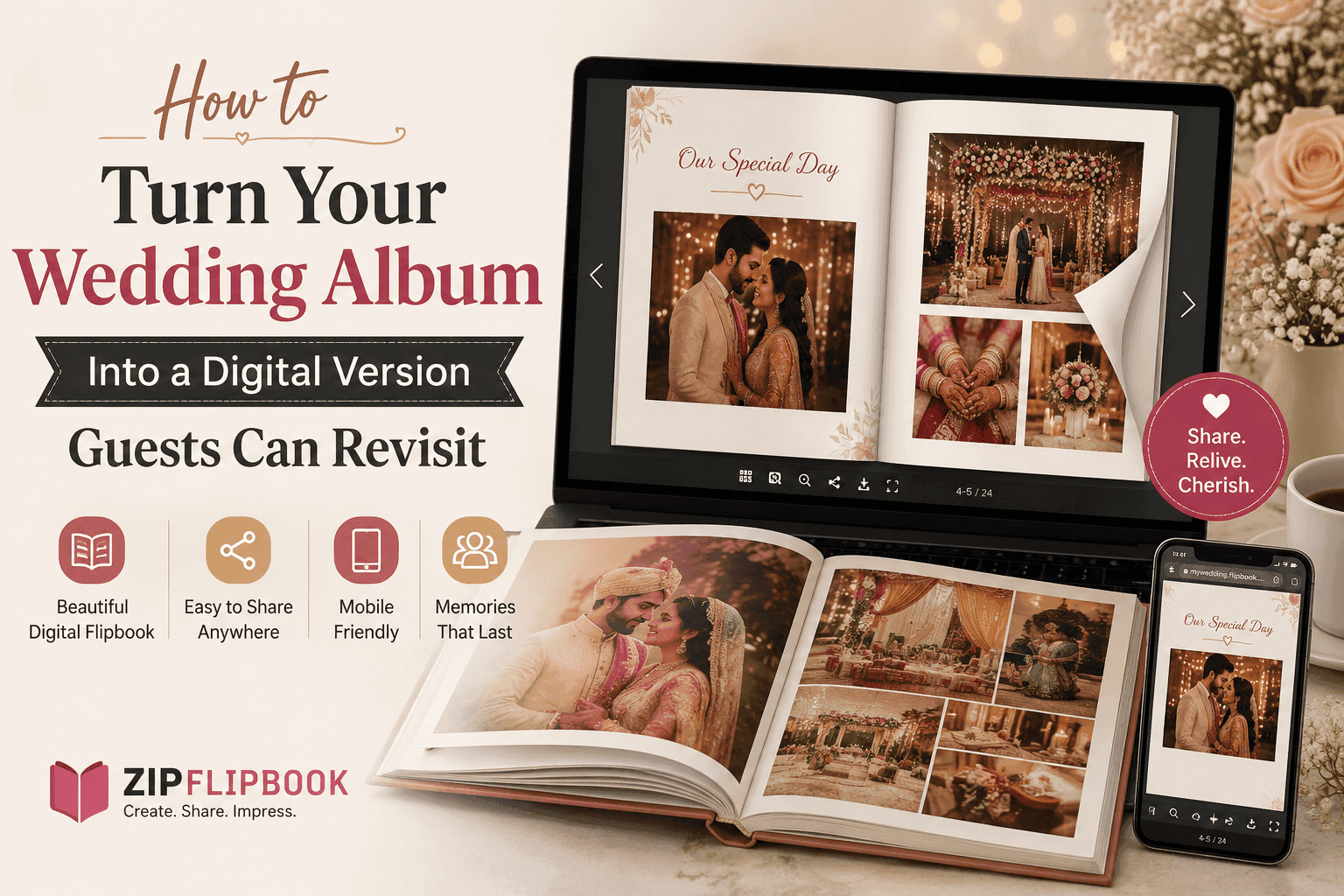
Meanwhile the same 80-ish photos, if she'd had them as a link she could text people, probably would've gotten opened way more than that in the first month alone. A link is frictionless in a way a book on a shelf never will be. You can't text someone a physical album. You can absolutely text them a link.
That's the case for building a digital companion to the printed one. Not a replacement — keep the album, it's still worth having — just a second version that actually gets looked at.
Why the physical album stops getting opened
It's not that people stop caring about the wedding. It's just physics, mostly. The album lives on a shelf or in a box, and looking at it requires a decision — walking over, pulling it out, sitting down with it. That's a real activity, not a passive one, and life doesn't hand you many spare moments built for "sit down and look at a book" anymore.
A digital version skips the whole process. Someone's in bed, gets a text, taps it — thirty seconds later they're looking at your wedding. No shelf required. That doesn't sound like much until you realize how rarely anyone actually walks over to a shelf anymore.
There's also the sharing problem. Out-of-town family who couldn't make the wedding, or extended relatives who weren't close enough to get their own album, basically never see the physical copy unless they visit in person. A digital version they can be sent directly solves that instantly.
Picking which photos actually make the cut
Don't just dump your entire photographer delivery — the one with 600-plus images — into this. That's what the full gallery download is for, and it already exists somewhere. This is a curated, smaller thing, closer to the physical album's edit than the raw shoot.
Aim for somewhere around 60 to 100 photos. Enough to tell the full arc of the day — getting ready, ceremony, the in-between moments, reception — without it turning into a scroll marathon nobody finishes. If your photographer already built a physical album layout, honestly the easiest move is just using that same sequence. They already did the hard curation work of picking the actual best shots and ordering them into something that reads like a story instead of a pile.
If you're doing your own edit instead, resist the urge to include every decent photo. There's a specific instinct after a wedding to keep everything because it all feels important in the moment. Six months out, almost nobody notices if fifteen slightly-redundant reception shots got cut down to five. What they notice is pacing — whether the thing feels like it's telling a story or just showing you a stack of pictures in no particular order.
Getting the files ready
Export your chosen photos at a size that'll actually load fast on a phone — you don't need full-resolution files here, since nobody's printing off a digital viewer. Somewhere in the 1500 to 2000 pixel range on the long edge is plenty sharp for a screen and keeps file sizes manageable.
Lay them out as a single PDF, one photo per page for the standout moments, maybe pairing two smaller ones together for candids that work as a set — a hand-holding shot next to a laughing shot, that kind of pairing. Most photo editing software or even a basic layout tool handles this without much trouble. Keep the design minimal. A thin white border, maybe a page number if you want one. The photos should be doing all the work, not a bunch of decorative framing around them.
Turning the PDF into something people actually flip through
A PDF on its own is still a file people have to download and then remember to open later, which puts you almost back where you started. What you want instead is something that opens straight into a browser as a link — no download, no app, works the same whether someone's on an iPhone at a family reunion or a laptop three states away.
ZipFlipbook handles this. Upload the PDF, and it turns into a flippable version people access through a link — click it, and you're looking at the album immediately, swiping or clicking through pages the way you'd flip through the real thing. No account required on their end, nothing to install. It's free to get started, which matters here because this isn't really a business use case — you're not trying to build a funnel, you just want something you can send to eighty different family members without emailing eighty separate zip files.
Once it's live, you get a single link. That link is the whole point. It goes in a text to your parents. It goes in the group chat with your wedding party. It goes to the aunt who couldn't fly in from Portugal for the wedding and has been asking for photos for eight months.
Turn Your PDFs into Lead Generation Machines
Start getting highly-qualified leads from your PDFs and landing pages today. It takes exactly 2 minutes to set up.
No credit card required • Sign up in 10 seconds
Making it something people come back to, not just open once
The trick to actually getting revisits instead of a single glance is making the link easy to find again later, not just easy to open the first time.
Pin the message with the link in whatever group chat your family actually uses — the one people check, not some app half of them forgot they installed. A pinned message survives; a text from four months ago gets buried under grocery lists and dog photos within a week.
If you've got a wedding website that's still live, add the link there too, under something simple like "our photos." People revisiting the site for other reasons — checking the honeymoon registry, whatever's still up — will stumble onto it again naturally.
Anniversaries are a built-in excuse to resurface it. Resend the link on your first anniversary with something like "one year ago today" — people genuinely like being handed a reason to revisit something sentimental, and it costs you nothing to send a text you've already got saved.
A smaller thing worth doing: separate it from the ceremony-only crowd
Not everyone who gets the link needs the full 80-photo version. If you've got extended family or coworkers who came to the reception but not the ceremony, or vice versa, consider building a second, shorter flipbook — maybe 20 to 25 highlight shots — specifically for people at the edge of your circle. It respects that not everyone wants the full intimate version, while still giving them something nicer than a random Instagram post to look at.
Probably overkill for most weddings. But if you had 150 people and half of them were plus-ones or coworkers you barely know, it's a nice middle ground — something to send them that isn't the full intimate version, but also isn't nothing.
Don't stop at photos — a little text changes the feel
A photo dump — even a good one — feels like a photo dump. Add a cover page with your names and the date. Maybe a line from your vows before the ceremony shots. It takes five minutes and changes the whole feel.
A simple cover page with your names and the date does a lot of work for very little effort — it's the difference between "here's a link" and "here's our wedding album." If you had a reading or vows you want preserved, a page with a short excerpt before the ceremony photos adds context that a photo alone can't carry. Even something as small as a caption under a few key shots — the venue name, a detail about who made a toast — turns it from a slideshow into something with a bit of narrative.
Keep this light. You're not writing a memoir. Two or three text touches across 80 pages is plenty — enough to add warmth without turning it into a project that never gets finished.
Turn Your PDFs into Lead Generation Machines
Start getting highly-qualified leads from your PDFs and landing pages today. It takes exactly 2 minutes to set up.
No credit card required • Sign up in 10 seconds
What this actually solves
Keep the physical album. Seriously. I'm not suggesting you replace it — sitting down with a book years later is its own thing. But the book isn't what people actually see. A $600 object opened four times in two years is a real gap, and it's a gap a link fixes almost entirely for free.
Do it now, honestly — while the photos are still fresh and you actually remember what's what. Send the link through whatever channel your family actually uses. Resend it on anniversaries. That's it. No maintenance. No new habits. Just a link that doesn't get buried.
If you've got wedding photos sitting in a downloads folder right now, half-organized, six months after the fact — that's usually the exact moment people finally get around to this. Pick your favorites, make the PDF, throw it into ZipFlipbook, and send the link. Before it becomes another project you meant to do.