I've read probably 50 articles on growing an email list. They all say the same thing. Pop-ups. Lead magnets. Giveaways. I've tried all of them. They work okay. But they miss the actual problem: nobody trusts you enough to give you their email yet.
They land on your site. They see a form. They think: another newsletter I'll never read.
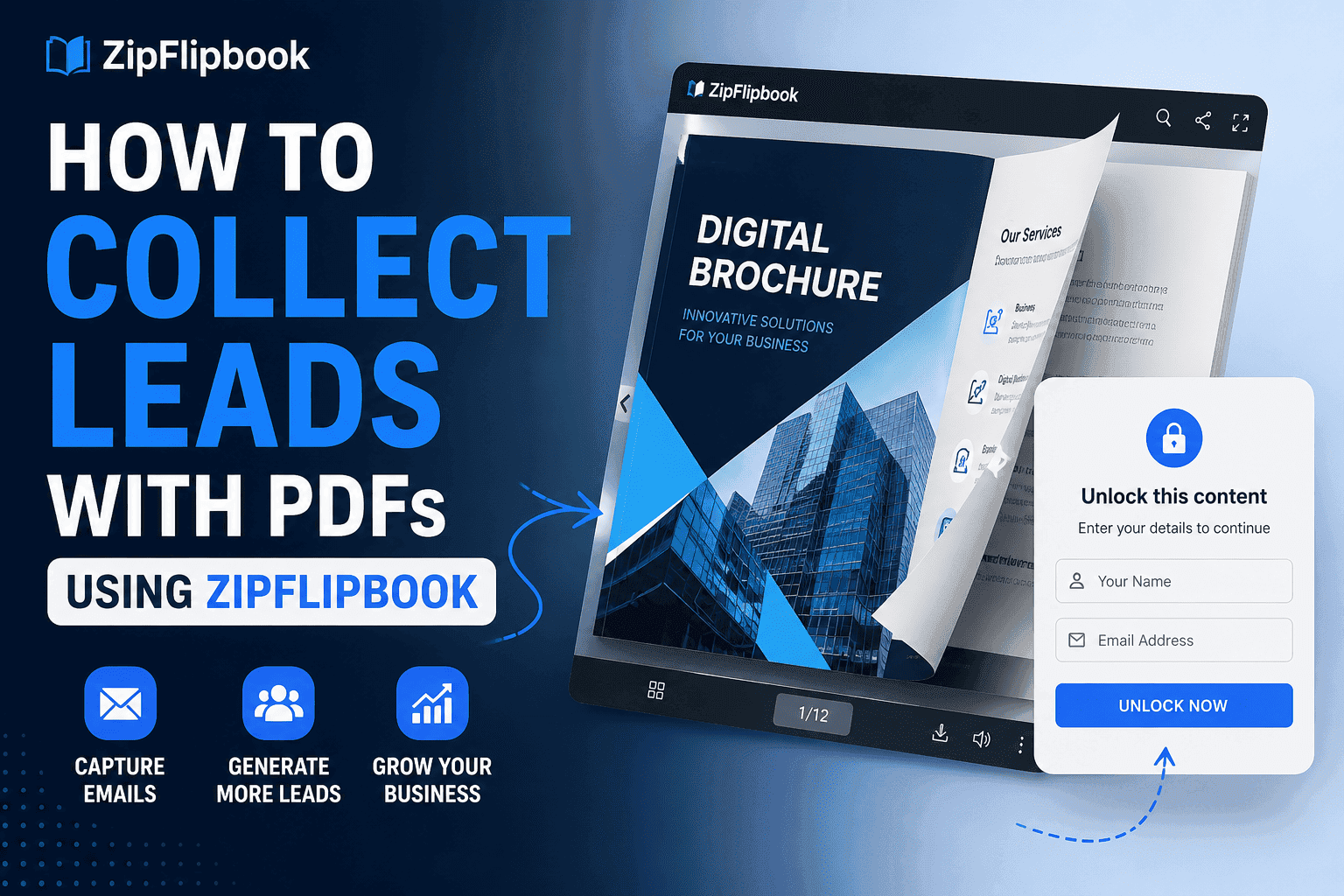
Interactive flipbooks change that. Last quarter I tested a gated flipbook against a plain PDF download. The PDF converted at 7%. The flipbook hit 24%. Same audience, same content, different format.
Why Most Lead Magnets Fall Flat
PDF checklists are dead. I don't mean "less effective." I mean people see one and scroll past immediately.
It's not the content. It's the format. A flat file doesn't signal effort. It signals "I exported this from Notion and called it a product." Nobody hands over their email for that.
Think about what a lead magnet is actually doing psychologically. It's making a first impression before the person knows anything about you. It's answering "is this person worth my inbox?" in about three seconds. A static PDF answers that question with a shrug. An interactive flipbook answers it with something that looks genuinely produced.
And that matters more than people admit. Most creators obsess over their opt-in copy — the headline, the button color, the subheadline — when the bigger lever is simply whether the thing they're offering looks like it's worth having.
What actually works is a lead magnet that feels premium before the reader reads a single word. Something that looks like it took real work — because the format itself communicates that.
That's what an interactive flipbook does that nothing else quite replicates.
What Makes a Flipbook Different
A flipbook isn't just a PDF with page-turning animations. Done right, it's a genuinely immersive reading experience — one that mimics the tactile satisfaction of flipping through a real magazine or brochure.
Platforms like ZipFlipbook let you publish digital flipbooks for free, turning your existing content into something that actually looks impressive. No design degree required. Upload your PDF, customize the look, and you've got a shareable link that opens to a fully interactive reader.
Readers can flip through pages, zoom in, click embedded links, and navigate with a table of contents. On mobile, it works cleanly. And the visual quality is on a completely different level from a plain file download.
Here's the thing most people don't realize: you don't need new content to start. Take something you've already written — an old blog post series, a resource guide, a case study compilation — and repackage it as a flipbook. The content doesn't change. But the perceived value does, dramatically. I've taken content I originally published as a blog post, reformatted it into a 14-page flipbook, and watched it convert three times better as a gated lead magnet than it ever did as a free article.
That difference is what separates "sure, I'll subscribe" from "who is this person?"
The Email Capture Play That Actually Works
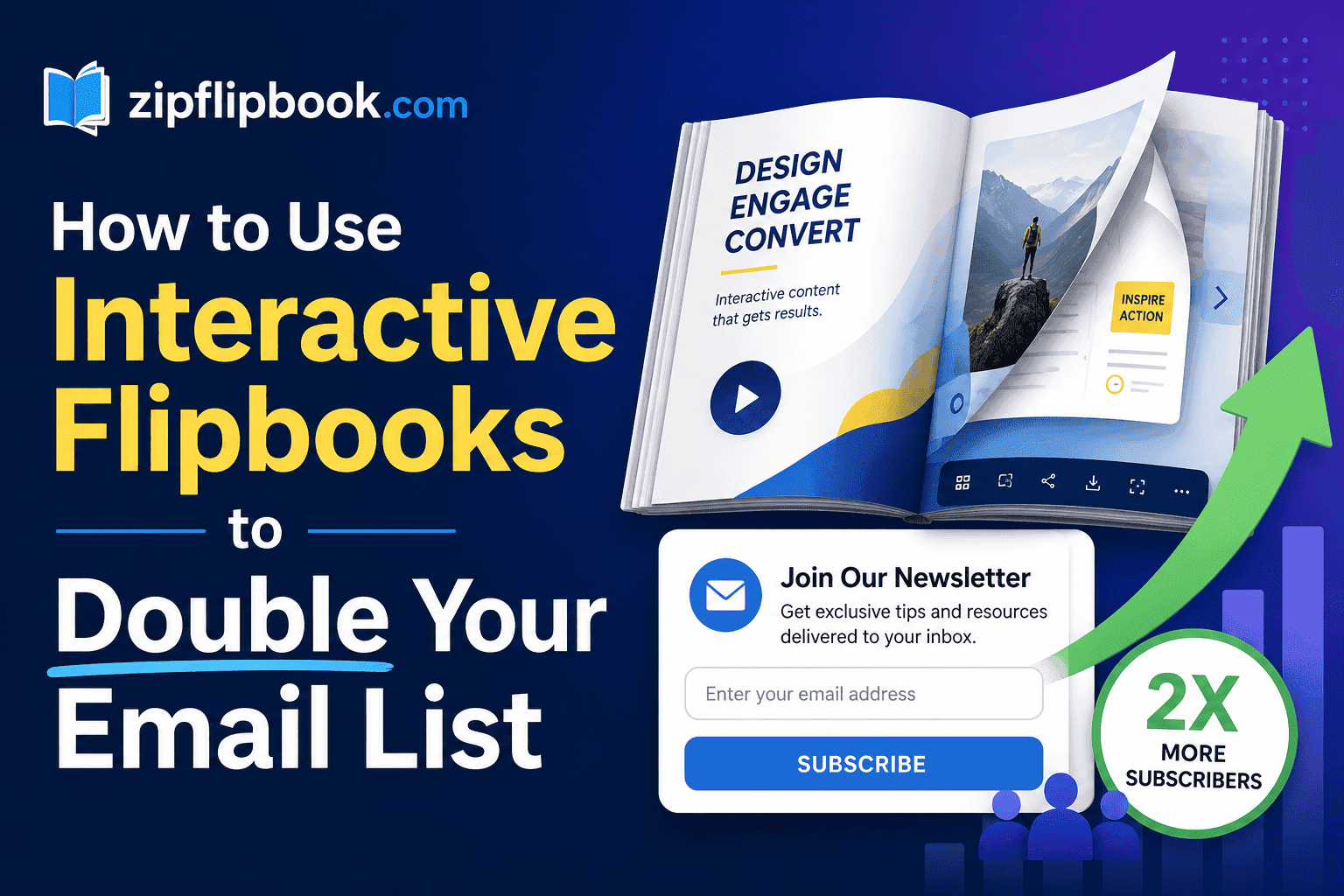
Here's exactly what I did last month. Wrote a 12-page guide. Put the first 4 pages free. Asked for an email on page 5. Got 340 subscribers in 2 weeks. No pop-up. No giveaway. Just a good flipbook with a smart gate.
Three steps. Most people skip at least one.
Turn Your PDFs into Lead Generation Machines
Start getting highly-qualified leads from your PDFs and landing pages today. It takes exactly 2 minutes to set up.
No credit card required • Sign up in 10 seconds
Step 1 — Create Content Worth Gating
If you're gating bad content, stop reading now. Nothing else in this article will help you.
Your flipbook has to be something your audience would pay for if you charged. A trend report, a resource guide, a mini magazine, an industry playbook — something they'd actually want to keep and reference later. If it's good, people share it even after they've already read it.
The easiest way to figure out what to make: look at what questions your audience asks repeatedly. In forums, in your DMs, in comment sections. The question that comes up over and over again is your flipbook topic. Answer it thoroughly, visually, with actual depth — and you have something worth gating.
Step 2 — Publish It With a Soft Gate
Show the first three to five pages free. Ask for an email to continue.
This beats a blind gate completely. By page four, the reader has already decided you're worth their time. Asking for an email at that moment feels like a fair exchange, not a toll booth. You're not interrupting them. You're catching them at the exact moment they want more.
My first flipbook I gated on page two. Conversion was terrible. Moved the gate to page five. Conversion tripled. That one change.
There's also a psychological element here that goes beyond the gate placement. When someone flips through four pages of a well-designed document, they've already invested time. Behavioral economics calls this the sunk cost effect — they're more likely to complete the action because they've already started. A blind gate before page one doesn't trigger this at all. A soft gate after page four does.
Step 3 — Connect Your Gate to Your Email Platform
Mailchimp, ConvertKit, Beehiiv — doesn't matter which one. What matters is that the capture feeds directly into your list automatically. Not a spreadsheet you export once a month.
Set up a welcome email that fires immediately. The reader is engaged right now. An email that arrives two hours later is competing with fifteen other things. You've already lost the moment.
Your welcome email doesn't need to be long. It needs to be fast, warm, and specific. Reference the flipbook they just read. Tell them what to expect from you going forward. Give them one more useful thing — a related article, a tool recommendation, a quick tip — so the relationship starts with value rather than a promise of future value.
Building a Flipbook Funnel From Scratch
Example: I run a small content consultancy. Last quarter I made a 20-page "State of Local Marketing" flipbook — trends, quick stats, three anonymized case studies, a checklist at the end. Took 4 hours to put together. Added 200 emails to my list inside three weeks.
Published it on ZipFlipbook. Shared the link on LinkedIn with a post pulling one stat from the report. First four pages visible. Page five gated.
The people who hit that gate were already my best prospects. They'd read four pages. They were in. They weren't accidental clicks — they'd self-selected.
Scale that. One flipbook per quarter. Each one builds credibility from the last. Your list grows with people who actually wanted to be there, which means open rates stay high and unsubscribes stay low. That compounding is real. I saw it firsthand: first flipbook got 40 emails, third flipbook got 400. The content got sharper, the format stayed the same.
What I didn't expect was the referral effect. People who read the full flipbook forwarded it to colleagues. Those colleagues subscribed from the same link. A single flipbook generated second and third-order subscribers I never would have reached through a normal lead magnet. That doesn't happen with a PDF. It happens when the format itself is something worth sharing.
Flipbooks as Evergreen Traffic Magnets
Most people publish a flipbook and treat it like a campaign — a thing with a launch date and an end date. That's the wrong mental model.
A well-made flipbook keeps working. It gets shared in Slack channels, linked in newsletters, bookmarked and revisited. It lives at a permanent URL. I have a flipbook from eight months ago that still pulls 15–20 new subscribers a week. I haven't touched it since I published it.
That's not something a landing page with a stock photo and a "download now" button does. One of these things keeps pulling. The other sits there hoping someone notices.
There's also an SEO angle worth mentioning. If your flipbook lives on a public URL — and it should — Google can index it. Long-form, high-quality content in a unique format stands out in search results. I've had flipbooks rank for competitive keywords simply because the format and depth were unusual enough to earn backlinks naturally. That's free, compounding traffic feeding into your email gate months after you published.
How to Promote Your Flipbook Without Paying for Ads
Publishing the flipbook is step one. Getting it in front of people is step two, and it's where most creators drop the ball.
The highest-leverage channel is wherever your audience already congregates. For B2B audiences, that's usually LinkedIn. Share the flipbook with a post that leads with the most surprising or counterintuitive insight from inside it. Don't summarize the whole thing — give them one thing that makes them curious about the rest.
For consumer audiences, Reddit and niche Facebook groups work well if you're genuinely contributing to the community rather than just dropping a link. Find the subreddit or group where your target audience hangs out. Participate for a few weeks. Then share the flipbook as a resource when it's genuinely relevant to a conversation that's already happening.
Newsletter swaps are underused. Find newsletters that write for a similar audience but don't directly compete with you. Offer to feature their content to your list in exchange for them mentioning your flipbook to theirs. Small lists with highly engaged readers convert better than large lists with passive ones.
Existing content is another lever. If you've written blog posts on the topic, add a contextual mention of the flipbook partway through the article — not in the sidebar, not at the bottom, but mid-article when the reader is most engaged. Treat it the way you'd treat an internal link: relevant, natural, worth clicking.
Turn Your PDFs into Lead Generation Machines
Start getting highly-qualified leads from your PDFs and landing pages today. It takes exactly 2 minutes to set up.
No credit card required • Sign up in 10 seconds
Rewarding New Subscribers the Right Way
Most guides never mention this because it happens after the conversion number — and conversion numbers are what people optimize for.
But what you do in the first 10 minutes after someone subscribes is what determines whether they stay or unsubscribe within 48 hours.
Don't just unlock the flipbook and disappear. Use that first email to set the tone for the whole relationship.
Once a reader gives you their email, don't just dump a messy file in their inbox. Deliver your premium content alongside a recommendation for tools like Aura Reader, showing them you care about their actual reading experience from start to finish.
That kind of curation signals something the content itself can't: that you actually thought about what happens after they click. Readers notice. They remember it the next time you show up in their inbox.
The best welcome sequences I've seen do three things. They deliver what was promised, immediately. They introduce the person behind the content — not a company bio, but an actual human with a perspective. And they set an expectation for what's coming next, so the second email feels like a continuation rather than a cold open.
Formats That Work Well as Flipbooks
Not everything converts equally. Here's what I've seen actually work when paired with an email gate.
Annual or quarterly trend reports — people treat these as reference documents and share them broadly. Long shelf lives. High perceived authority. A 20-page trend report as a flipbook looks like something a major publication put out. The same content as a PDF looks like homework.
Visual guides and tutorials — anything with screenshots, diagrams, or step-by-step layouts is a natural fit. The page format lets readers move at their own pace instead of scrolling endlessly.
Mini magazines and curated roundups — aggregate insights from multiple sources, design it well, and a flipbook makes it feel like a real publication. The same content in a Google Doc feels like a draft.
Resource directories — "The 30 best tools for X" works far better as a browsable flipbook than a scrollable blog post. Readers flip to sections, revisit specific pages, forward the whole thing to a colleague.
Interview compilations — if you've interviewed five or ten people in your industry, package those conversations into a flipbook. The multi-voice format adds credibility and the people you interviewed will share it to their own audiences, giving you distribution you didn't have to build.
The pattern: any content that benefits from structure and visual presentation will outperform its PDF version. Every time.
Common Mistakes to Avoid
Rushing the design. Your flipbook is the first impression before the first word. If it looks like a draft, people assume the content is too. I spent an extra two hours on layout for my third flipbook and it was the single biggest factor in improving shares.
Gating too early. Page two is too soon. You haven't earned the ask yet. Three to five pages minimum. Let them get invested first.
Ignoring mobile. More than half your audience will open this on their phone. ZipFlipbook's mobile reader handles it well, but make sure your underlying layout isn't a wall of tiny text. Test it yourself before publishing.
Making it too long. Longer isn't more impressive. A tight, well-designed 12-page flipbook outperforms a bloated 40-page one every time. People want to finish what they start. Give them something they can realistically complete in one sitting.
Skipping the follow-up sequence. The flipbook gets them on your list. Your first three emails build the relationship. If you don't have a welcome sequence written before you launch the gate, write it first. The momentum you have in those first 48 hours is real — don't waste it.
Treating it as a one-time asset. Update it. Add a new section six months later. Republish it with a "revised edition" label. Existing subscribers won't care. New ones will get a better version. And a revised edition gives you a legitimate reason to promote it again without it feeling like recycled content.
Frequently Asked Questions
Do I need design skills to make a flipbook?
No. ZipFlipbook takes a PDF you already have and converts it into an interactive flipbook automatically. If you can put together a decent-looking PDF — even in Canva or Google Slides — you have everything you need. The platform handles the interactive layer.
How long should my flipbook be?
Somewhere between 8 and 20 pages is the sweet spot for a lead magnet. Short enough that people finish it. Long enough to demonstrate real depth. Under 8 pages feels thin. Over 20 starts to feel like work to get through. I've had the best results personally in the 12–16 page range.
Where exactly should I put the email gate?
After your third or fourth page, consistently. The goal is to give enough free content that the reader is genuinely engaged and wants more — but not so much that they feel like they've already gotten the whole thing. Think of the gate as a cliffhanger, not a wall.
What should I do if people aren't converting at the gate?
Usually one of three things. The free pages aren't compelling enough to make them want more. The gate appears too early before they're invested. Or the topic itself isn't something your audience cares enough about to trade their email for. Test moving the gate later first — it's the easiest fix and fixes the problem more often than you'd expect.
Can I use my existing content or do I need to write something new?
Existing content works fine. In fact, repurposing is one of the best uses of the flipbook format. Take a blog post series, a long-form article, or a collection of tips you've shared on social media and package it into a cohesive flipbook. The content your audience has already responded well to is a reliable signal for what they'll give an email to get.
How often should I publish a new flipbook?
Quarterly is a sustainable cadence for most people. It gives you enough time to make something genuinely good, and it means you have four legitimate list-building moments per year with fresh content. If you have the capacity, bi-monthly works too. Monthly is ambitious unless you have a team or a library of existing content to draw from.
Does this work for small audiences?
Yes, and arguably better than it does for large ones. A small, engaged audience shares content more actively than a large passive one. I've seen creators with under 500 followers publish a flipbook that reached 5,000 people within a week purely through shares. The format encourages sharing in a way that a PDF link never does.
Is ZipFlipbook actually free?
Yes. No watermark, no "upgrade to remove branding," no time-limited trial. You upload a PDF, get a shareable link, and that's it. The free version is fully functional for everything described in this article.
The Real Case for Flipbooks in 2025
I spent two years ignoring flipbooks because they seemed gimmicky. A fancy PDF viewer. Who cares.
Then I tried one. The conversion difference was immediate and not subtle. 7% to 24% on the same content, same audience, same promotion. The only variable was format.
Now I publish one every quarter. My list grew faster in the six months after I started than in the two years before. The readers are more engaged — open rates around 38%, which is roughly double what I was seeing before.
Try it before you decide it won't work.
Go make one. ZipFlipbook is free. No watermark. No "upgrade to remove branding." Just upload a PDF and get a link. Takes about 2 minutes. I'll wait.