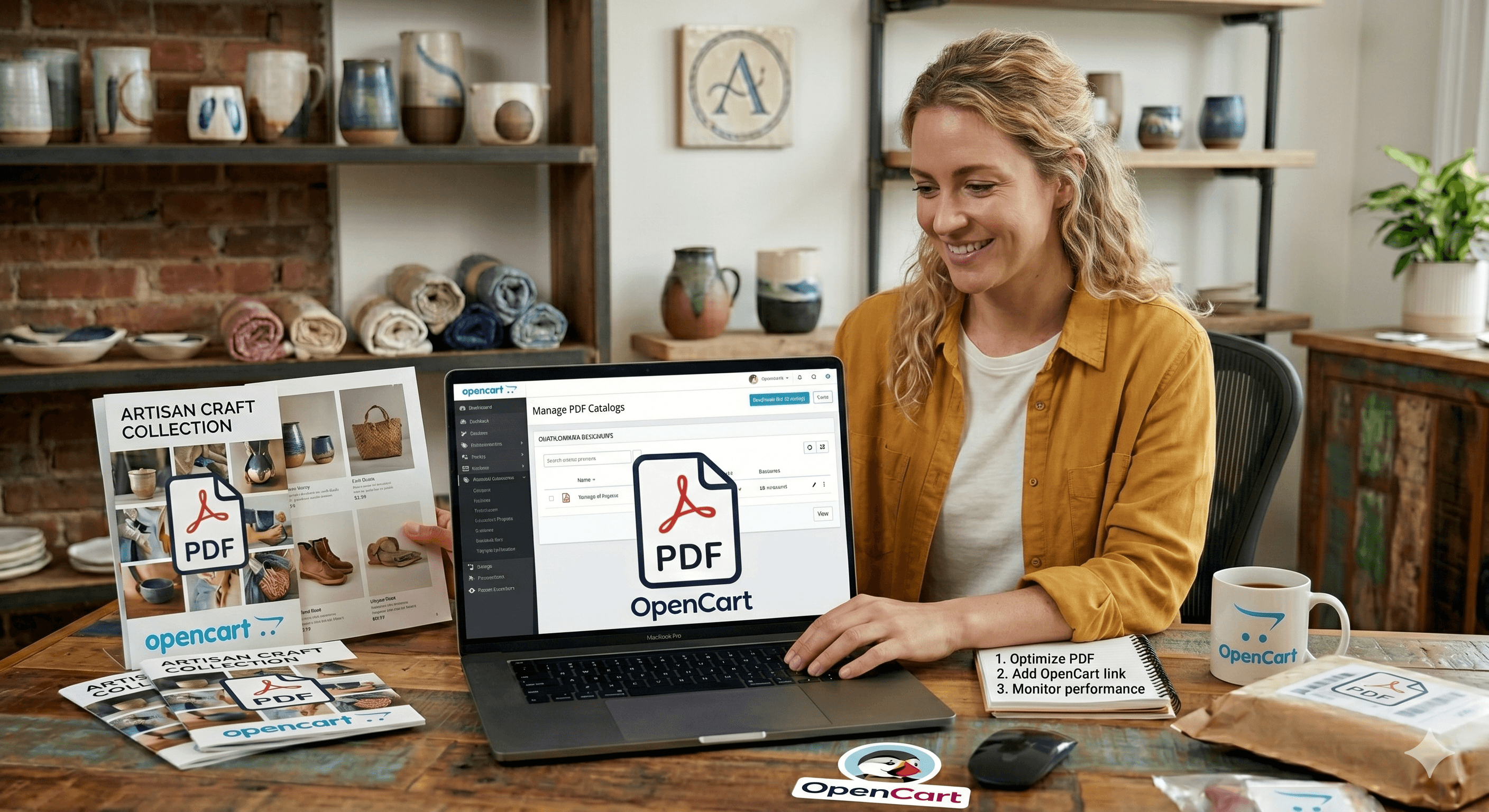
OpenCart users often struggle with the platform’s rigid document handling out of the box. If you want to show a PDF to your shoppers, the default option is to simply provide a text-based download link.
This is a terrible user experience, especially for technical products that require assembly manuals, or B2B storefronts that rely on detailed wholesale catalogs. You want your customers to see the information immediately on the product page, not after hunting through their phone’s "Downloads" folder.
The Zero-Extension Solution
Instead of searching the OpenCart marketplace for a PDF extension that might be outdated, bloated, or incompatible with your specific theme, you can use a standard HTML iframe.
By using ZipFlipbook, you transform your flat PDF into a 3D digital book hosted in the cloud. The platform is completely free to use, and it provides a "borderless" embed that blends perfectly with any OpenCart storefront. Because the heavy lifting happens externally, your server resources remain untouched, keeping your store's load times incredibly fast.
Turn Your PDFs into Lead Generation Machines
Start getting highly-qualified leads from your PDFs and landing pages today. It takes exactly 2 minutes to set up.
No credit card required • Sign up in 10 seconds
How to Embed Your Flipbook in OpenCart
Step 1: Convert Your PDF for Free Upload your file to ZipFlipbook. Customize your settings (like turning off the download button to protect proprietary catalogs) and copy the generated iframe embed code.
Step 2: Edit Your Product In your OpenCart admin dashboard, go to Catalog > Products and click "Edit" on your target item.
Step 3: Toggle the Data View Navigate to the "Description" tab. Look for the Code View (</>) or Source button in your text editor toolbar to switch from the visual view to the raw HTML view.
Step 4: Insert the Code Paste your ZipFlipbook iframe code exactly where you want the document to appear (usually at the bottom of the description). Hit save.
By embedding your manuals and catalogs this way, you improve your customer experience, keep buyers engaged on your product pages, and reduce "where is the manual?" support tickets—all while keeping your OpenCart site lightweight and fast.
Here is how an flipbook embed looking in website: