You spent three days on that brochure. Picked the fonts. Agonized over the photos. Paid the print shop. Stacked the copies neatly by the front desk.
Two weeks later, your pricing changed.
Now you've got 200 wrong brochures and a choice: trash them or hand them out anyway and hope nobody notices. Neither is a good look.
This is where someone usually says "go digital." But what does that actually mean? Because uploading a PDF and calling it a day doesn't count.
What a Digital Brochure Actually Is
Not a PDF. Let's start there.
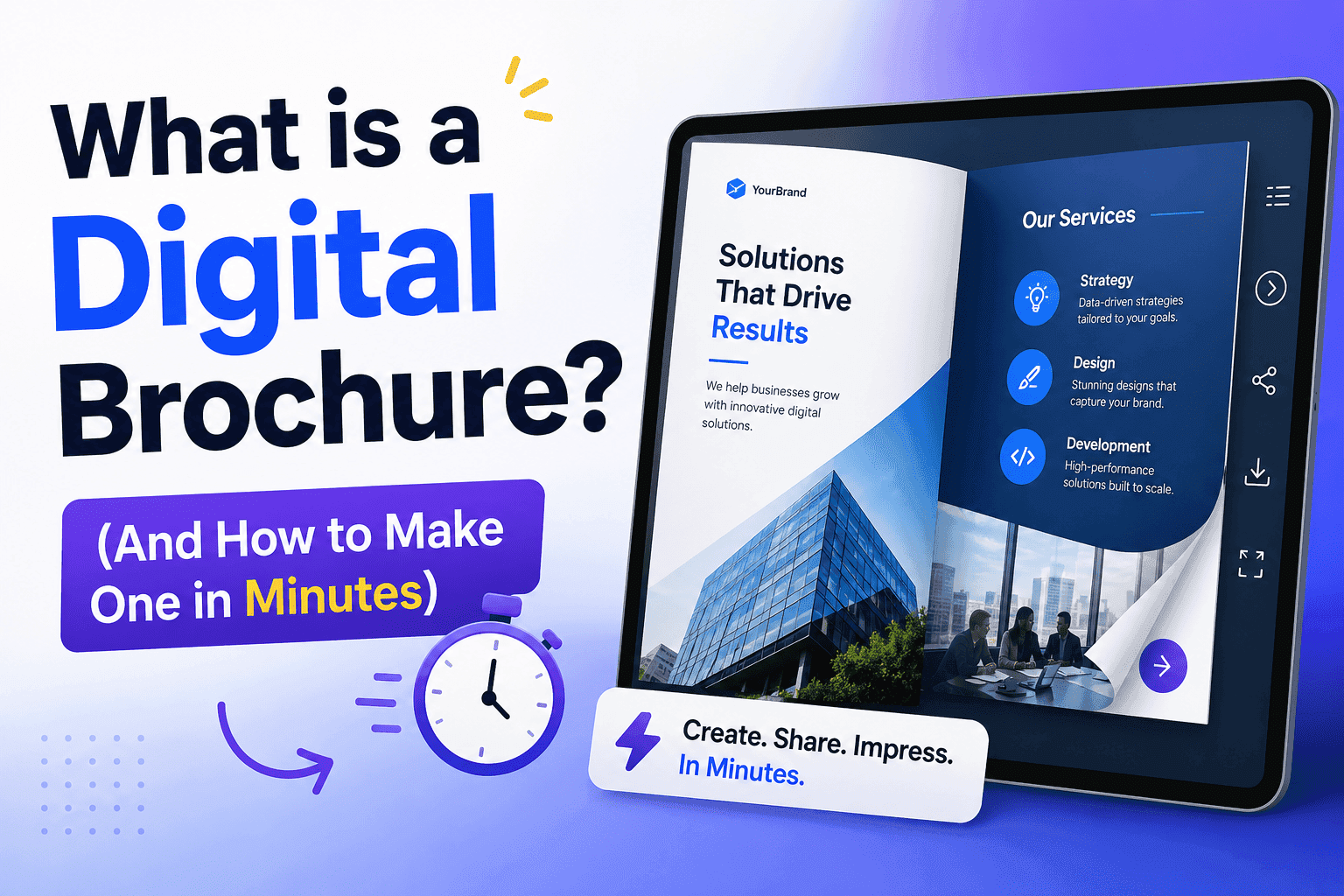
A digital brochure is a web-based document — usually a flipbook — that lives at a shareable link, opens on any device, and does things paper simply can't. People click links inside it. Videos play. Forms collect leads. Pages flip with that satisfying turn animation that keeps readers around longer than they planned.
Platforms like ZipFlipbook.com convert your existing PDF into that experience automatically. Upload your file, get a link. Done in minutes.
The gap between a PDF and a proper digital brochure is bigger than most people realize. PDFs were designed to preserve print layouts across different printers — not for marketing, not for phones, not for tracking whether anyone actually read past page two. A digital brochure was built for all of that.
Why PDFs Are Lazy Marketing
PDFs are fine for contracts. For invoices. For anything where preserving formatting is the only goal.
For marketing? They're a cop-out.
Last month, a supplier sent me a 34-page product catalog as a PDF attachment. I didn't open it. The file size alone was a red flag. Most people don't open PDF attachments from companies they don't already trust — and even when they do, the file is broken on mobile, impossible to forward elegantly, and completely untraceable. You have zero idea whether anyone read it.
A digital brochure sidesteps all of that. No download required. Opens instantly in the browser. Looks perfect on a phone. And here's the part most people miss: you can see exactly who opened it, which pages they lingered on, and where they stopped reading.
Your printed catalog never told you any of that.
Three Things a Digital Brochure Can Do That Print Never Could
Update itself. Prices change Tuesday, your brochure reflects it by Tuesday afternoon. Every link you've ever shared still works, still shows the right version. No reprints. No awkward stickers over the old price.
Tell you what's working. Page 3 gets skipped by 80% of readers? Cut it. Page 7 keeps people reading for four minutes? Lead with whatever's on page 7. This is data you simply don't get from paper.
Travel on its own. Send one link. That link gets forwarded, shared in a WhatsApp group, dropped in a Slack channel, embedded in a newsletter. Your brochure goes places you never sent it — and still looks exactly as you designed it.
Who Actually Needs One?
Most businesses, honestly. But some more urgently than others.
Real estate agents are the clearest example. A property listing as a polished flipbook — full-page photography, floor plan, clickable "Book a Viewing" button — converts better than anything flat. When a buyer shows the listing to their partner that evening, they're sharing the whole experience. Not a screenshot. Not a bland listing URL.
Hotels and travel companies sell feeling before they sell facts. A digital brochure can hold a video walkthrough, a seasonal package overview, and a direct booking button — all inside something that looks like a glossy travel magazine. A trifold from the hotel lobby can't compete with that.
B2B companies are the ones most likely leaving money on the table here. Sending a Word document proposal after a first sales meeting is a missed opportunity. Send a polished ZipFlipbook brochure instead. It's more memorable, it's easy for the recipient to share internally — which matters when multiple people sign off on a purchase — and you'll know exactly when they open it.
Schools and universities replacing printed prospectuses with digital versions aren't just cutting print costs. They're reaching prospective students on the screens those students actually use, with content they'll actually engage with.
Does the Page-Flip Thing Actually Work?
Yes. And it's not a gimmick.
When a digital document mimics something familiar — flipping through a magazine — people interact with it the way they interact with a magazine. They're curious what's coming next. They flip forward, then back. They slow down on pages that catch their eye.
Flat scroll feels like reading a wall. Page-flip feels like browsing. Those are genuinely different psychological states, and one produces significantly more engagement than the other.
ZipFlipbook.com builds that experience automatically from your PDF. No animation to configure, no code to write. Upload a file, it works.
How to Make One — Actually, in Minutes
Step 1: Design your pages. Canva is the easiest starting point if you're not a designer. Hundreds of brochure templates, drag-and-drop, export as PDF in one click. Google Slides works too. Whatever you use, design for screens: bigger text than you think you need, strong visuals, lots of white space. Print layouts look awful on phones. Don't use a print layout.
Step 2: Upload to ZipFlipbook.com. Drop your PDF into the uploader. The platform converts it into a flipbook — page-turn animation included — in seconds.
Step 3: Customize. Set your cover thumbnail (the image people see before clicking). Add your logo. Match the viewer colors to your brand. Want it password-protected for a specific client? One toggle.
Step 4: Add links. Click on any element and link it. Product image goes to the product page. "Book a call" text goes to your calendar. This is the step most people skip, and it's the most important one. A static brochure is just a pretty PDF. An interactive one is a sales tool.
Step 5: Share it. You get a link. That's the whole distribution strategy. Drop it in your email signature, post it on LinkedIn, embed it on your website, or print a single postcard with a QR code pointing to it. Update the brochure later — the link still works, the QR code still works. Nothing breaks.
Mistakes Worth Avoiding
Designing for print, uploading as-is. Print layouts have small body text designed to be read eight inches from someone's face. A phone screen is further away and smaller. If your text is under 14pt, it's already too small for mobile. Redesign or resize before uploading.
Making it too long. Eight to twelve pages is the sweet spot for most businesses. A product catalog can run longer because people expect to browse. A company overview that hits forty pages is just a document nobody asked for and even fewer will finish.
Hiding the call to action. Put it on page two. Put it in the middle. Put it at the end. A reader ready to act on page four shouldn't have to flip to the back cover to find out what to do next. Make the next step obvious, early, and more than once.
The Numbers That Tell You If It's Working
Once your brochure is live on ZipFlipbook.com, three numbers matter most:
Open rate. Are people clicking the link at all? If not, the problem is upstream — how you're presenting the brochure, your email subject line, your social caption. The brochure itself isn't the issue.
Time per page. Which pages hold attention and which get skipped. Skipped pages are either in the wrong position or saying the wrong thing. Both are fixable.
Link clicks. How many readers are actually taking action. This is the number that tells you whether the brochure is working commercially — not just whether it looks nice.
Readers who return more than once are usually preparing to make a decision or showing it to someone else internally. Follow up with those people. They're warm.
Quick Answers
Do I need design experience? Less than you'd think. A Canva template gets you 80% there. ZipFlipbook handles everything after export.
Can I update it after sharing? Yes — update the source file, the link stays identical, everyone sees the new version automatically.
Does it work on mobile? ZipFlipbook.com is built mobile-first. It works on every device without extra effort from you.
What about privacy? Password protection is built in. Share the link to some people, the password separately.
Try It
Take a PDF you already have — a company overview, a menu, a service list, literally anything — and upload it to zipflipbook.com.
Two minutes. See what it looks like.
If it doesn't look better than what you're currently sending people, don't use it.
But it will.