I used to think digital brochures were just PDFs with a fancier name.
Uploaded to a Google Drive folder. Shared as a link in an email that half the recipients never opened. Forgotten about three days later when the campaign moved on to something else.
Then a client of mine — a mid-sized marketing agency in Austin — switched their entire proposal and outreach process to interactive digital brochures. Within 90 days their lead response rate went from 12% to 31%. Same targeting. Same copy. Different format.
That got my attention.
What a Digital Brochure Actually Is (And What It Isn't)
Let's clear something up first because the terminology gets muddy fast.
A digital brochure isn't a PDF. It isn't a slideshow. It isn't a landing page.
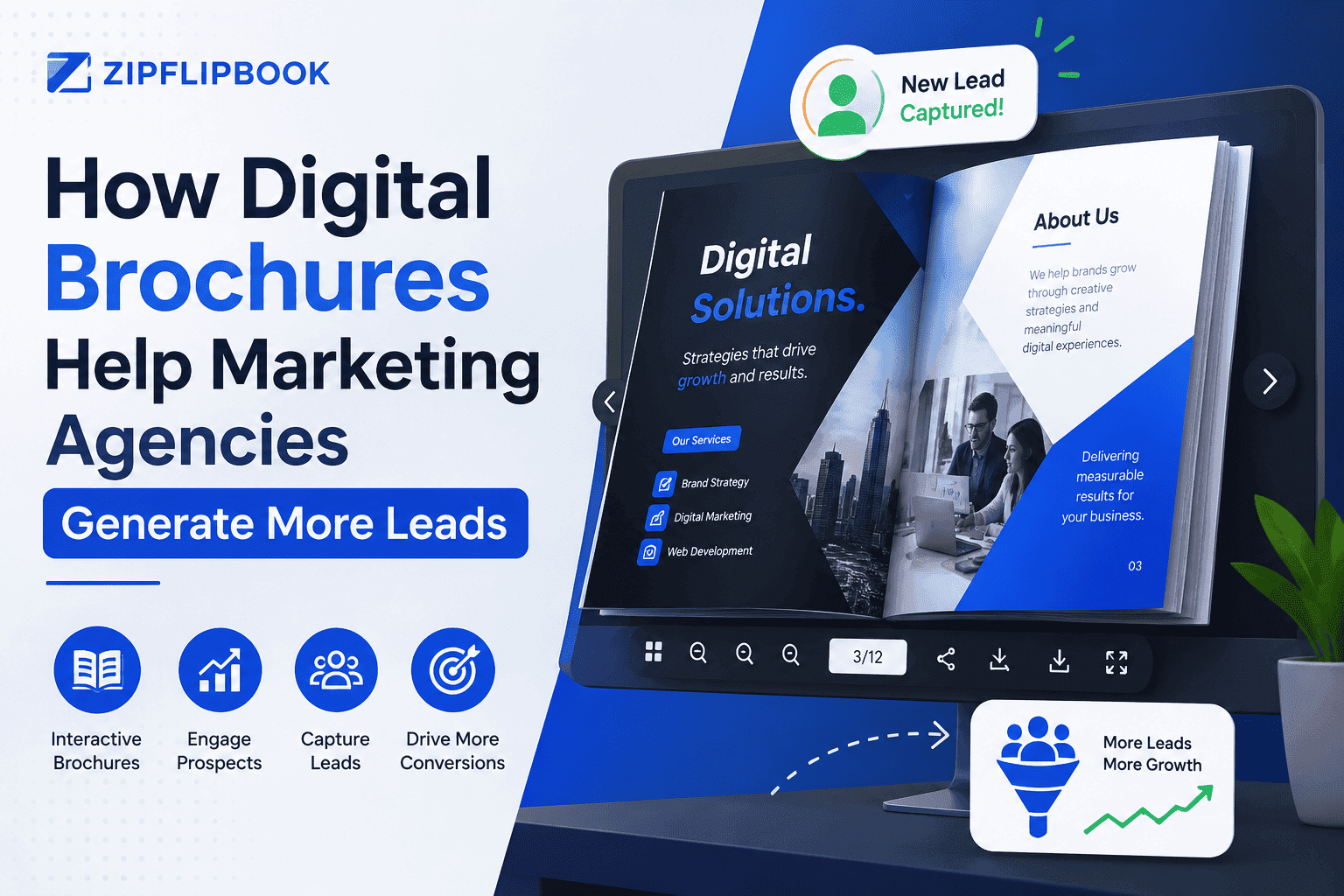
It's an interactive document that opens in one click. No downloads, no software, no friction. Pages actually flip. Links work. It looks like a real publication — because on screen, it basically is one.
Platforms like ZipFlipbook let marketing agencies create and publish these for free. Upload your existing PDF or design file, customize the branding, and you get a shareable link that opens to a fully interactive reader. No watermark. No "download our app first." Just the content, presented well.
That frictionless experience is the foundation everything else builds on.
Turn Your PDFs into Lead Generation Machines
Start getting highly-qualified leads from your PDFs and landing pages today. It takes exactly 2 minutes to set up.
No credit card required • Sign up in 10 seconds
Why Marketing Agencies Specifically Benefit From This Format
Most industries can use digital brochures effectively. But marketing agencies have a specific reason to care that other businesses don't.
You are the product demonstration.
When a prospect evaluates a marketing agency, they're not just reading the proposal. They're watching how you present it. Every touchpoint is a sample of what you'd do for them. A flat PDF says "we're competent." An interactive digital brochure that loads beautifully, navigates intuitively, and looks like a real publication says "we know what we're doing and this is what it looks like when we do it."
That implicit proof matters enormously in a sales process where every competing agency is saying the same things about ROI, strategy, and results.
The format is the differentiator before the prospect reads a single word.
The Lead Generation Mechanics Nobody Talks About
Here's where it gets practical. Most discussions of digital brochures stop at "they look better than PDFs." True, but that's the shallow version of the story.
They're Trackable in Ways PDFs Aren't
When you send a PDF, you have no idea what happens next. Did they open it? Did they forward it to three colleagues? Did they get to page two and stop? You're flying blind.
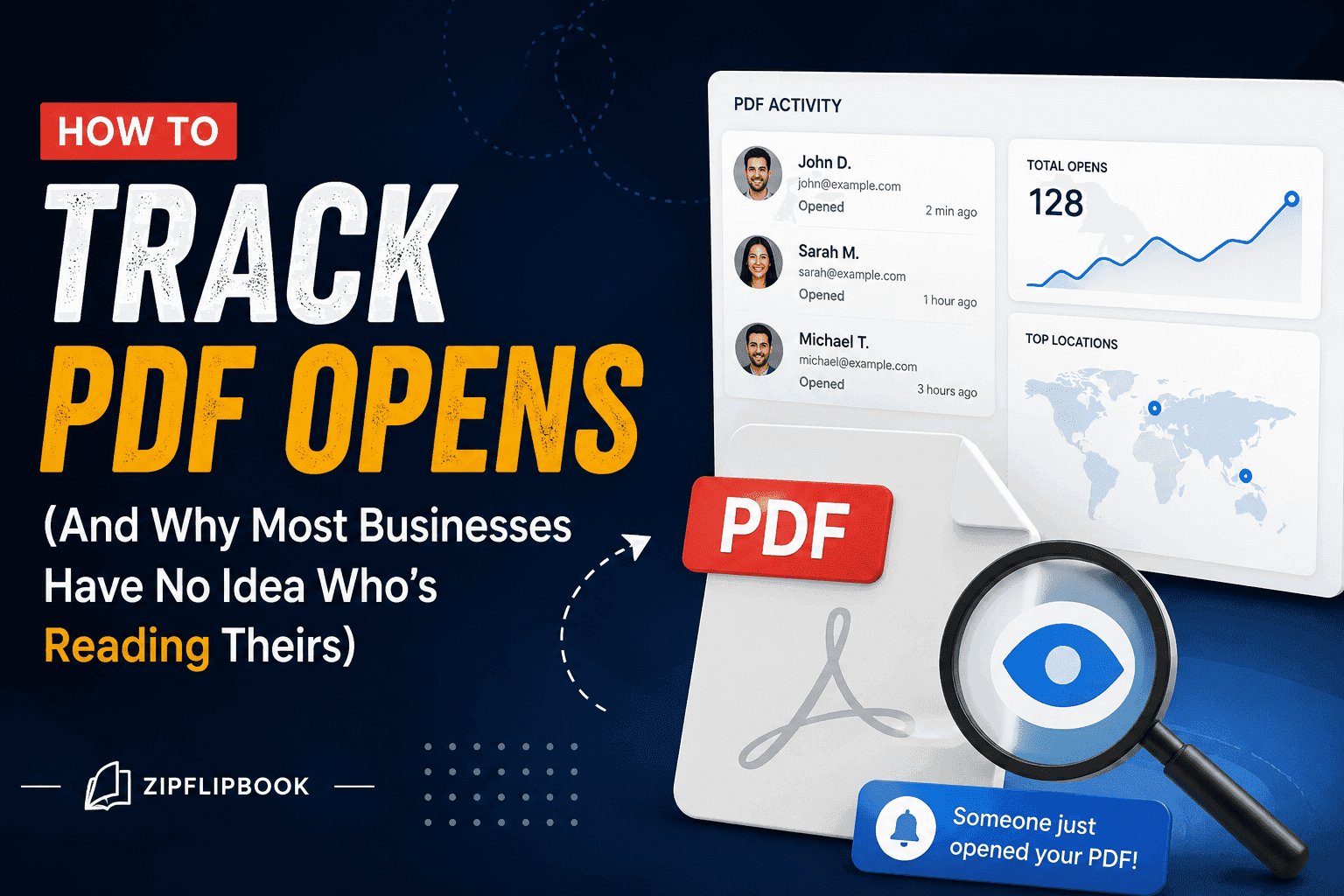
Digital brochures published on platforms like ZipFlipbook give you a shareable link you can track. You know when it was opened. You can see engagement patterns. That data changes the follow-up conversation completely.
Instead of the generic "just checking in, did you get a chance to review our proposal?" you can say "I noticed you spent time on our case studies section — happy to walk you through a few more examples specific to your industry."
That's not a small difference. That's the difference between a cold follow-up and a warm one. Prospects feel seen rather than chased.
They Travel Further Than You Send Them
A PDF attached to an email dies when that email thread dies. A digital brochure lives at a URL.
Your direct contact forwards it to their manager. Their manager sends it to the procurement team. Someone saves the link and comes back to it three weeks later. Every one of those interactions happens without you knowing — but also without any friction. There's nothing to download, nothing to open with the wrong software, nothing that breaks on mobile.
The brochure keeps working after you hit send. Try doing that with an email attachment.
They're Optimized for the Modern Buying Process
The reality of B2B sales in 2025 is that most of the evaluation happens before anyone talks to your sales team. Prospects research, compare, and form opinions independently. They share materials internally across multiple stakeholders who you've never spoken to.
A digital brochure is built for that environment. It's self-contained. It tells the full story without someone from your team present to narrate it. It works at 11pm when a decision-maker is scrolling from their couch. Or in a Slack message when someone pastes the link and asks "what did you think of these guys?"
A PDF can technically do all of this too. But it won't load cleanly on mobile, won't look impressive when forwarded, and won't track any of it.
How Agencies Actually Use Digital Brochures to Generate Leads
Theory is one thing. Here's what it looks like in practice across four specific use cases.
Agency Capability Decks
The capability deck is the first thing most prospects ask for. "Send me something about your agency."
Most agencies send a 20-slide PDF that looks exactly like every other agency's 20-slide PDF. Same structure. Same stock photos. Same claims about being "data-driven and creative."
An interactive digital brochure of the same capability deck creates a completely different first impression. It loads like a publication. The prospect flips through pages rather than scrolling a document. If you've embedded video or client testimonials, they play inline. The experience communicates craft before the prospect has evaluated a single claim.
I've seen agencies report that their capability deck engagement time doubled simply by switching from a PDF to a digital brochure. Same content. Longer read time. More follow-up conversations.
Proposal Delivery
Proposals are high-stakes documents. They arrive at the moment a prospect is most actively evaluating you against competitors.
Sending a proposal as a digital brochure signals that this agency treats every deliverable with care — including the one that only exists to sell the work. That meta-message is surprisingly powerful.
It also means the proposal is easy to share internally, easy to navigate, and looks impressive on a second reading when someone's boss asks to review it. A PDF sent to one contact often gets summarized badly to other stakeholders. A digital brochure shared as a link gets experienced directly.
Case Study Collections
Case studies are the highest-converting sales content most agencies produce. Prospects want proof. Case studies provide it.
The problem is that a single case study PDF is easy to ignore. A well-designed case study brochure — ten client stories, organized by industry, with clear results highlighted on each page — is a reference document. Prospects come back to it. They flip to the industry that matches theirs. They share the relevant story with their team.
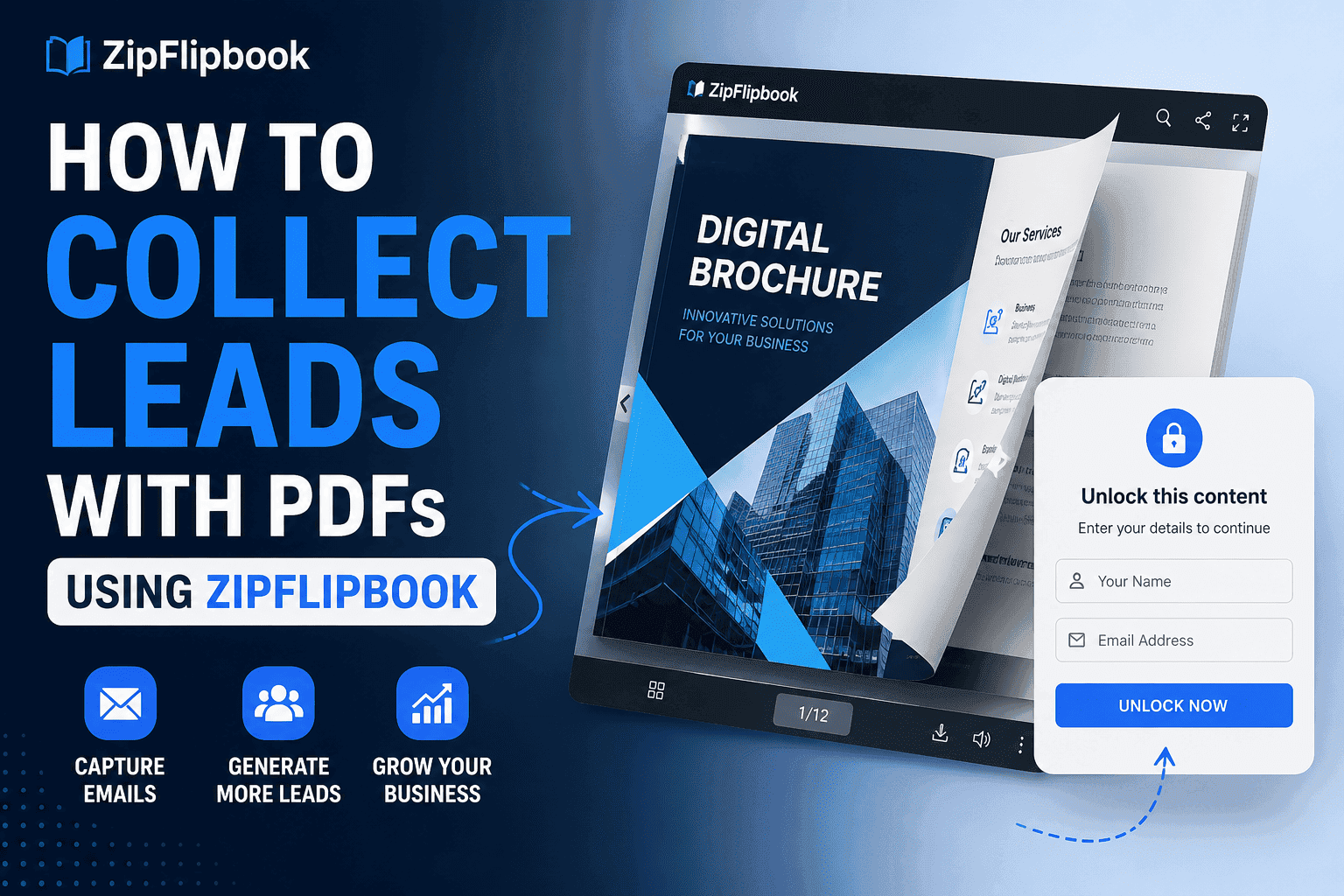
Publish that as a digital brochure, gate it with an email capture for cold traffic, and it becomes a lead generation asset that runs on its own.
Nurture Content and Thought Leadership
Not every lead converts immediately. Most don't. The ones who don't convert right away need something to keep them warm — content that demonstrates your agency's thinking without requiring a sales conversation.
Digital brochures work exceptionally well here. A quarterly industry report, a visual guide on a topic relevant to your audience, a "state of the market" roundup — package any of these as a digital brochure and distribute it to your list.
This is especially effective for agencies that serve specific markets or demographics. A bilingual digital marketing agency producing a digital brochure in two languages, for example, immediately signals cultural fluency to prospects in ways that a generic PDF never could. The format and the content work together to say: we understand your audience specifically, not just marketing in general.
The format makes the content feel more substantial than a blog post and more accessible than a whitepaper. Prospects who receive it feel like they're getting something genuinely produced. That builds trust over time in a way that email newsletters alone rarely do.
Turn Your PDFs into Lead Generation Machines
Start getting highly-qualified leads from your PDFs and landing pages today. It takes exactly 2 minutes to set up.
No credit card required • Sign up in 10 seconds
What to Put Inside a Digital Brochure That Actually Converts
The format only works if the content is worth reading. Here's what converts consistently.
A clear, specific value proposition on page one. Not "we help brands grow." Something specific: "We've helped 40 e-commerce brands reduce their customer acquisition cost by an average of 34%. Here's how."
Social proof early, not buried at the end. Logos, results, client names — put these in the first three pages, not page twelve. Prospects decide whether to keep reading within the first sixty seconds.
Visual hierarchy that guides the reader. Digital brochures reward good design. Use it. Pull quotes, clear headers, data visualizations, before/after comparisons — anything that breaks up text and makes the document scannable earns more read time.
A single clear call to action at the end. Not five options. One. Book a call, request a proposal, reply to this email. Pick one and make it obvious.
Contact information that isn't buried. This sounds basic. You'd be amazed how many agency brochures make you hunt for a phone number or email address.
The SEO Angle Most Agencies Miss
Digital brochures published at public URLs can be indexed by search engines. Most agencies don't think about this at all — they treat their brochures as sales assets rather than content assets.
They're both.
A decent digital brochure on something your prospects actually search for — like "e-commerce marketing agency" or whatever your niche is — can rank on Google. Most agencies don't even think to try.
This requires intentionality. The brochure URL should be clean and descriptive. The page title and opening content should reflect what prospects actually search for. If the platform allows meta descriptions or SEO settings, use them.
Most agencies ignore this entirely and leave organic discovery completely on the table.
Common Mistakes Agencies Make With Digital Brochures
Designing for print instead of screen. A brochure laid out for an A4 print run often looks terrible on a laptop screen and worse on mobile. Design for the device your prospect will actually use.
Too much text, not enough visual. The flipbook format rewards visual storytelling. If your pages are walls of paragraph text, you've missed the point. Write tighter. Show more. Let the design carry some of the load.
No clear next step. Plenty of agencies produce beautiful digital brochures that end with nothing. No CTA. No contact information on the final page. No reason for the prospect to do anything other than close the tab.
Sending it and forgetting it. A digital brochure is not a set-it-and-forget-it asset. Update it when you win new clients. Refresh the case studies. Change the numbers when you have better ones. An outdated brochure with a client list from two years ago works against you.
Not tracking engagement. If you're not using a platform that gives you engagement data, you're leaving the most valuable part of the format on the table. The behavioral data a digital brochure generates is worth as much as the brochure itself.
Frequently Asked Questions
How is a digital brochure different from just sending a PDF?
A PDF is a static file that someone downloads, opens in a separate application, and probably never returns to. A digital brochure lives at a URL, opens instantly in a browser, looks interactive and polished, works perfectly on mobile, and can be tracked. The functional difference is significant. The perceived quality difference is even bigger.
Do prospects actually engage with these or do they just close them?
Engagement depends entirely on whether the content is relevant and the design is professional. A well-made digital brochure that lands in front of a genuinely interested prospect gets read more thoroughly than the equivalent PDF — the format encourages page-by-page reading rather than scrolling to the bottom and closing. Agencies that track engagement consistently report higher average time-on-document compared to PDF equivalents.
How long should an agency's digital brochure be?
Depends on the purpose. A capability deck: 12 to 20 pages. A proposal: as long as it needs to be, but ruthlessly edited. A case study collection: 15 to 30 pages, organized so readers can navigate to what's relevant to them. A thought leadership piece: 8 to 15 pages. Every page should earn its place. If a page doesn't add information or build credibility, cut it.
Can I gate a digital brochure to capture leads?
Yes, and for cold traffic this is often the right move. Show the first three to five pages free to establish credibility, then ask for an email to continue. This soft-gate approach works significantly better than a blind gate because the prospect has already invested attention before you ask for anything. For warm prospects already in your pipeline — don't gate it. Remove friction, not add it.
What makes a digital brochure actually convert vs just look nice?
Clear value proposition early. Social proof in the first third. Specific results rather than vague claims. Visual design that earns trust without overwhelming the message. And a single, obvious call to action at the end. Looking nice helps — it signals professionalism and earns read time. But looking nice without substance gets you a compliment, not a lead.
How do I know if my digital brochure is performing well?
Track open rate on the link, average time spent, and whether it correlates with downstream pipeline activity. If you're sending proposals as digital brochures, track whether deals that included a brochure close at a higher rate than those that didn't. If you're using it for lead gen, track email capture rate and whether those leads convert to calls. The numbers tell you what to fix.
Is ZipFlipbook actually free for agencies?
Yes. No watermark, no time limit, no starter plan that locks core features behind a paywall. You upload a PDF, get a link, and publish. The free version covers everything you need to start using digital brochures in your agency workflow today.
How often should we update our agency's digital brochure?
Every time you close a significant new client, win an award, or have meaningfully better results to show. At minimum, do a full review every six months. Stale case studies and outdated client logos work against you — a prospect who knows one of your "current clients" left you a year ago will notice. Keep it current and it stays a sales asset. Let it go stale and it becomes a liability.
The Bottom Line
Digital brochures aren't a design trend. They're a distribution strategy.
The agencies I've seen adopt them properly — not just making them look pretty but thinking about gate placement, tracking, follow-up sequences, and content depth — consistently report better lead quality, higher response rates, and shorter sales cycles.
The format does three things simultaneously that nothing else does as well: it makes the agency look credible before a word is read, it travels easily through a prospect's organization without losing quality, and it generates behavioral data that makes follow-up conversations smarter.
None of that requires a big budget or a design team. It requires a well-structured PDF and a platform that handles the rest.
ZipFlipbook is free to start. Upload what you already have. See how prospects respond. The gap between a link to a PDF and a link to an interactive digital brochure is larger than most agencies expect — and you'll feel it in your reply rates before the end of the first week.